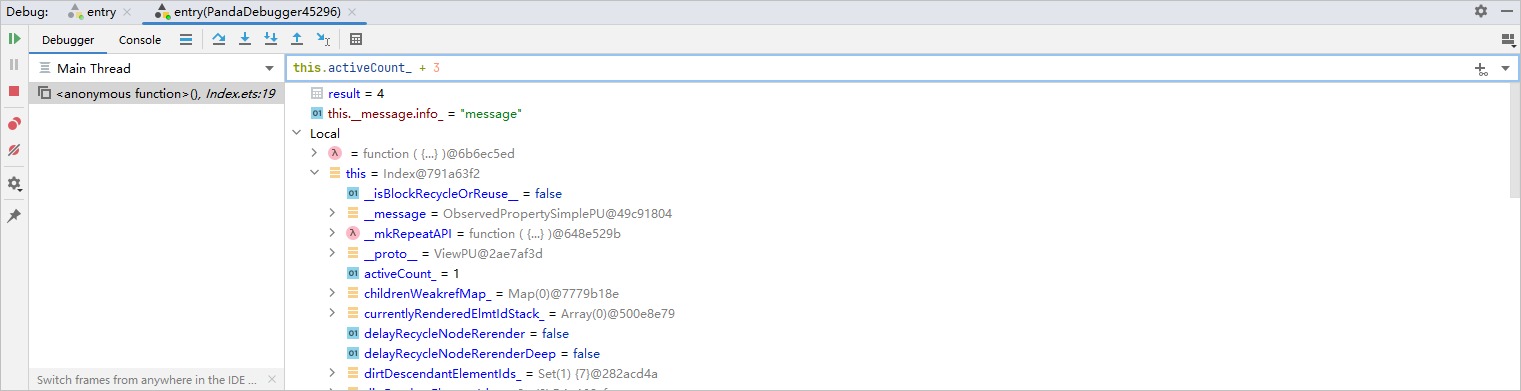
When a breakpoint is hit, you can view the variables in the Debugger window. After selecting a frame in the Frames pane, you can check or calculate the variables in the Variables pane.
To add a variable or an expression to the Watches list, enter the variable or expression in the Watches window and click  Add to Watches.
To remove an entry from the Watches list, right-click the entry and choose Remove Watches from the shortcut menu.
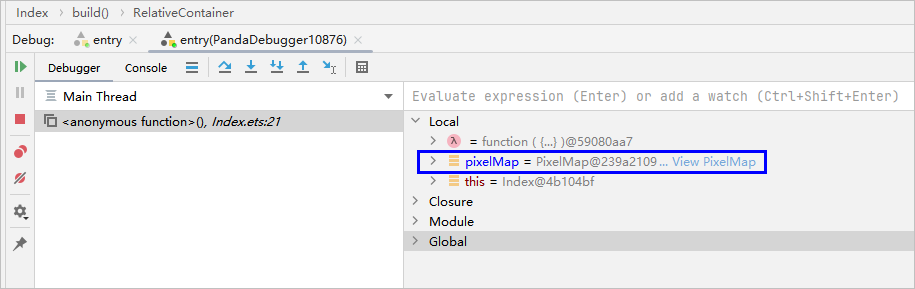
Since DevEco Studio 6.0.2 Beta1, variables of the pixelMap type can be previewed. Click View PixelMap on the right of the pixelMap variable for preview.
The following figure shows the preview effect: