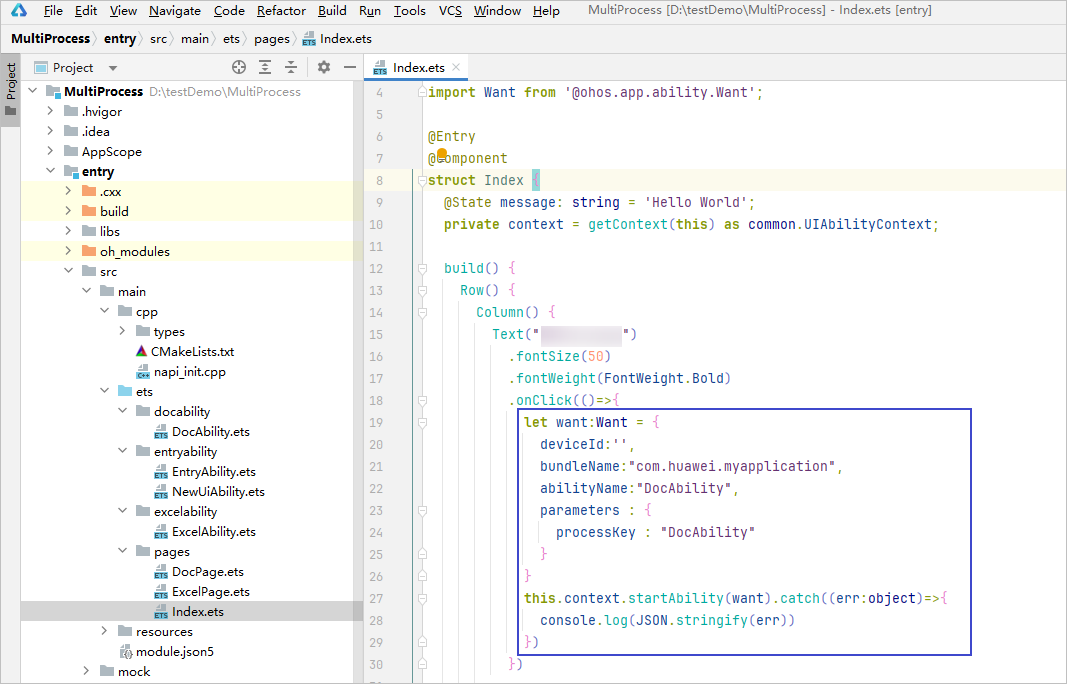
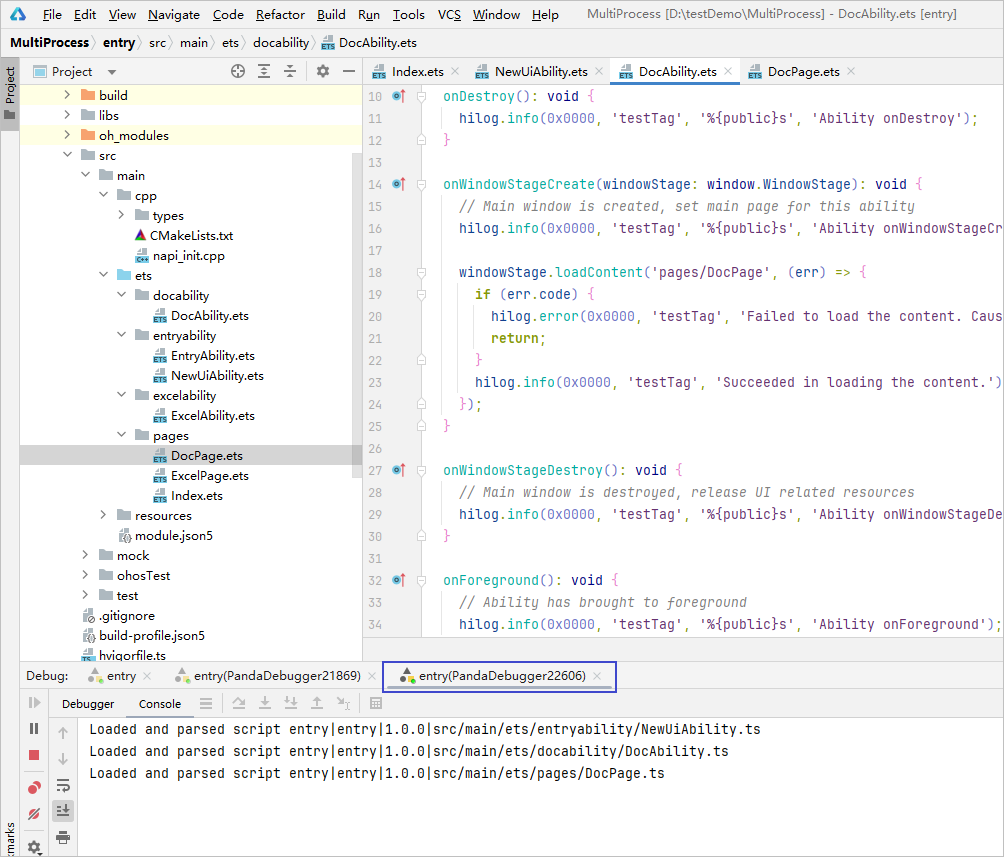
On some devices, a UIAbility can run and be debugged as an independent process. For details, see Dynamic Specification. The following describes how to debug a UIAbility.
Configuration Before Building Your App
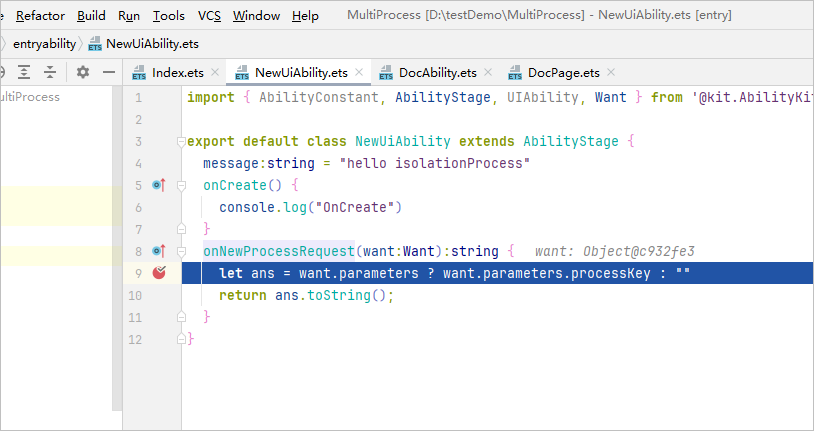
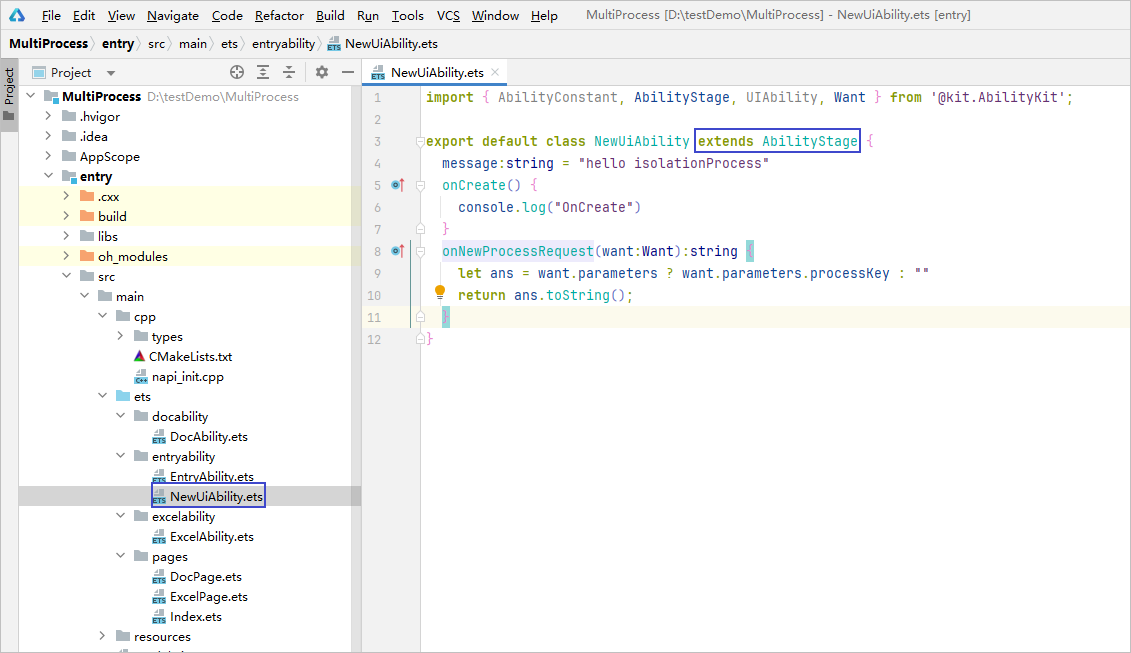
- Create an ability that inherits AbilityStage, which will serve as the entry point for the independent process.
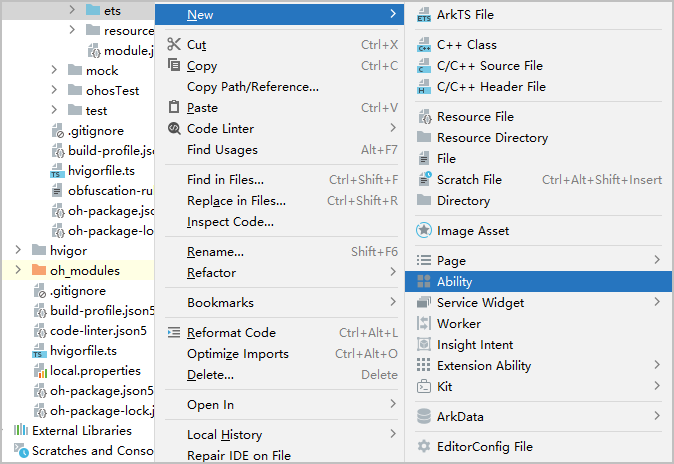
- Right-click the ets directory and create any additional UIAbilities that need to be started as independent processes.
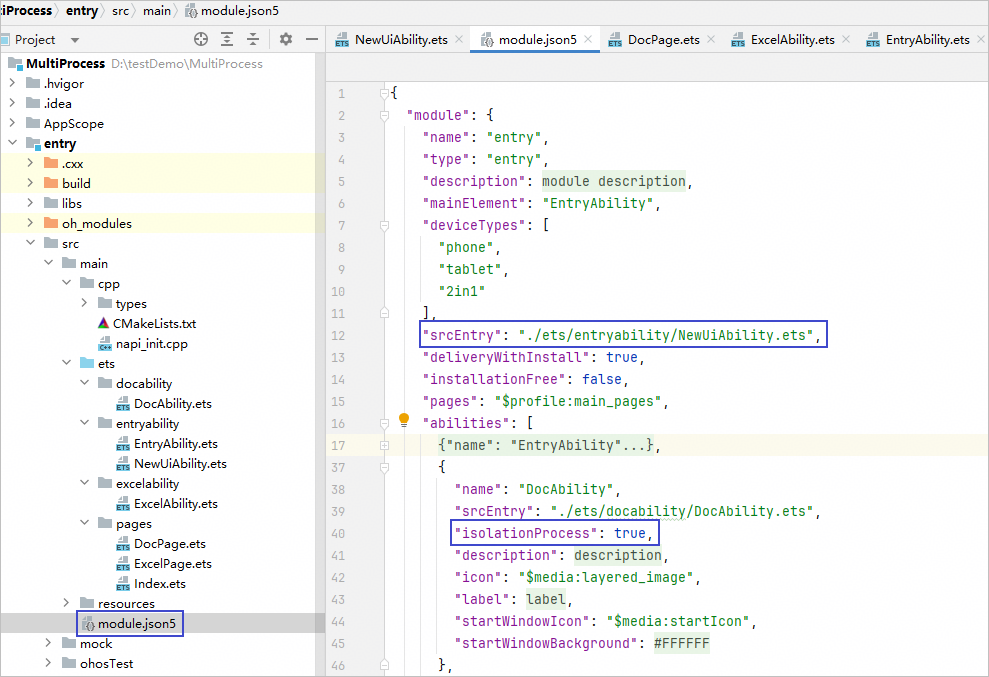
- Modify the module.json5 configuration file and add the independent process entry and the isolationProcess configuration item.