To open the Memory View pane, click Layout Settings and select Memory View in the native code debugging window.
Viewing Address Memory
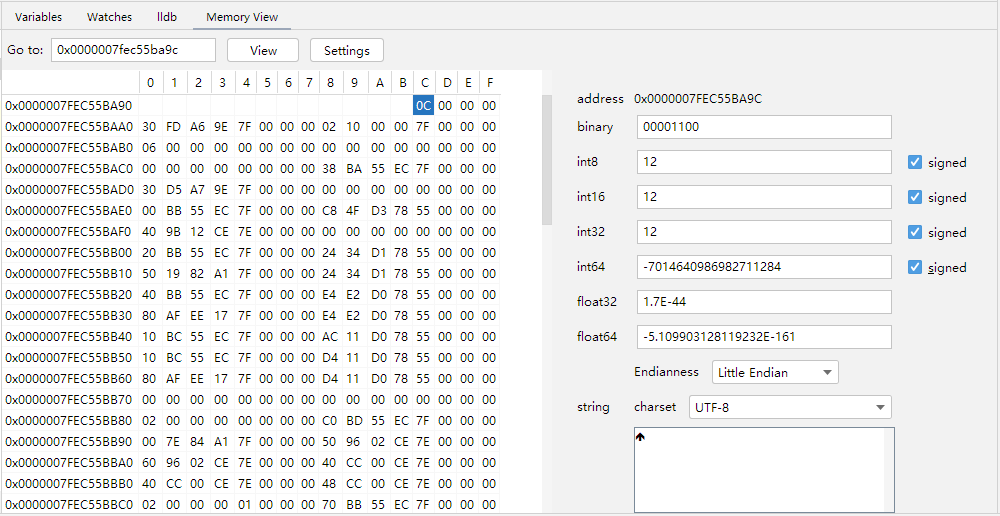
To view the memory of an address, enter the address in the text box after Go to in Memory View, and click View.
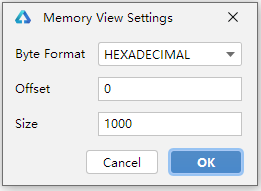
Click Settings to set the number base (Byte Format), offset (Offset), and the number of memory bytes (Size) to display.
Converting Memory
To convert the value of a memory cell, click the memory cell. The value will be automatically converted into different types of values on the right. You can also press and drag to select multiple memory cells to display the ASCII code conversion result of the selected memory cells.
