场景介绍
从6.1.1(24)开始,支持区划选择控件最大显示层级。
本章节将介绍如何集成区划选择控件。该控件不支持在Wearable设备中调用。
区划选择控件可加载全球或指定国家的区划信息,支持以树状结构化选择,支持功能:
-
支持查看选中区划的下级区划。
-
支持推荐热门区划。
-
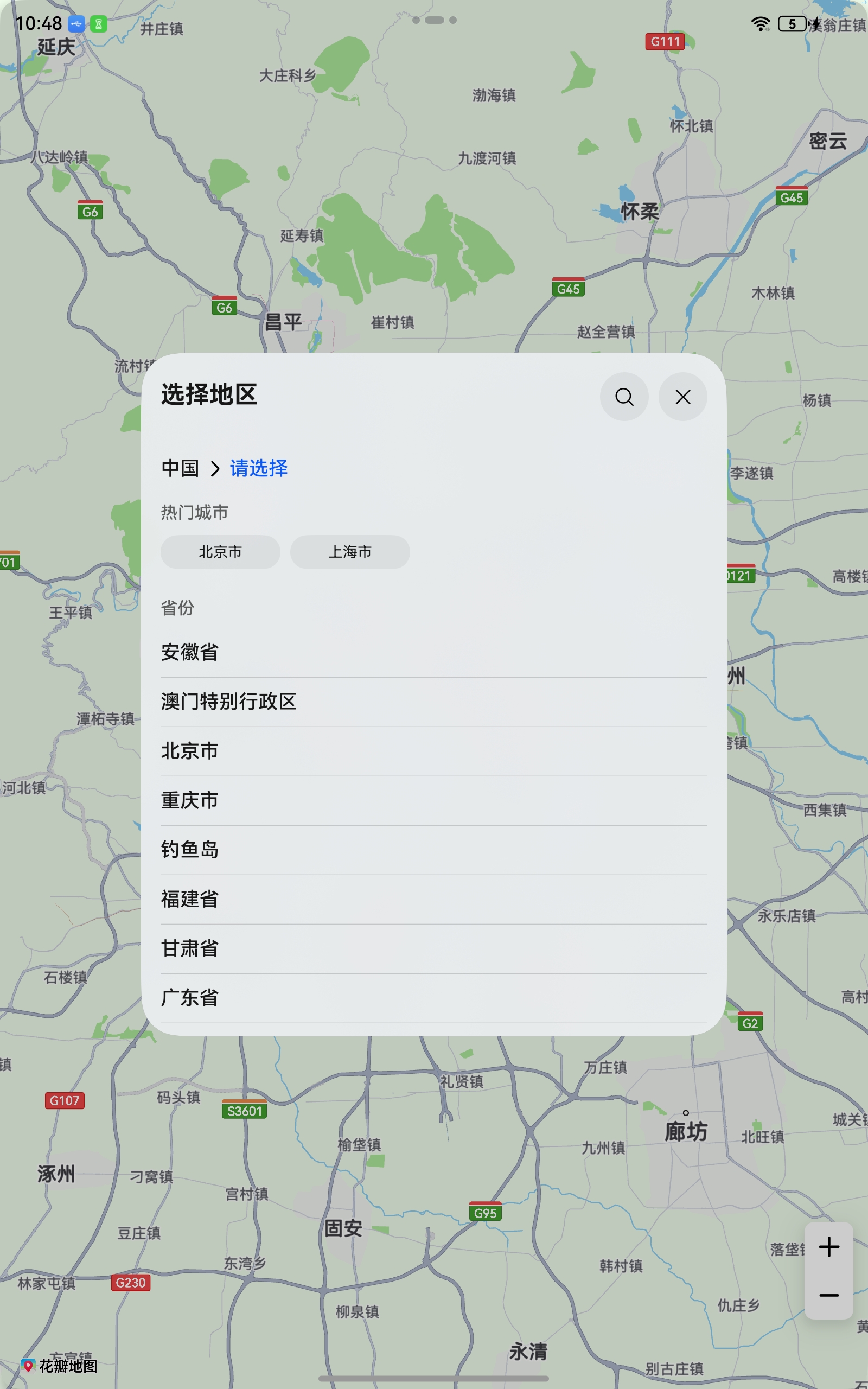
支持子窗拉起区划控件,适合宽屏设备使用。
图1 选择国家
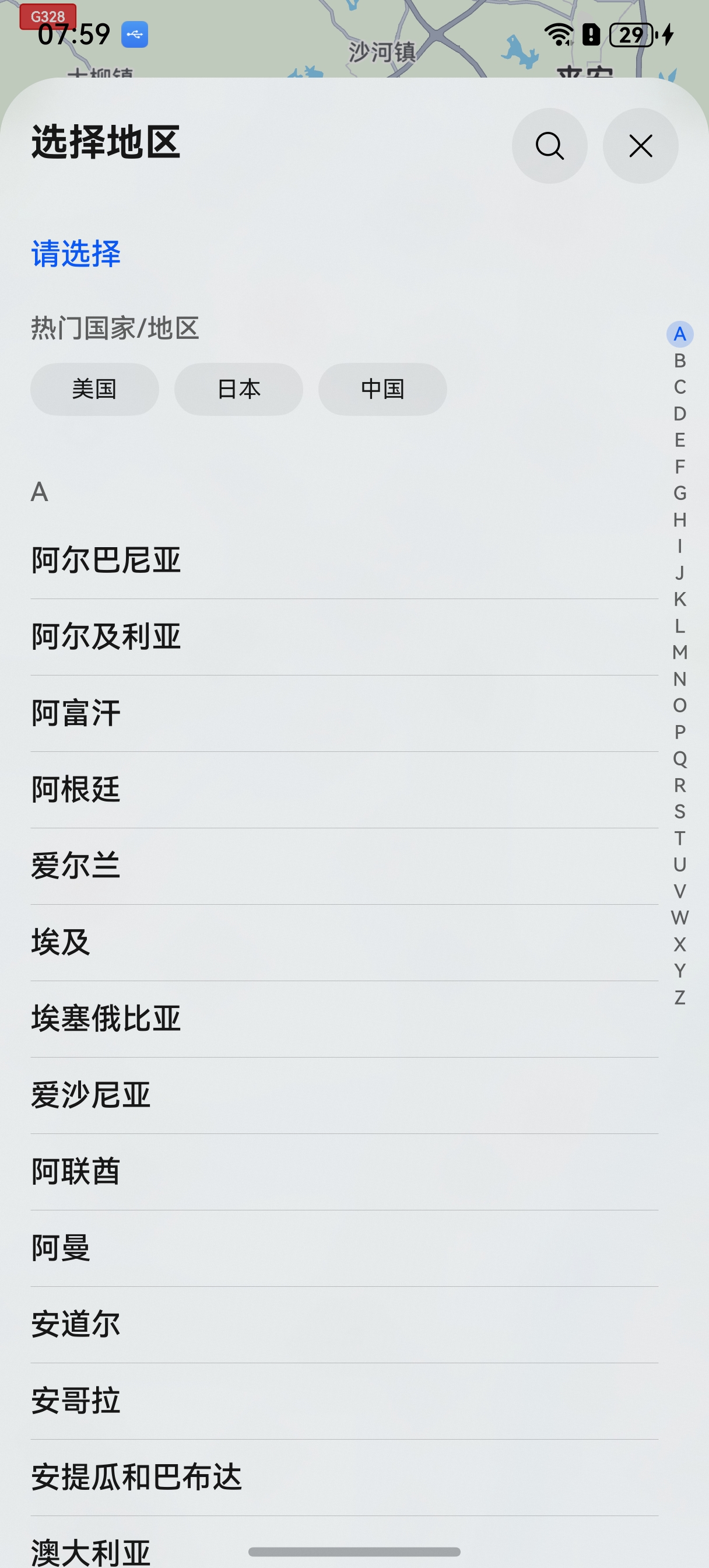
图2 选择省市
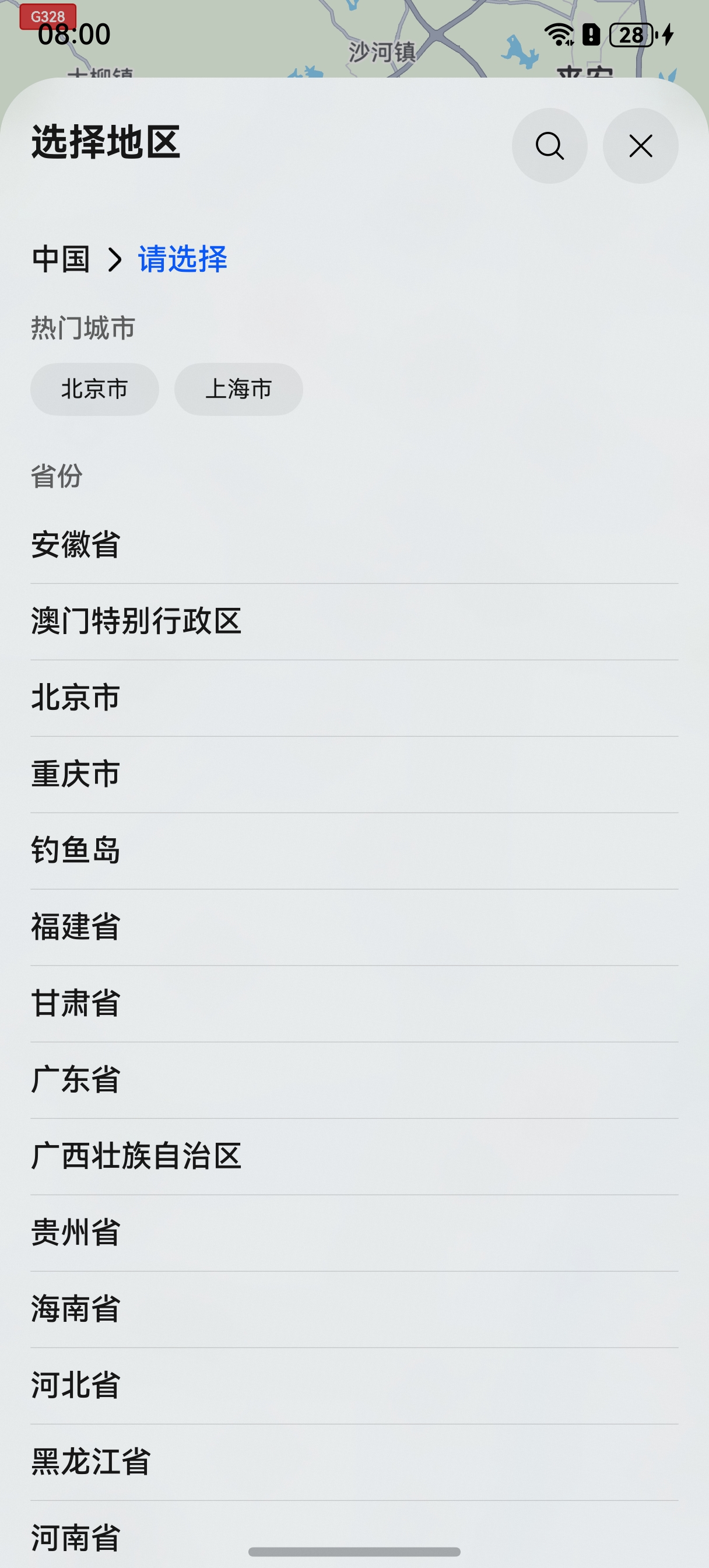
图3 搜索地区
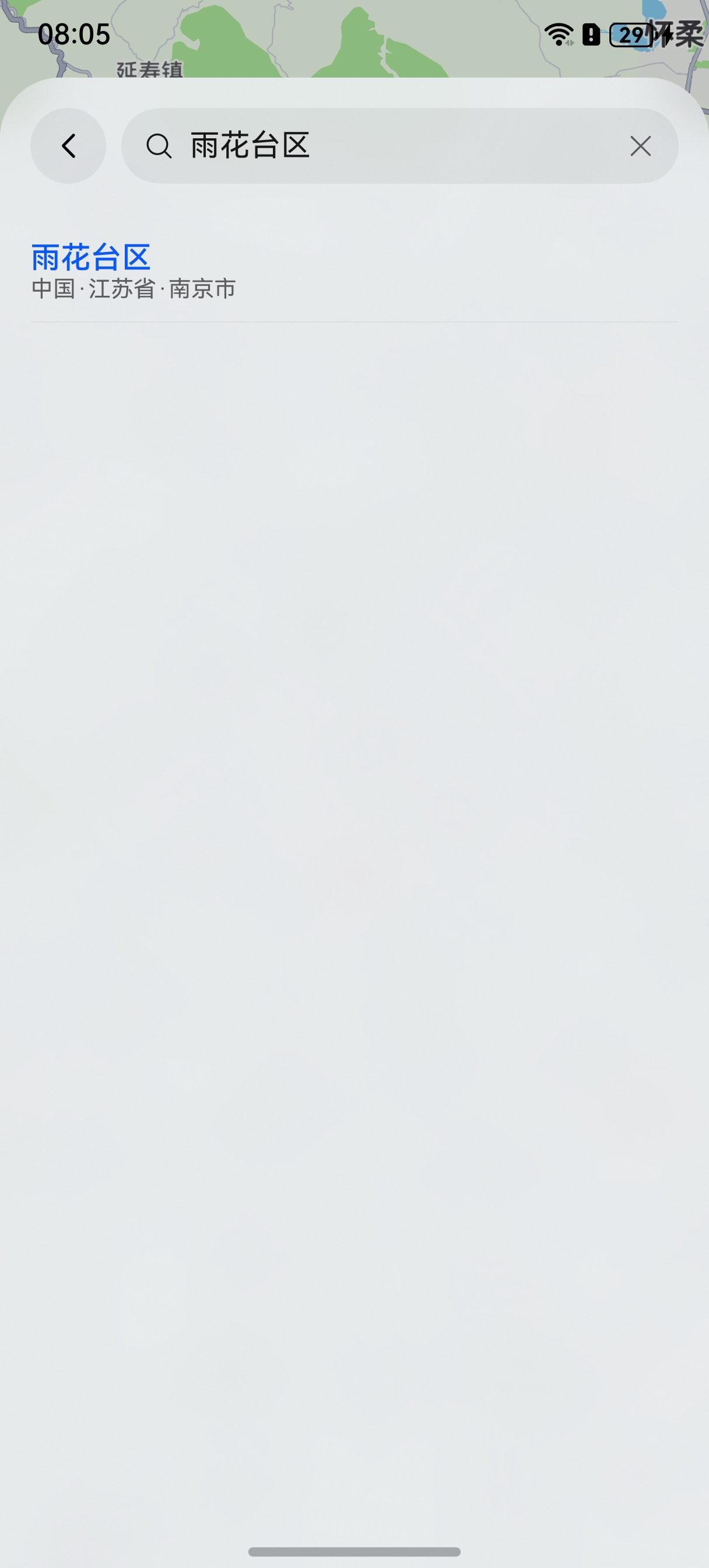
图4 子窗拉起区划控件
接口说明
区划选择控件功能主要由sceneMap命名空间下的selectDistrict方法提供,更多接口及使用方法请参见接口文档。
| 接口名 | 描述 |
|---|---|
| DistrictSelectOptions | 区划选择页面初始选项。 |
| selectDistrict(context: common.Context, options: DistrictSelectOptions): Promise<DistrictSelectResult> | 调出区划选择页面。 |
| DistrictSelectResult | 区划选择结果。 |
开发步骤
-
导入相关模块。
import { sceneMap } from '@kit.MapKit'; import { BusinessError } from '@kit.BasicServicesKit'; -
创建区划选择请求参数,调用selectDistrict方法拉起区划选择页。
let districtSelectOptions: sceneMap.DistrictSelectOptions = {
  countryCode: "CN",
  // 使用子窗拉起方式
  subWindowEnabled: true,
  // 区划选择控件的最大显示层级
  maxAdminLevel: 3
};
// 拉起区划选择页
sceneMap.selectDistrict(this.getUIContext().getHostContext(), districtSelectOptions).then((data) => {
  console.info("SelectDistrict", "Succeeded in selecting district.");
}).catch((err: BusinessError) => {
  console.error("SelectDistrict", `Failed to select district, code: ${err.code}, message: ${err.message}`);
});