Symptom
Error code 1001502014 is reported upon an API call, indicating that the app does not have the required scope.
Possible causes
You have not requested the necessary scope.
Once your requested scope is approved, it will take effect within 25 hours.
The capability of obtaining the risk level is used, but the relevant scope has not been requested.
Solution
Apply for the necessary scope. For details, please refer to Requesting Scopes.

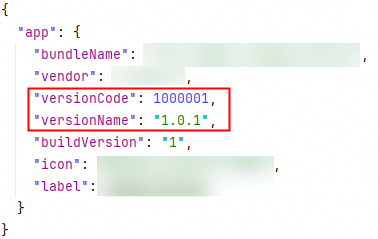
After the scope request is approved, you can change the value of versionCode in app.json5 of your app project to validate the scope.
Figure 1 Before
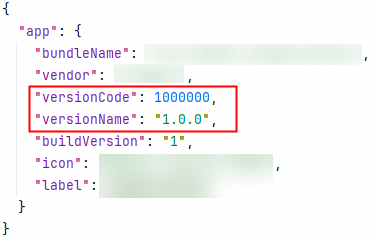
Figure 2 After
Check whether the capability of obtaining the risk level is required. If yes, apply for the relevant scope by referring to Overview.