With the second-level game launch function, your game can switch to a specific game scene upon user exit, and the system automatically creates a memory snapshot for this scene. During the next cold start, if no asset has been updated, your game can launch directly from the memory snapshot, skipping the lengthy loading process and delivering an instant launch and access experience.
Constraints
The second-level game launch function is supported on phones and tablets since version 6.0.0(20), and on PCs/2-in-1 devices since version 6.1.0(23).
Basic Concepts
| Concept | Description |
|---|---|
| Switching Scenario | When a user exits your game, it needs to switch to a specific scene so that the system can automatically create a memory snapshot for the scene. This allows your game to launch directly into the scene upon next cold start as long as there are no asset updates. Since the game sign-in screen has the advantages of low memory usage and relatively stable running status, you are advised to save the game sign-in screen as a memory snapshot upon game exit. This can significantly reduce compatibility issues during the scene switching process. |
User Experience
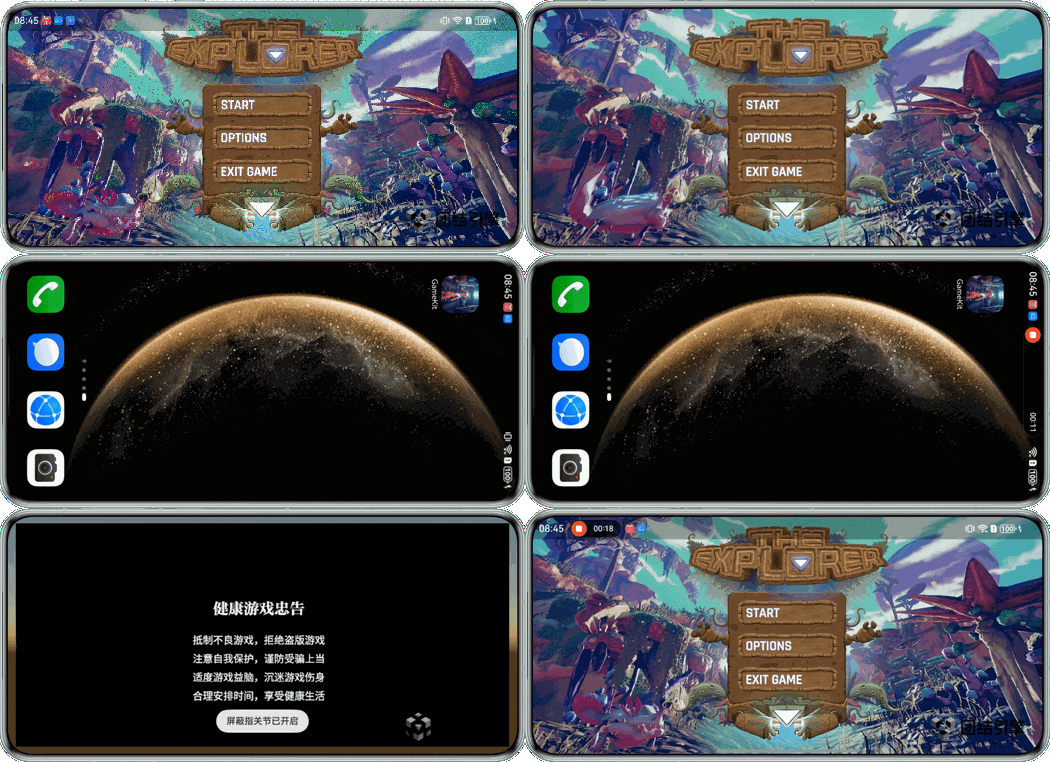
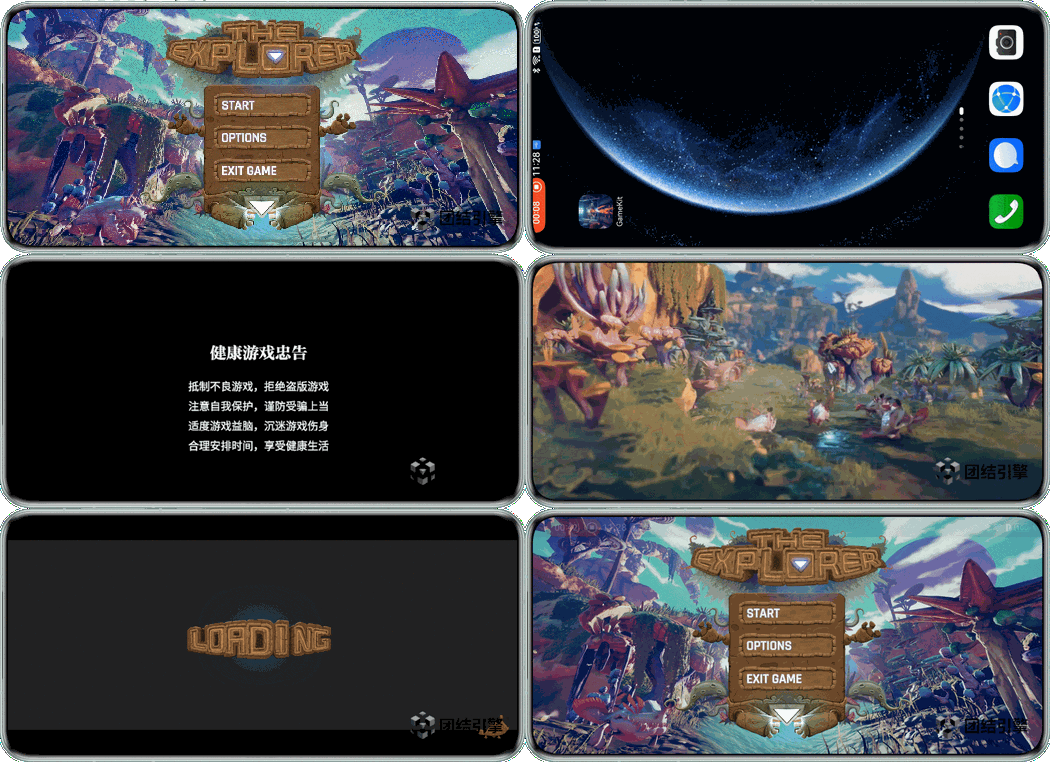
When a game is launched, the opening animation is automatically skipped, and the game screen is displayed directly.
Loading a memory snapshot
Not loading a memory snapshot
Quick Tutorial
Before starting development, you can follow instructions in the Codelab to experience how to quickly integrate this kit into an app.