The <canvas> component provides a canvas for drawing customized graphics. For details, see CanvasRenderingContext2D.
Creating a <canvas> Component
Create a <canvas> component in the .hml file under pages/index.
<!-- xxx.hml -->
<div class="container">
  <canvas></canvas>
</div>
/* xxx.css */
.container {
    width: 100%;
    height: 100%;
    flex-direction: column;
    justify-content: center;
    align-items: center;
    background-color: #F1F3F5;
}

canvas {
    background-color: #00ff73;
} 

-
The default background color of the <canvas> component is the same as that of the parent component.
-
The default width and height of <canvas> are 300 px and 150 px, respectively.
Adding Styles
Set width, height, background-color, and border of the <canvas> component.
<!-- xxx.hml -->
<div class="container">
  <canvas></canvas>
</div>
/* xxx.css */
.container {
    flex-direction: column;
    justify-content: center;
    align-items: center;
    background-color: #F1F3F5;
    width: 100%;
    height: 100%;
}

canvas {
    width: 500px;
    height: 500px;
    background-color: #fdfdfd;
    border: 5px solid red;
} 
Adding Events
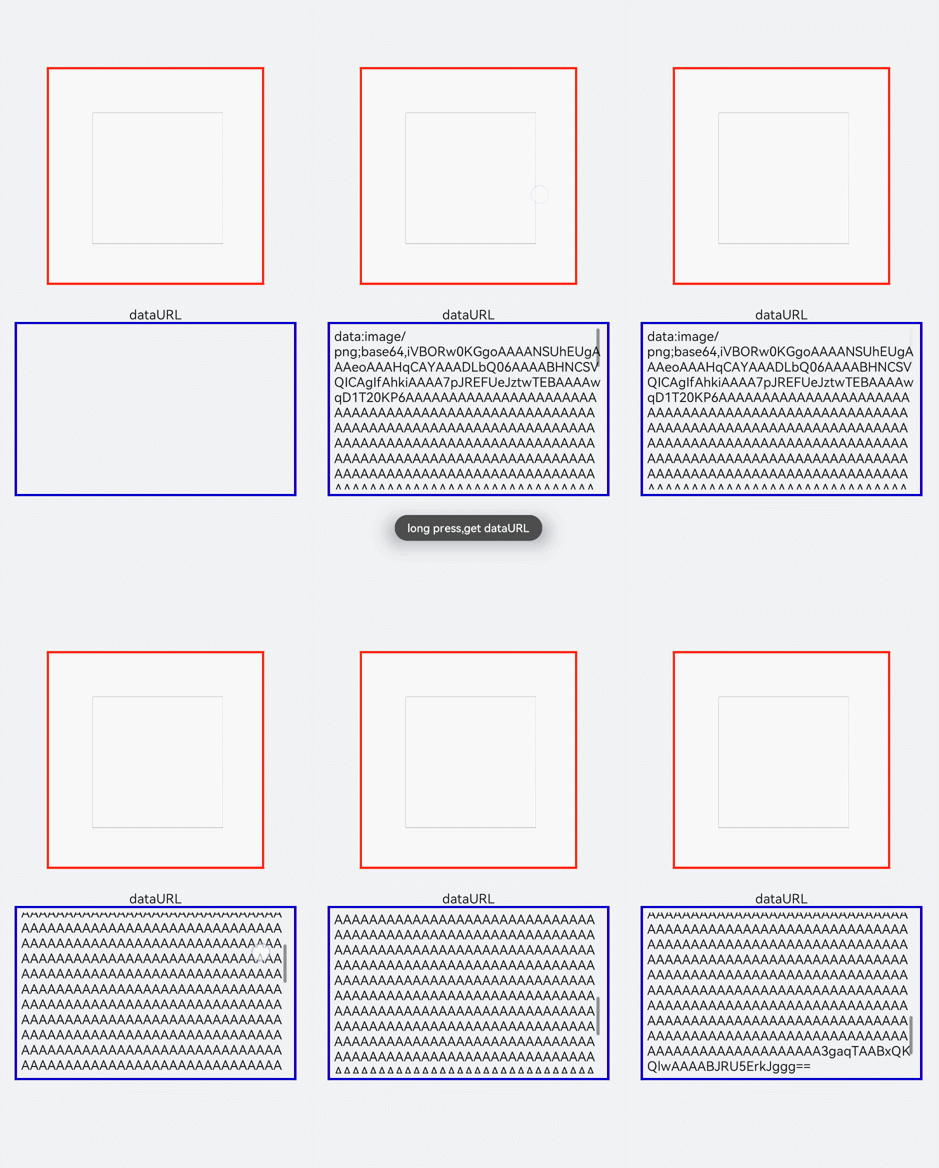
Add the long press event to the <canvas> component. When the event is triggered, the value of dataUrl (image information returned by the toDataURL method) of the <canvas> component can be obtained and printed in the text area below.

<!-- xxx.hml -->
<div class="container">
    <canvas ref="canvas1" onlongpress="getUrl"></canvas>
    <text>dataURL</text>
    <text class="content">{{ dataURL }}</text>
</div>
/* xxx.css */
.container {
width: 100%;
height: 100%;
flex-direction: column;
justify-content: center;
align-items: center;
background-color: #F1F3F5;
}
canvas {
width: 500px;
height: 500px;
background-color: #fdfdfd;
border: 5px solid red;
margin-bottom: 50px;
}
.content {
border: 5px solid blue;
padding: 10px;
width: 90%;
height: 400px;
overflow: scroll;
} // xxx.js
import promptAction from '@ohos.promptAction';
export default {
data: {
dataURL: null,
},
onShow() {
let el = this.$refs.canvas1;
let ctx = el.getContext("2d");
ctx.strokeRect(100, 100, 300, 300);
},
getUrl() {
let el = this.$refs.canvas1;
let dataUrl = el.toDataURL();
this.dataURL = dataUrl;
promptAction.showToast({ duration: 2000, message: "long press,get dataURL" });
}
} 

The <canvas> component cannot be created in onInit or onReady.