When a user's device receives a notification that contains the priorityNotificationType field, the system identifies the notification as a priority notification and displays it with priority.
The following restrictions apply when you apply for the priority notification entitlement:
-
Priority notifications are available only to business and social communication apps.
-
The app must provide notification features for important contacts, @mentions, or urgent messages. After the entitlement is granted, it can be used only in the preceding scenarios. Screenshots or illustrations of the corresponding features must be provided during the application.
-
For the important contact scenario, the app must also support redirection to the important contacts list in the app. For details, see Application Link Description. Set the linkFeature field to PrimaryContactMgmt.
The priority notification entitlement can be used only in scenarios that have passed the review. Using the entitlement for features or scenarios beyond the approved scope is considered a violation, and the platform will revoke the priority notification entitlement for the app.
Procedure
-
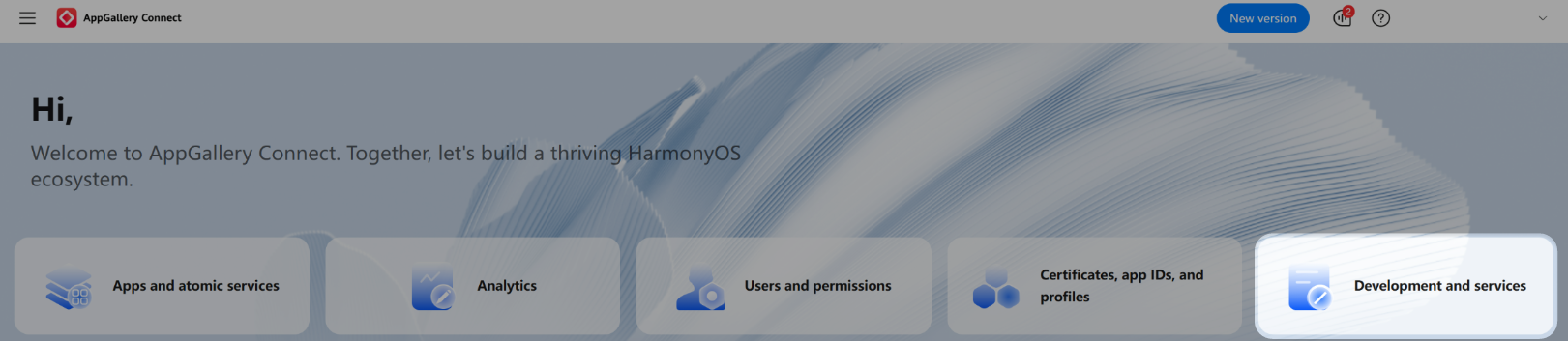
Sign in to AppGallery Connect and click Development and services.
-
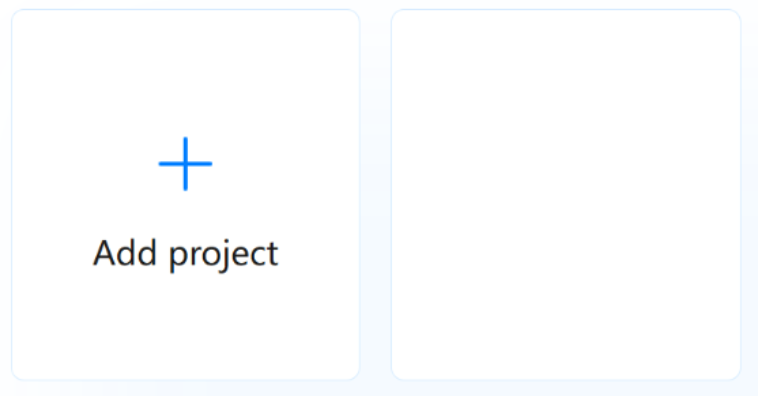
Find your project in the project list, and select the app for which you want to apply for the priority notification entitlement from the app list under the project.
-
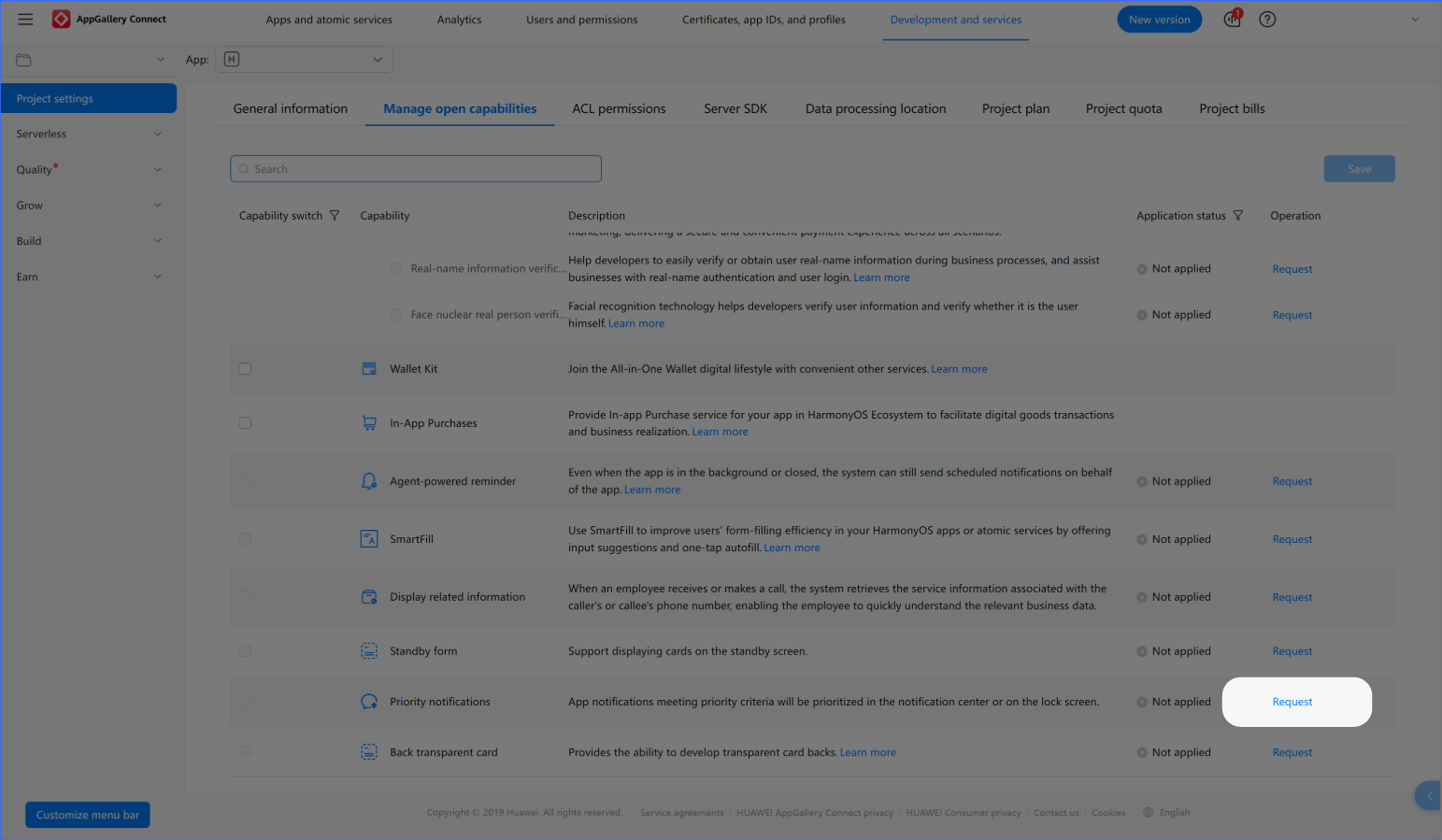
Go to Project settings > Manage open capabilities, and click Request for Priority notifications.
-
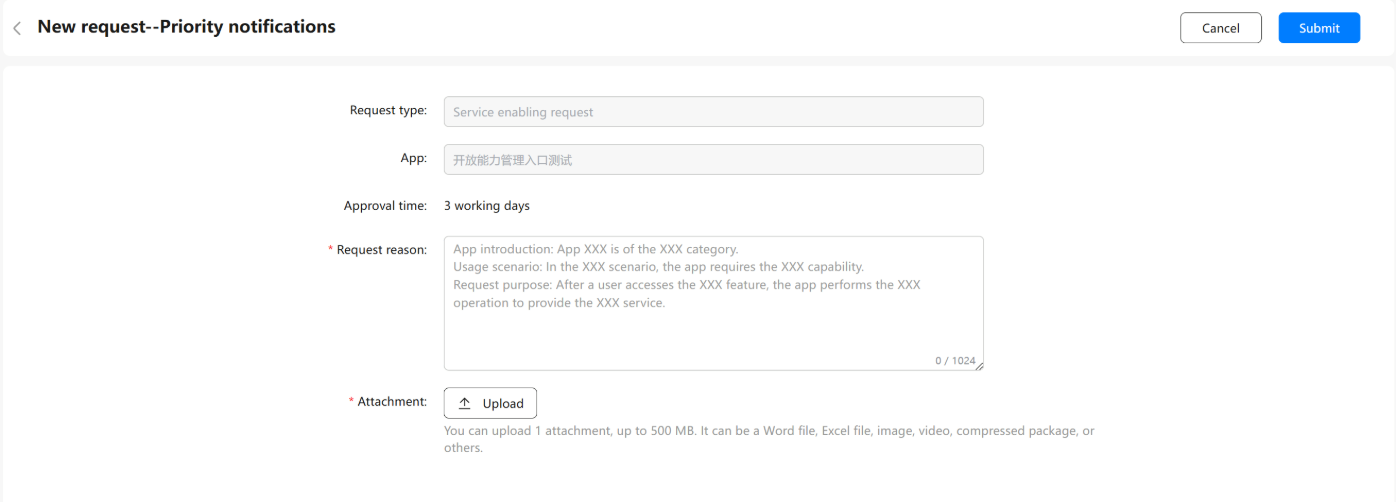
Refer to the template and provide the required information, including the app introduction, usage scenarios, purpose of application, attachments, and commitment information. Then click Submit.
-
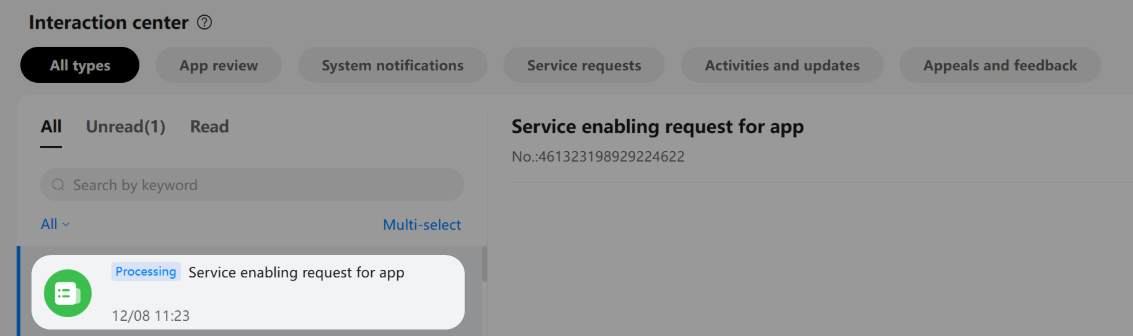
Check the service enabling request message in the interaction center for the result of your priority notification entitlement application.

-
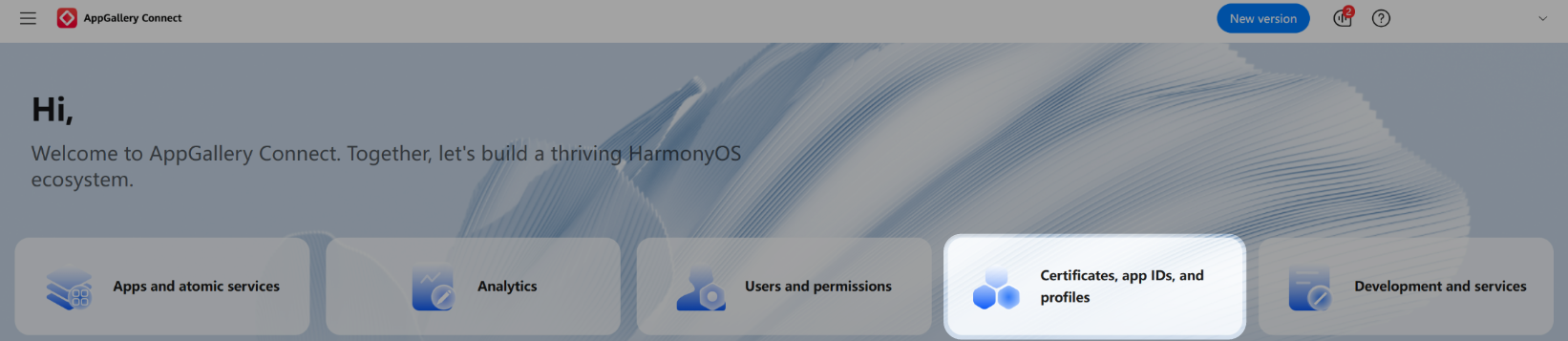
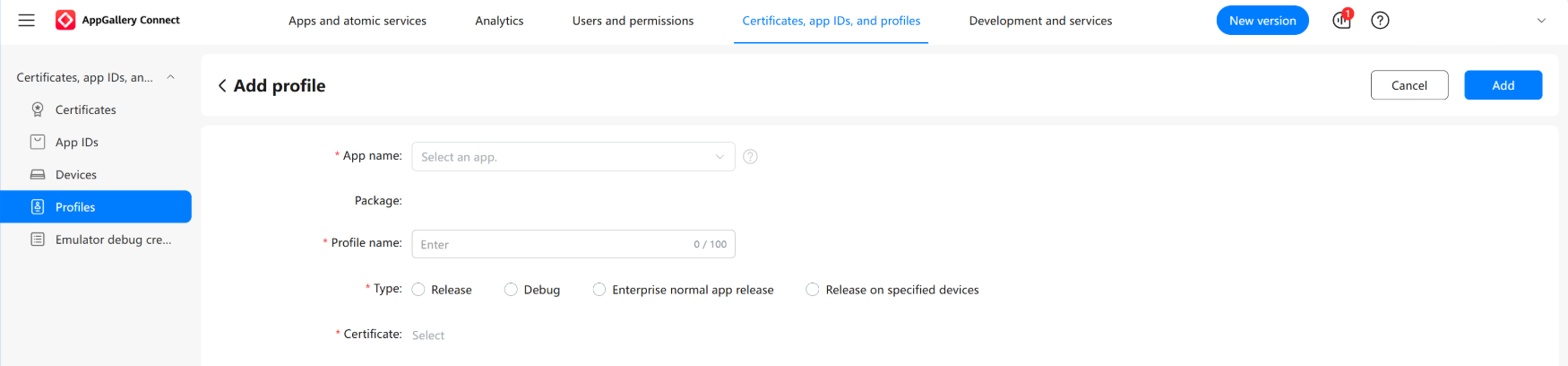
After your application for the priority notification entitlement is approved, go to the Profile tab in the left navigation tree on the Certificates, app IDs, and profiles page, click Add to regenerate a profile, and download the profile file to your local device. When publishing the app, make sure the profile is packaged into the app package.