System setting is used to manage the ohpm-repo system. Currently, the oh-package.json5 validation rule and System safety functions are supported.
oh-package.json5 Validation Rule
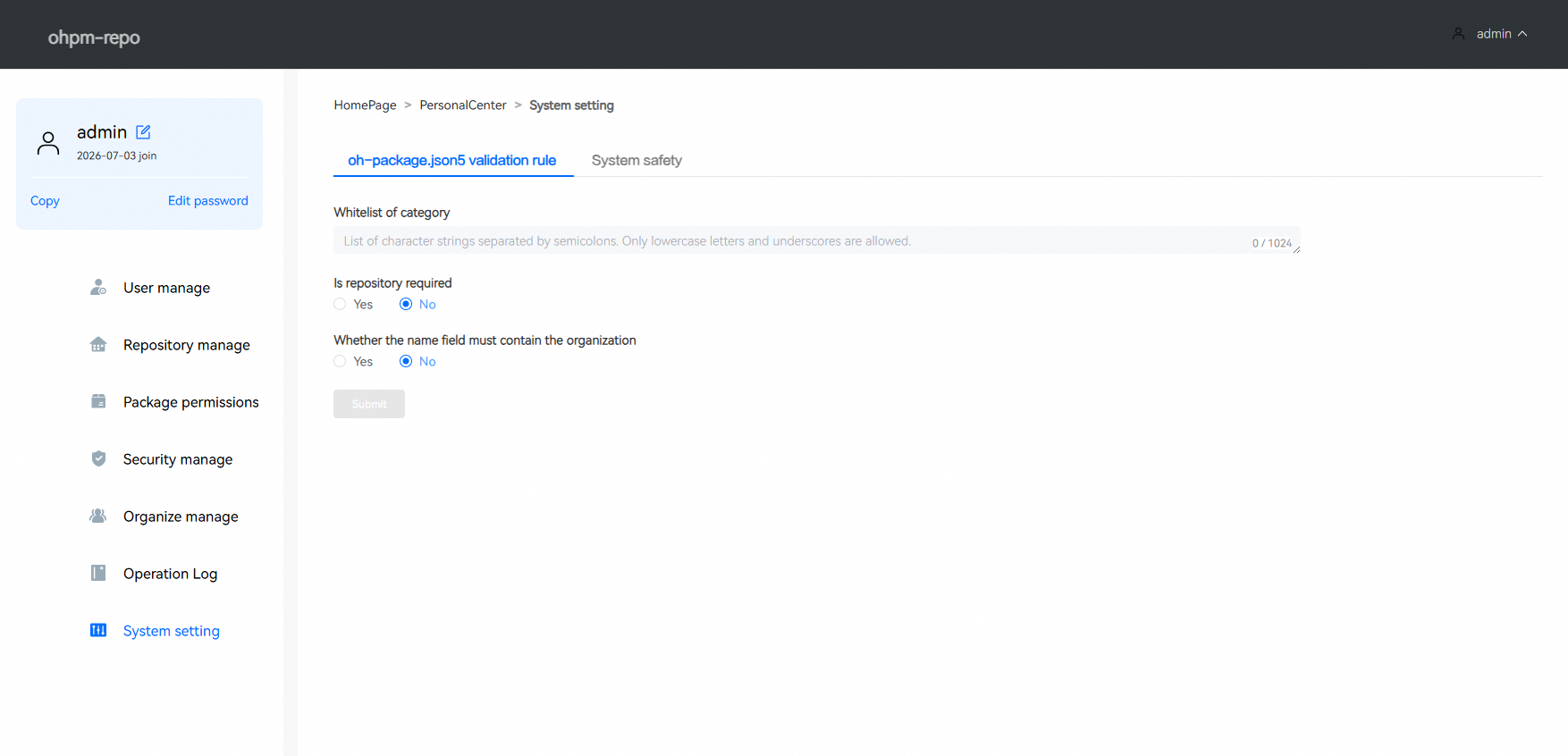
oh-package.json5 validation rule is used by ohpm-repo to verify the oh-package.json5 file of the uploaded package. Currently, rules are set for the category, repository, and name fields.
Whitelist of category: If this parameter is left empty, the system does not verify the category field. If this parameter is set, the value of category must exist in the allowlist.
Is repository required: determines whether the repository field is mandatory in the oh-package.json5 file. If this parameter is set to Yes, the oh-package.json5 file must contain the repository field when the package is uploaded.
Whether the name field must contain the organization: indicates whether the name field in the oh-package.json5 file must contain the organization name. If this parameter is set to Yes, the name field must contain an organization name when a package is uploaded. Otherwise, the package uploading fails.
The following figure shows the page effect.
System Safety
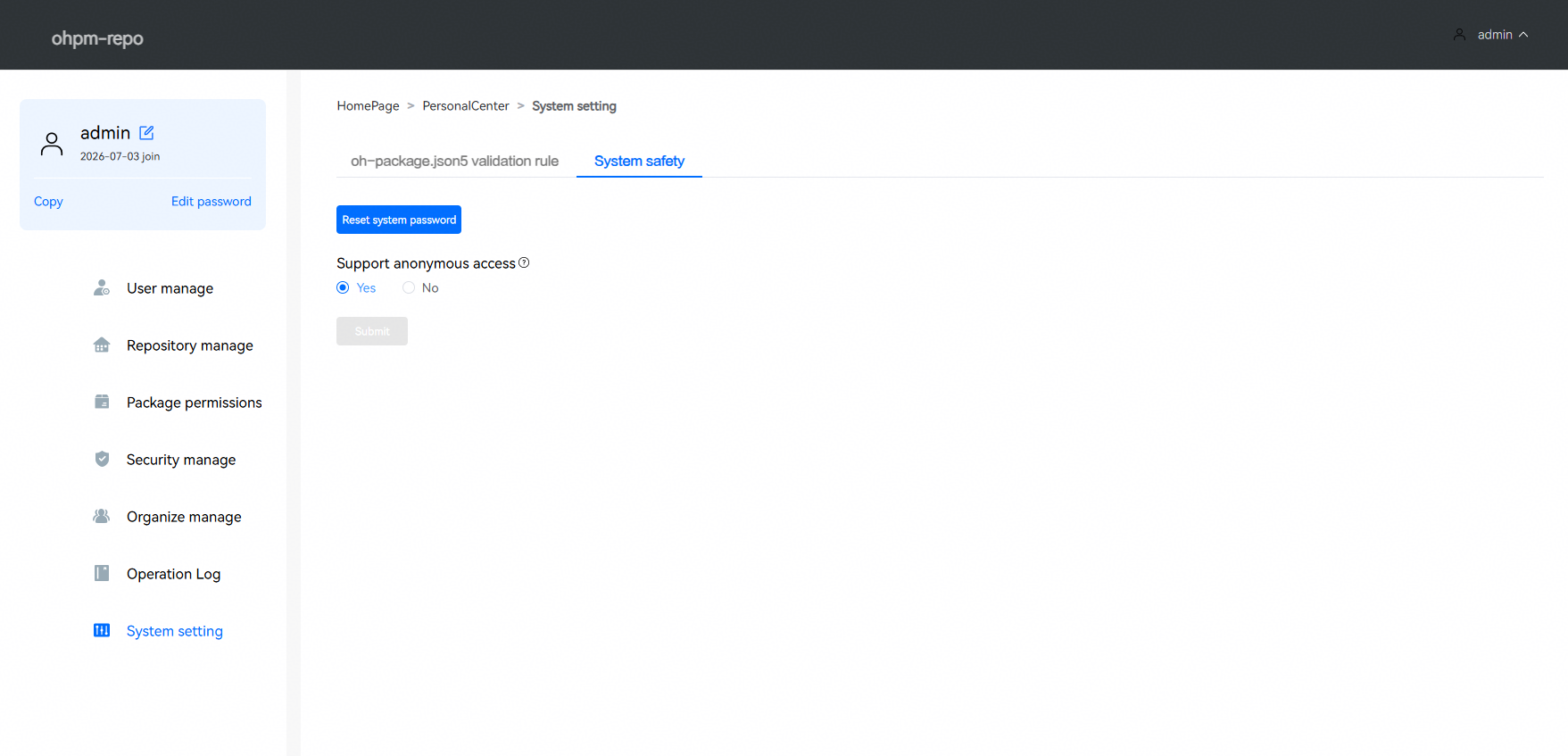
On the System safety page, you can reset system password and configure whether to support anonymous access, as shown in the following figure.
- Resetting the System Password
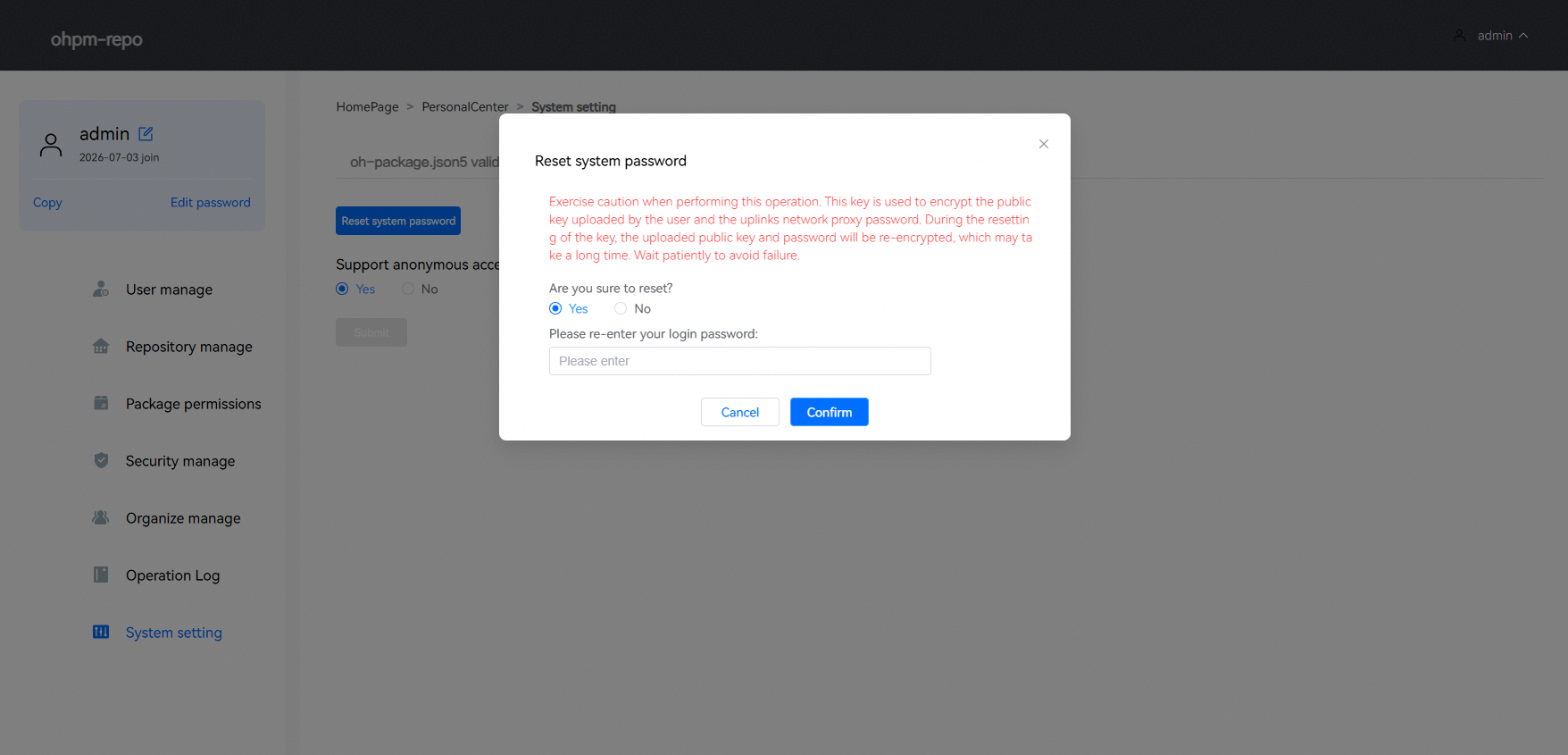
The system password is used to re-encrypt the public key uploaded by the user in the ohpm-repo service and the network proxy password of uplinks. The system password cannot be reset when ohpm-repo is deployed across multiple instances. Click Reset system password. A message is displayed for you to confirm the resetting. Click Yes, and the password text box is displayed, as shown in the following figure. You need to enter the password of the current login account for authentication because resetting the system password is a sensitive operation.
- Configuring anonymous access
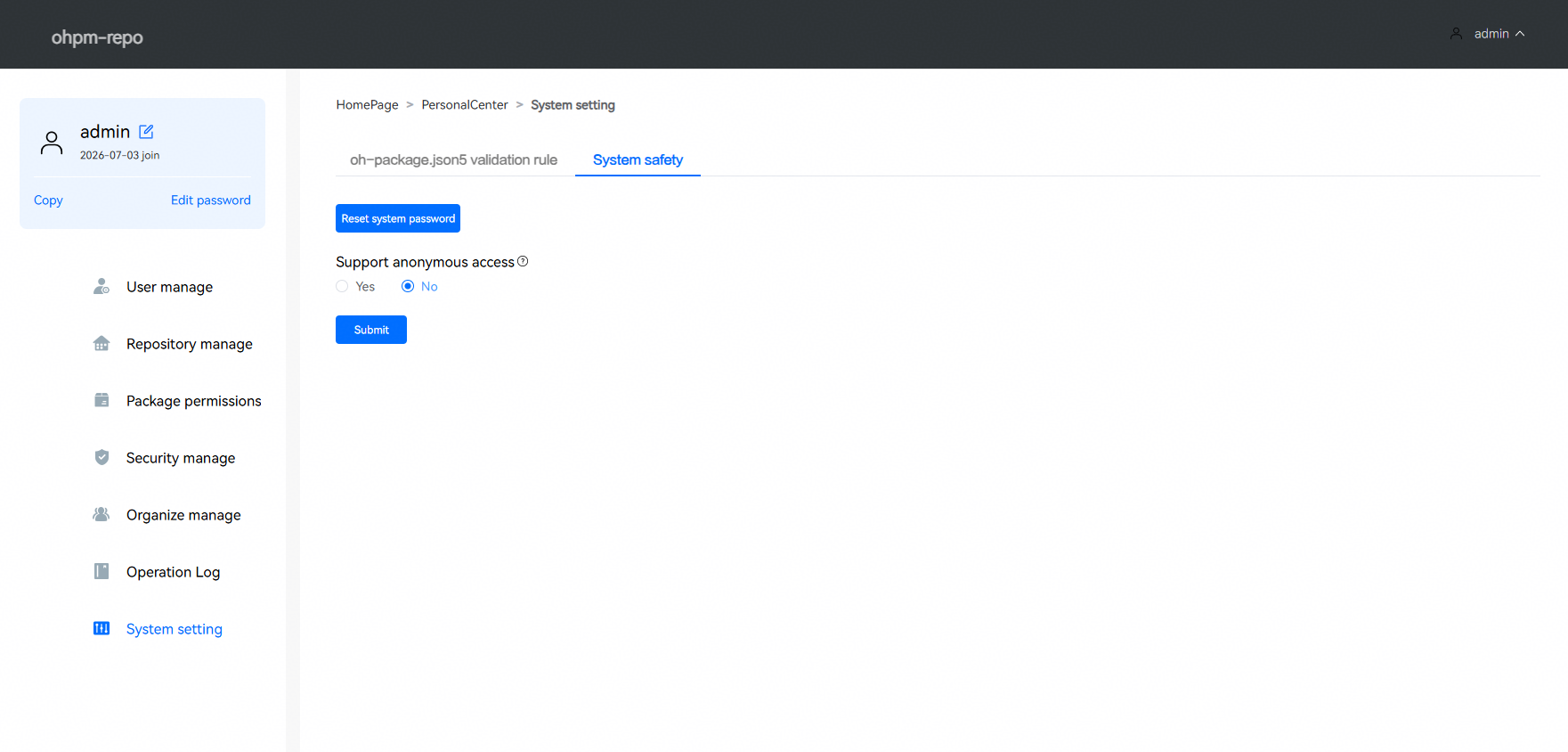
ohpm-repo 5.0.5 and later versions support anonymous access. By default, anonymous access is enabled. To disable anonymous access, click No and then click Submit, as shown in the following figure.
- When anonymous access is disabled, users can access the package list page and package details page from the ohpm-repo management home page only after logging in. In addition, the home page does not provide a user registration option and displays only the login entry.

- When anonymous access is disabled, ohpm cannot execute the install, info, and update commands that require the read permission if the access token authentication is not properly configured in the .ohpmrc file. The read-write or read-only AccessToken authentication information must be correctly configured in the .ohpmrc file.
- When anonymous access is disabled, if the authentication plugin template of a version earlier than ohpm-repo 5.0.5 is used, the authentication plugin must be upgraded and the authWithReadOnly method must be added for read-only AccessToken authentication method.
- When anonymous access is disabled, users can access the package list page and package details page from the ohpm-repo management home page only after logging in. In addition, the home page does not provide a user registration option and displays only the login entry.