To an ArkTS project you can add pages – each individual page is a separate document of the app/atomic service. You can design multiple pages for your app/atomic service, manage their files on a per-page basis, and schedule page redirection through routing APIs, so as to implement decoupling of app/atomic service functions. To add a page, perform the following, after which an .ets file is generated in the pages folder:
Since DevEco Studio 6.1.0 Beta2, you can add the map page and payment page to automobile head units in projects using API version 23 or later.
Procedure
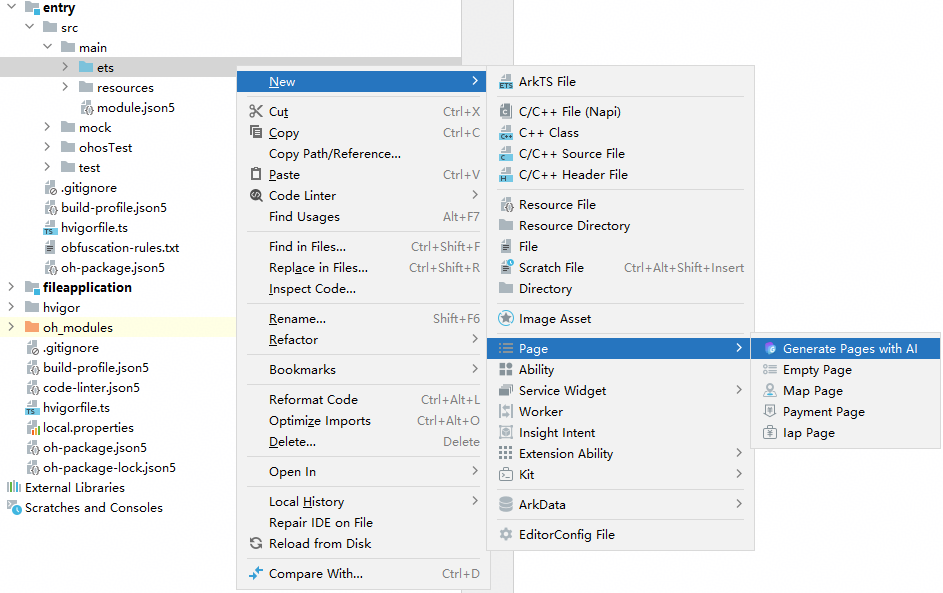
- In a project directory in the stage model, right-click pages in the ets folder, choose New > Page from the shortcut menu, and select any of the following page types:
- Empty Page: a common page that implements a basic Hello World example.
- Map Page: a map page that presents map views. This feature is only available on phones and automobile head units.
- Payment Page: a payment page that can trigger a payment dialog box when the designated button is tapped. This feature is only available on phones and automobile head units.
- Iap Page: a page for in-app purchases of virtual or digital goods. It follows the IAP Kit scenario-based template and allows for quick generation of related code.

For projects of API version 10, only common pages can be created. To create other types of pages, switch your project to API version 11 or later first.
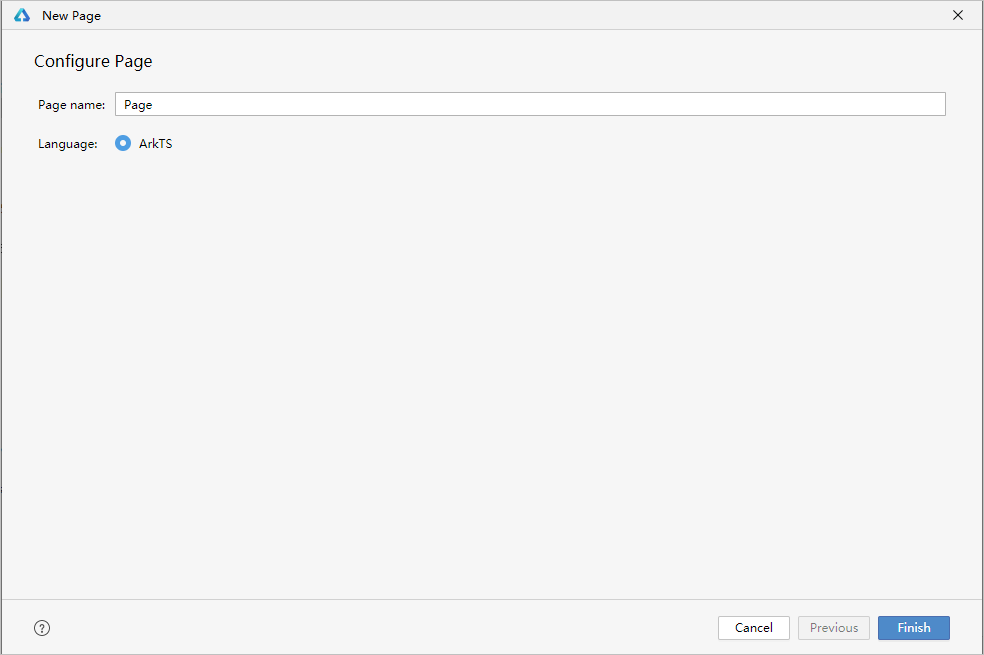
- Enter a page name consisting of uppercase letters, lowercase letters, digits, and underscores (_), and click Finish.