Q:如何实现通过调用其他已安装的应用来打开特定文件?
A:开发者可以通过使用隐式Want机制来调用其他应用打开文件。通过设置合适的携带的数据(uri)、MIME type类型、处理Want的方式等字段,以便系统能够识别并弹出一个选择框,让用户选择合适的应用来打开文件,若仅匹配到一个应用,则会直接拉起该应用。
效果示意如下图所示:
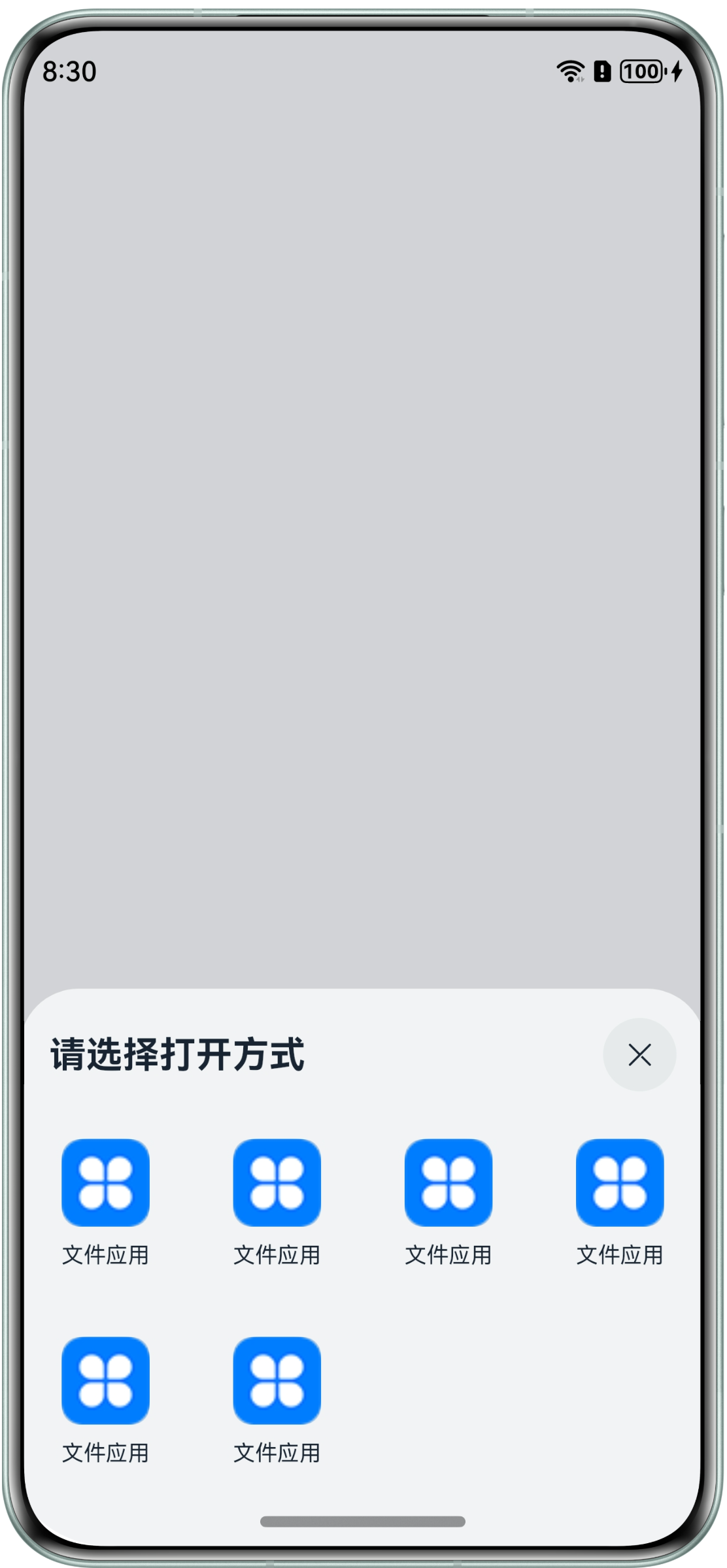
调用方
- 导入所需模块:
import common from '@ohos.app.ability.common'; import Want from '@ohos.app.ability.Want'; import wantConstant from '@ohos.app.ability.wantConstant'; import { BusinessError } from '@ohos.base'; - 构造请求数据:
// Construct request data Want, taking opening a Word file as an example let wantInfo: Want = { uri: 'file://.../test.docx', // Indicate the URI path of the file to be opened, usually used in conjunction with type type: 'application/msword', // Indicate the type of file to be opened flags: wantConstant.Flags.FLAG_AUTH_WRITE_URI_PERMISSION, // Authorization to perform write operations on URI } - 调用接口启动:
// Call the startAbility interface to open files
let context = this.getUIContext().getHostContext() as common.UIAbilityContext;
context.startAbility(wantInfo).then(() => {
  // ...
}).catch((err: BusinessError) => {
  // ...
})
目标方
在module.json5配置文件中注册文件打开能力。
{
  "module": {
    // ...
    "abilities": [
      {
        // ...
        "skills": [
          {
            "actions": [
              "ohos.want.action.viewData" // Declaration of Data Processing Capability
            ],
            "uris": [
              {
                // Allow opening Word files in URI that start with the file://protocol to identify the local file
                "scheme": "file",
                "type": "application/msword", // Indicates supported file types for opening
                "linkFeature": "FileOpen" // The function of this URI is to open files
              }
              // ...
            ]
            // ...
          }
        ]
      }
    ]
  }
}
目标方应用在应用市场上架时会进行审核。
参考链接:隐式Want匹配原理。