问题现象
在开发中使用RichEditor组件时,有以下经典场景:
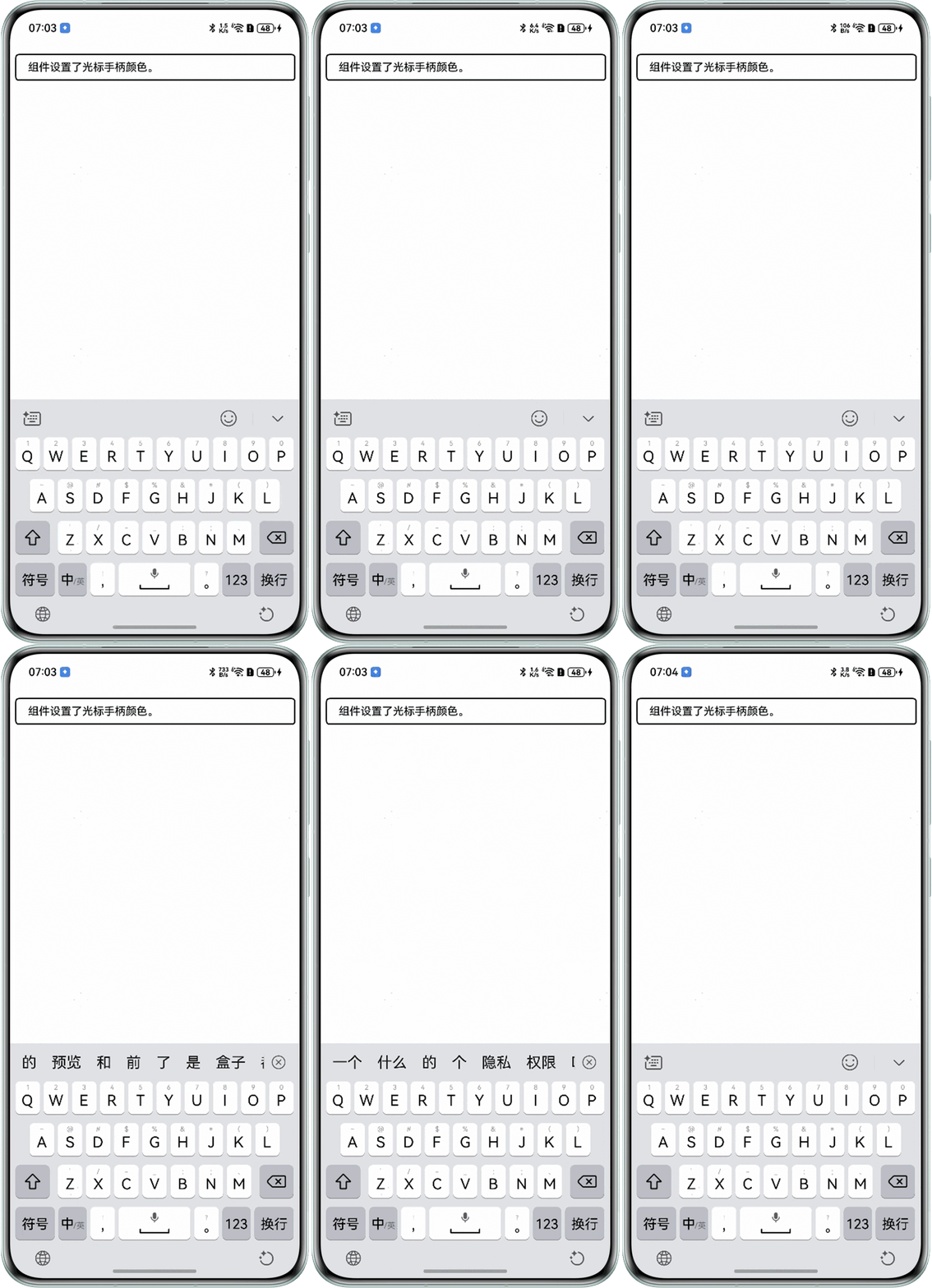
- 场景一:如何实现单击RichEditor组件时没有光标,长按时光标手柄正常显示?
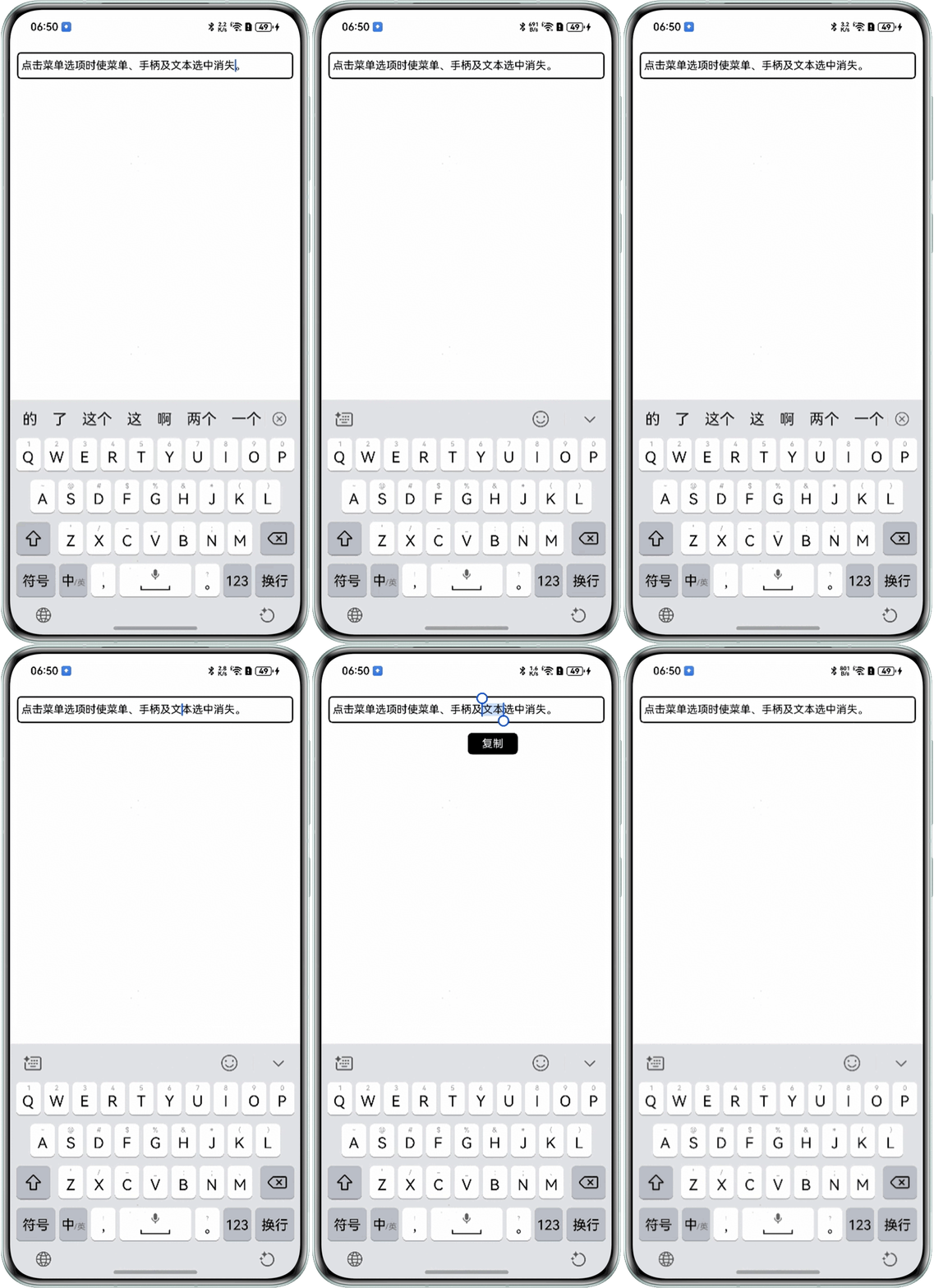
- 场景二:RichEditor组件通过bindSelectionMenu设置自定义选择菜单时,点击其中的菜单项,如何使菜单、手柄及文本选中效果消失?
背景知识
- RichEditor:支持图文混排和文本交互式编辑的组件。
- caretColor:设置输入框光标、手柄颜色。
- closeSelectionMenu:关闭自定义选择菜单或系统默认选择菜单。
- setSelection:支持设置组件内的内容选中,选中部分背板高亮。
解决方案
- 针对场景一:给组件绑定手势事件,单击时将光标设置为透明色可实现光标消失效果,长按时再自定义手柄颜色。示例代码如下:
@Entry
@Component
struct PageOne {
  editorController = new RichEditorController();
  // 状态变量:光标颜色,用于动态更新光标样式
  @State caretColor: string = '#00ff0000';

  build() {
    Column() {
      RichEditor({ controller: this.editorController })
        .id('RichEditor')
        .width('100%')
        .border({ width: 2, radius: 5 })
        .selectedBackgroundColor(Color.Blue) // 选中背景色
        .caretColor(this.caretColor) // 动态绑定光标颜色
        .onReady(() => {
          this.editorController.addTextSpan('组件设置了光标手柄颜色。', {
            style: {
              fontColor: Color.Black,
              fontSize: 15
            },
            gesture:
            {
              // 点击手势:切换光标颜色为透明色
              onClick: () => {
                this.caretColor = '#00ff0000';
              },
              // 长按手势:切换光标颜色为蓝色
              onLongPress: () => {
                this.caretColor = '#ff0055ff';
              }
            }
          });
          focusControl.requestFocus('RichEditor');
        });
    }
    .margin({ top: 20 })
  }
}
效果预览:
- 针对场景二:可使用closeSelectionMenu实现点击菜单选项时菜单、手柄消失效果,可使用setSelection实现关闭文本选中效果。示例代码如下:
@Entry
@Component
struct PageTwo {
  private richEditorController: RichEditorController = new RichEditorController();
  private richEditorOptions: RichEditorOptions = { controller: this.richEditorController };

  build() {
    Column() {
      RichEditor(this.richEditorOptions)
        .id('input_focus')
          // 绑定菜单
        .bindSelectionMenu(RichEditorSpanType.DEFAULT, this.SystemMenu,
          ResponseType.LongPress)
        .borderRadius(2)
        .border({ width: 2, radius: 5 })
        .constraintSize({
          minHeight: 34,
          maxHeight: 75
        })
        .padding({ left: 4, right: 4 })
        .onReady(() => {
          this.richEditorController.addTextSpan('点击菜单选项时使菜单、手柄及文本选中消失。', {
            style: {
              fontColor: Color.Black,
              fontSize: 15
            }
          });
          focusControl.requestFocus('RichEditor');
        });
    }
    .height('100%')
    .width('100%')
    .margin({ top: 20 })
  }

  @Builder
  SystemMenu() {
    Row() {
      Text('复制')
        .fontColor(Color.White)
        .fontSize(15)
        .height(30)
        .padding({ left: 20, right: 20 })
        .textAlign(TextAlign.Center)
        .onClick(() => {
          // 关闭自定义选择菜单或系统默认选择菜单。
          this.richEditorController.closeSelectionMenu();
          // 取消文本选中
          this.richEditorController.setSelection(0, 0);
        })
    }
    .width('auto')
    .height(30)
    .backgroundColor(Color.Black)
    .borderRadius(6)
    .padding({ top: 8, bottom: 8 })
  }
}
效果预览: