问题现象
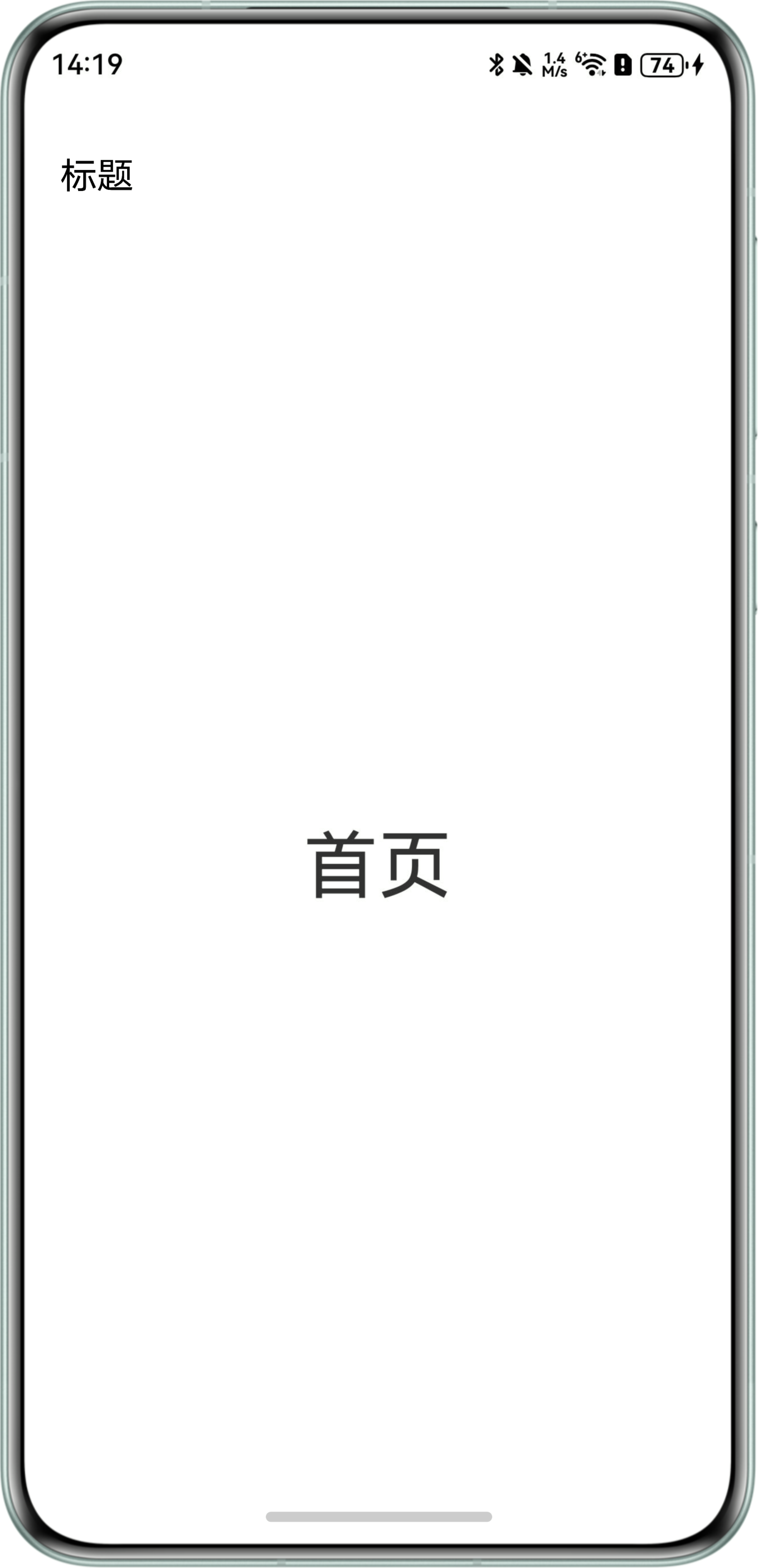
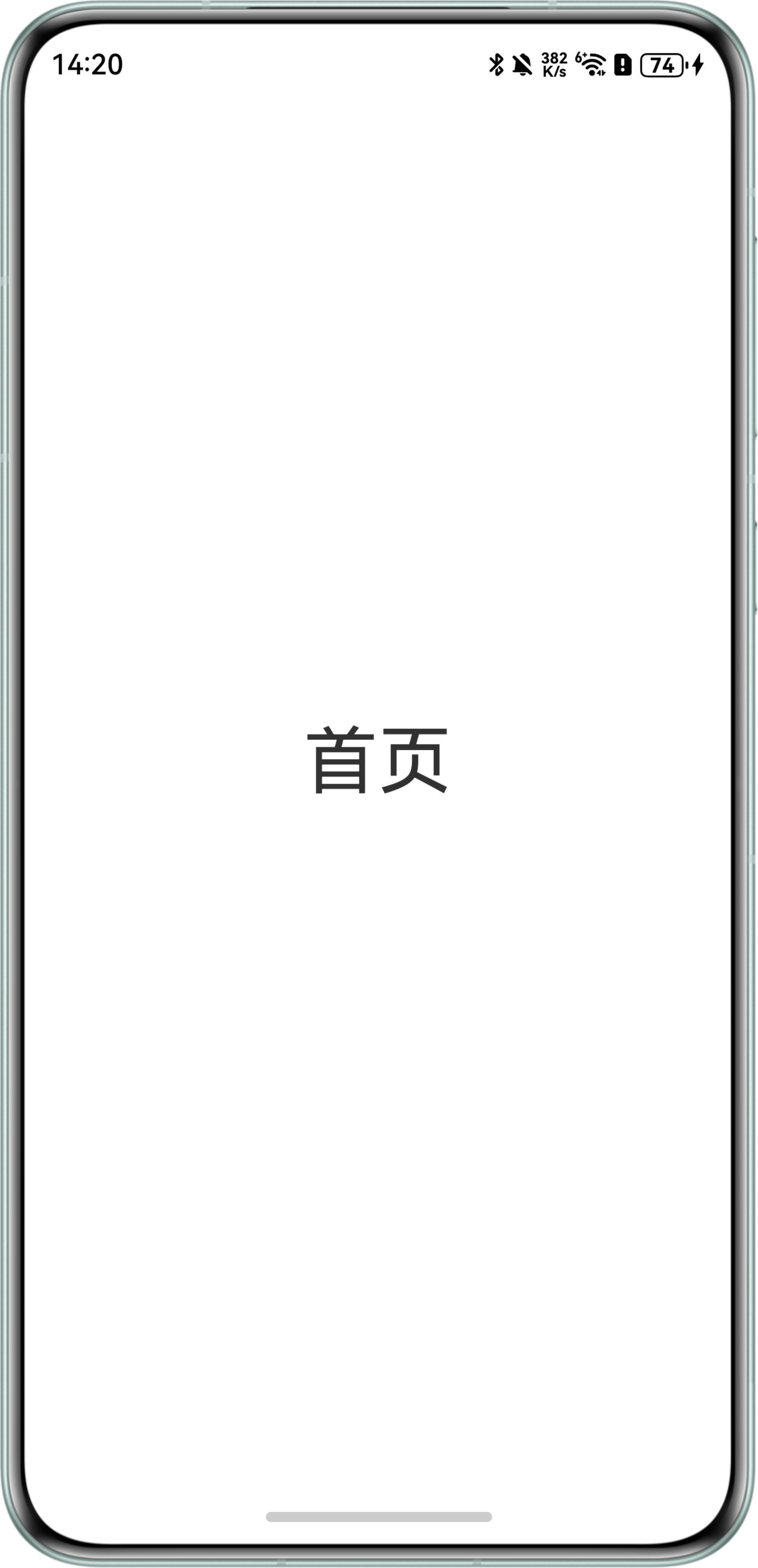
使用Navigation时,自定义了一个标题栏布局,使用其中的title方法无效。
问题效果预览:
问题代码示例参考如下:
@Entry
@Component
struct Index {
  text: string = '标题';
  customTitle: NavigationCustomTitle = {
    builder: this.customTitleBuilder(),
    height: TitleHeight.MainOnly
  };

  @Builder
  customTitleBuilder() {
    Row() {
      Text(this.text);
    };
  }

  build() {
    Navigation() {
      Column() {
        Text('首页')
          .fontSize(40);
      }
      .justifyContent(FlexAlign.Center)
      .width('100%')
      .height('100%');
    }
    .title(this.customTitle);
  }
} 解决方案
使用ArkUI Inspector查看应用布局,发现TitleBar不可见,标题栏未创建。
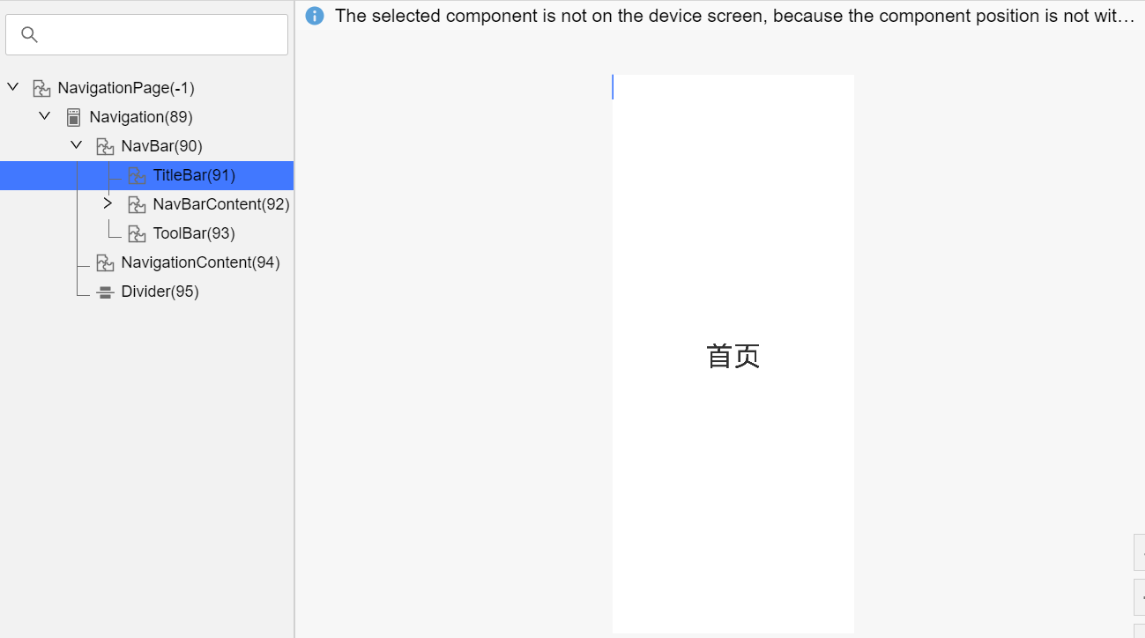
查看title传入参数类型,其中NavigationCustomTitle和CustomBuilder这两种类型均支持自定义标题栏样式。
代码中使用的NavigationCustomTitle类型变量,自定义标题的方法在传入时,没有绑定当前上下文。在执行时,this指向了NavigationCustomTitle对象,找不到相应的方法,因而无法渲染绘制标题栏。
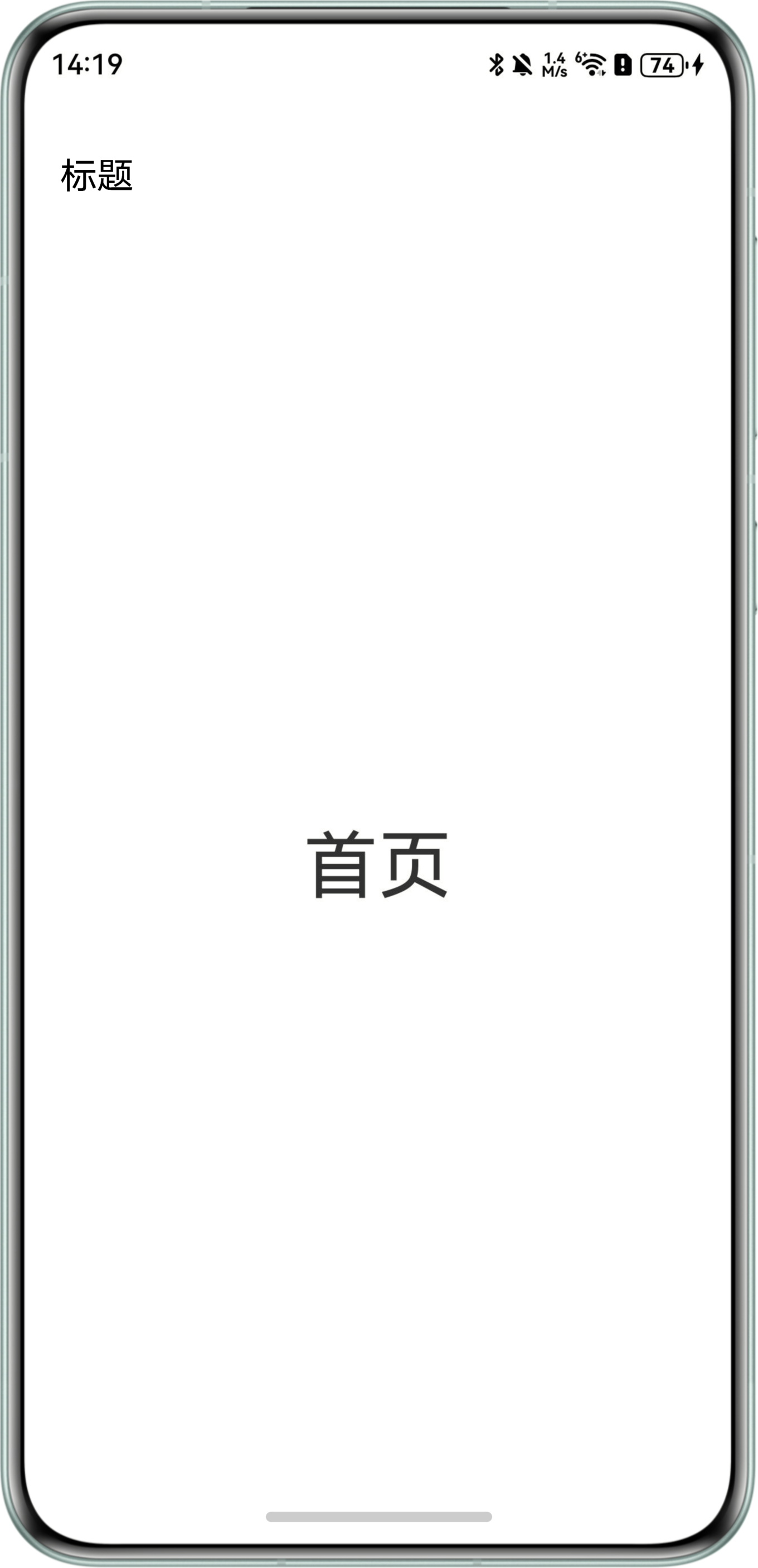
- 方案一:NavigationCustomTitle里builder传入方法需要bind(this)。
@Entry
@Component
struct NavTitleSolution1 {
  text: string = '标题';
  customTitle: NavigationCustomTitle = {
    builder: this.customTitleBuilder.bind(this),
    height: TitleHeight.MainOnly
  };

  @Builder
  customTitleBuilder() {
    Row() {
      Text(this.text)
        .fontSize(20);
    }.margin({ left: 18, top: 28 });
  }

  build() {
    Navigation() {
      Column() {
        Text('首页')
          .fontSize(40);
      }
      .justifyContent(FlexAlign.Center)
      .width('100%')
      .height('100%');
    }
    .title(this.customTitle);
  }
}
效果预览:
- 方案二:在title中直接传入自定义布局的方法。
@Entry
@Component
struct NavTitleSolution2 {
  text: string = '标题';

  @Builder
  customTitleBuilder() {
    Row() {
      Text(this.text)
        .fontSize(20);
    }.margin({ left: 18, top: 28 });
  }

  build() {
    Navigation() {
      Column() {
        Text('首页')
          .fontSize(40);
      }
      .justifyContent(FlexAlign.Center)
      .width('100%')
      .height('100%');
    }
    .hideBackButton(true)
    .titleMode(NavigationTitleMode.Mini)
    .title(this.customTitleBuilder());
  }
}
效果预览: