背景知识
- linearGradient:HarmonyOS提供的一种通用属性,它用于实现组件的颜色线性渐变效果。
- blendMode:一种与图像效果有关的属性,它常用于将当前控件的内容(包含子节点内容)与下方画布(可能为离屏画布)已有内容进行混合。
- shaderStyle:显示为径向渐变RadialGradientStyle或线性渐变LinearGradientStyle或纯色ColorShaderStyle的效果,shaderStyle的优先级高于fontColor和AI识别,纯色建议使用fontColor。
- LinearGradientStyle:显示为线性渐变。
解决方案
实现文本颜色渐变的方式及其适用场景内容如下:
实现场景 | 实现方式 | 适用场景 |
|---|---|---|
文本渐变 | linearGradient+blendMode裁切背景。 | API20前。 |
文本渐变 | shaderStyle设置线性渐变参数。 | 更简洁,仅支持API20+。 |
文本渐变流光效果 | linearGradient+blendMode裁切背景+流光动画。 | 需流光效果的场景。 |
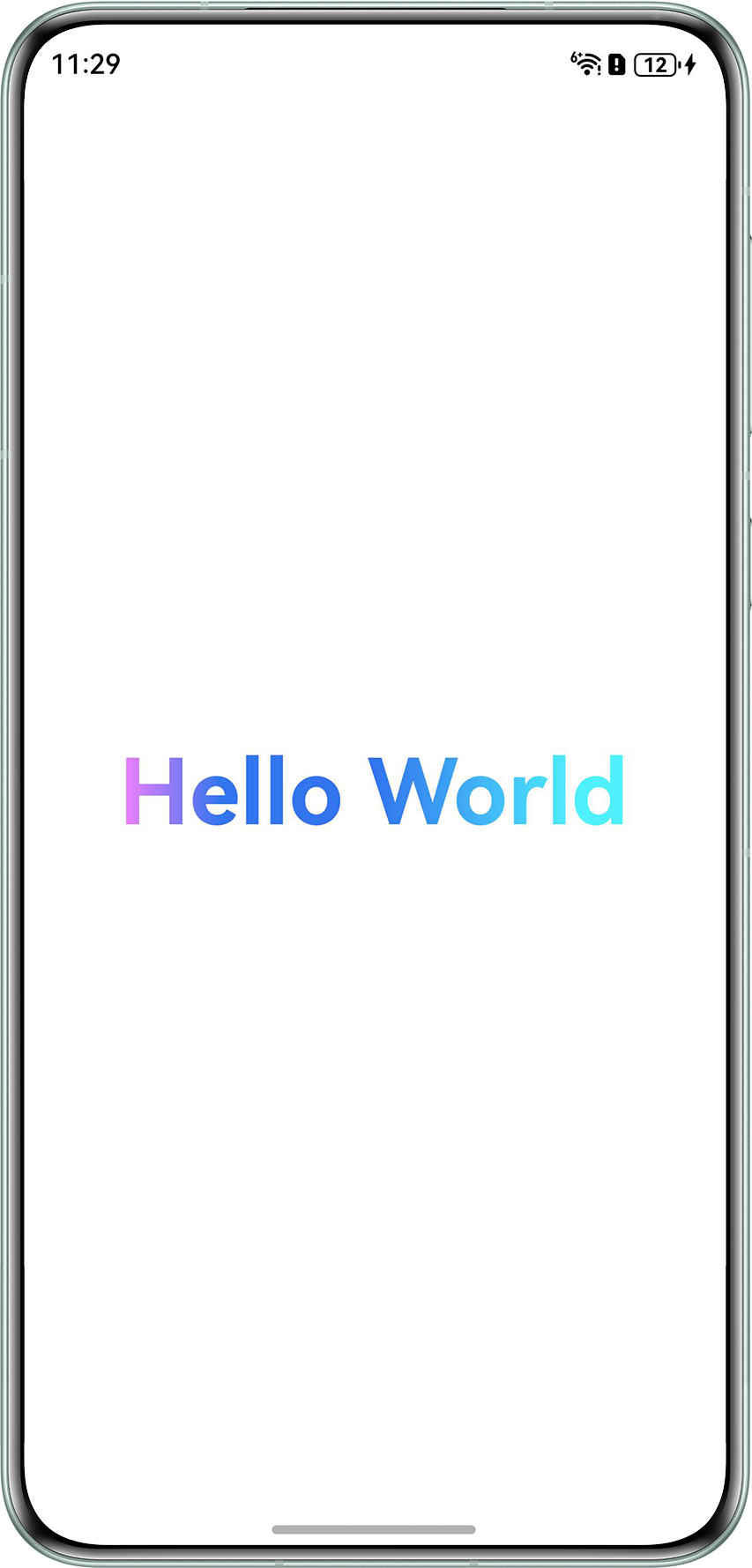
- 方案一:通过linearGradient结合blendMode裁切背景,实现文本渐变。
@Entry
@Component
struct Index {
  message: string = 'Hello World';

  build() {
    Row() {
      Column() {
        Row() {
          Text(this.message)
            .fontSize(50)
            .fontWeight(FontWeight.Bold)
            .blendMode(BlendMode.DST_IN, BlendApplyType.OFFSCREEN)
        }
        .linearGradient({
          direction: GradientDirection.Right,
          colors: [['#FFF563FF', 0.0], ['#FF0253EB', 0.2], ['#FF0253EB', 0.5], ['#FF26ECFF', 0.9]]
        })
        .blendMode(BlendMode.SRC_OVER, BlendApplyType.OFFSCREEN)
      }
      .width('100%')
    }
    .height('100%')
  }
}
运行效果:
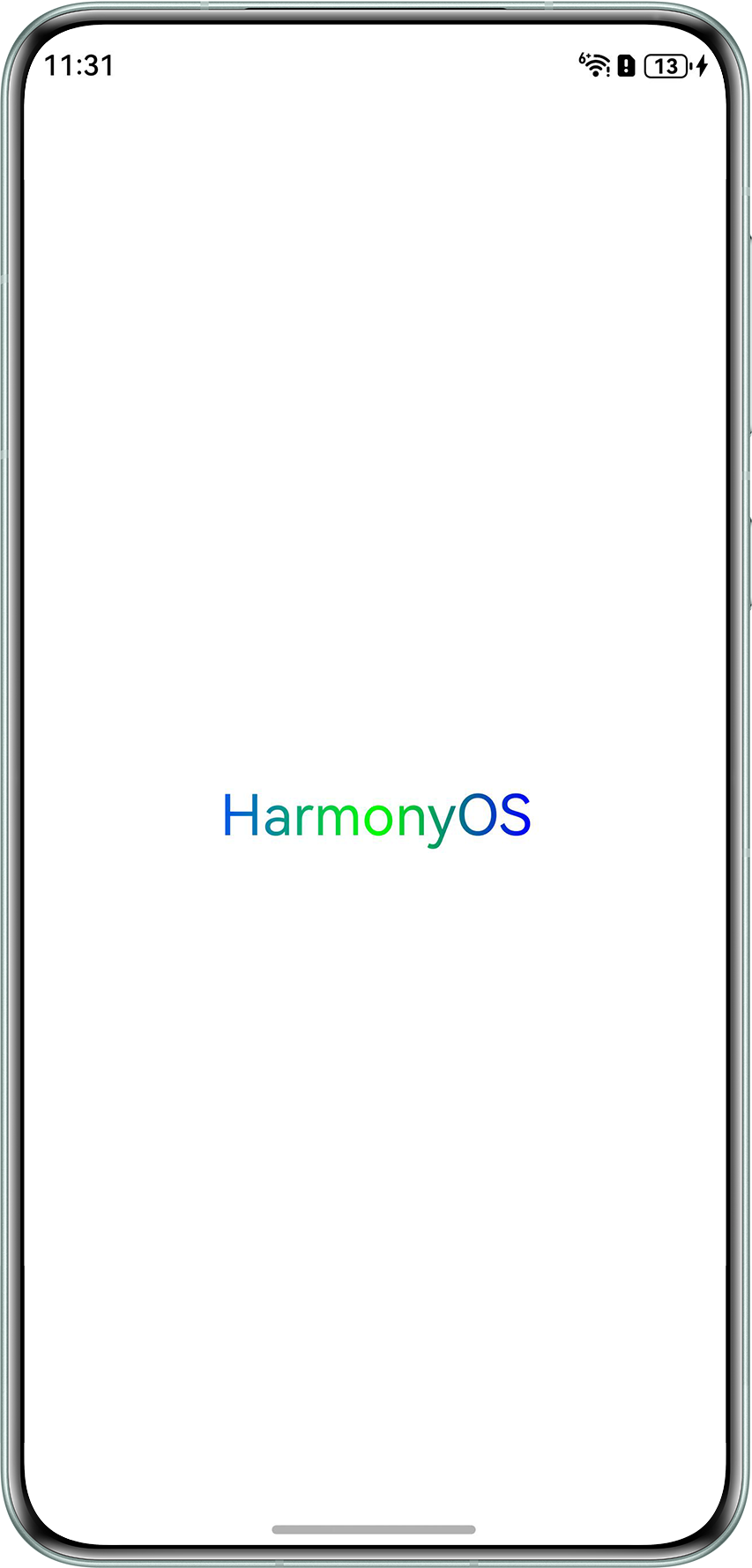
- 方案二:使用shaderStyle,通过Text组件的shaderStyle属性直接设置线性渐变参数。(仅支持API20+)
@Entry
@Component
struct ExampleTwo {
  build() {
    Column() {
      Text('HarmonyOS')
        .fontSize(30)
        .shaderStyle({
          direction: GradientDirection.Right,
          colors: [['#FF0253EB', 0.0], ['#00ff00', 0.5], ['#0000ff', 1.0]]
        })
    }
    .width('100%')
    .height('100%')
    .justifyContent(FlexAlign.Center)
  }
}
运行效果:
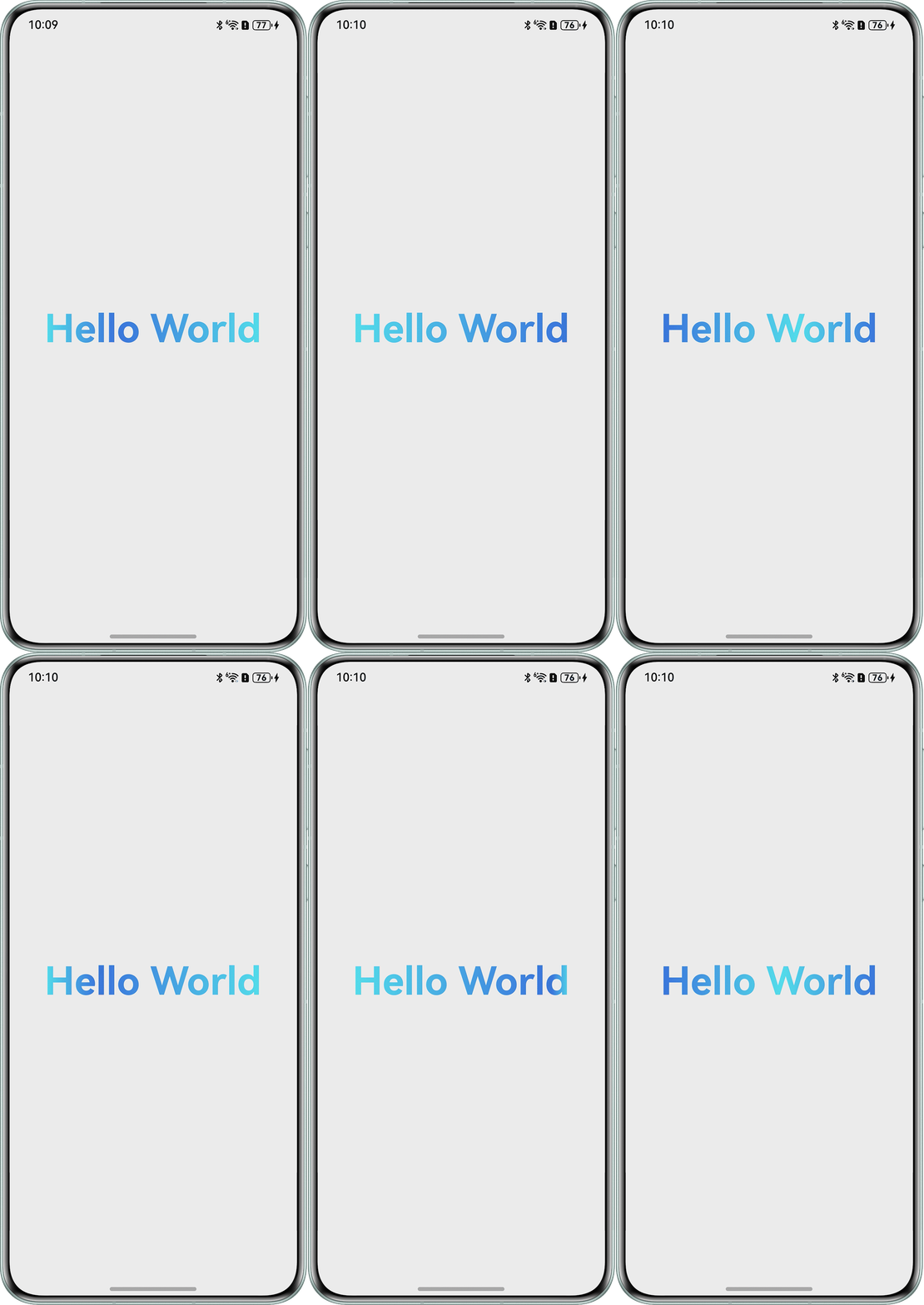
- 方案三:拓展功能实现。为背景渐变色添加动画,实现动态流光效果。
@Entry
@Component
struct ExampleThree {
  message: string = 'Hello World';
  @State gradientPosition: number = 0;
  COLOR_START: string = '#FF26ECFF';
  COLOR_END: string = '#FF0253EB';

  build() {
    Row() {
      Column() {
        Row() {
          Text(this.message)
            .fontSize(50)
            .fontWeight(FontWeight.Bold)
            .blendMode(BlendMode.DST_IN, BlendApplyType.OFFSCREEN)
        }
        .linearGradient({
          direction: GradientDirection.Right,
          colors: [[this.COLOR_START, 0], [this.COLOR_END, this.gradientPosition], [this.COLOR_START, 1]]
        })
        .blendMode(BlendMode.SRC_OVER, BlendApplyType.OFFSCREEN)
      }
      .width('100%')
      .height('100%')
      .justifyContent(FlexAlign.Center)
    }
    .onAppear(() => {
      this.animateStart();
    })
  }

  private animateStart() {
    this.getUIContext().animateTo({
      duration: 2000,
      curve: Curve.Linear,
      iterations: 1,
      onFinish: () => {
        this.gradientPosition = 0;
        const COLOR_START = this.COLOR_START;
        const COLOR_END = this.COLOR_END;
        this.COLOR_START = COLOR_END;
        this.COLOR_END = COLOR_START;
        this.animateStart();
      }
    },
      () => {
        // 启动动画:修改gradientPosition触发渐变移动
        this.gradientPosition = 1;
      });
  }
}
运行效果:
常见FAQ
Q:如何使用linearGradient实现颜色在透明度上的渐变效果?
A:使用rgba格式的颜色来设置透明渐变的效果。
@Entry
@Component
struct FAQ_1 {
  build() {
    Column() {
    }
    .height('10%')
    .width('100%')
    .linearGradient(
      {
        angle: 180,
        colors: [['rgba(128,128,128,0.5)', 0.1], ['rgba(128,128,128,0.3)', 0.6], ['rgba(128,128,128,0.0)', 1]]
      })
  }
}
Q:设置linearGradient后,再设置backgroundColor,为何无效?
A:颜色渐变属于组件内容,绘制在背景上方,背景颜色是被覆盖了。设置了linearGradient渐变色,需要修改背景色为纯色,可以设置linearGradient的options的值为undefined,恢复为无线性渐变的效果。
import { FrameNode, NodeController } from '@kit.ArkUI';

class MyNodeController extends NodeController {
  makeNode(uiContext: UIContext): FrameNode | null {
    let box = new FrameNode(uiContext);
    box.commonAttribute.width(100).height(100).backgroundColor('#d1d3d5');
    let isBackgroundColor = false;
    box.commonAttribute.onClick(() => {
      isBackgroundColor = !isBackgroundColor;
      if (isBackgroundColor) {
        box.commonAttribute.backgroundColor('#d1d3d5');
        box.commonAttribute.linearGradient(undefined);
      } else {
        box.commonAttribute.linearGradient({ angle: 90, colors: [['#FF0253EB', 0], ['#FF26ECFF', 1]] });
      }
    });
    return box;
  }
}

@Entry
@Component
struct FrameNodeTypeTest {
  private myNodeController: MyNodeController = new MyNodeController();

  build() {
    Row() {
      NodeContainer(this.myNodeController);
    }
  }
}