背景知识
- Text是显示一段文本的组件,除通用属性外,还支持textOverflow和maxLines等属性。通过设置Text的textOverflow和maxLines,可以调整Text的组件显示的最大文本行数,以及文本内容超出上限时的显示方式,以适应不同场景下显示文本内容的需求。如果设置不当,就有可能造成文本或文字显示不全的情况。
- textOverflow的作用是设置文本超长时的显示方式。当overflow设置为TextOverflow.None、TextOverflow.Clip、TextOverflow.Ellipsis时,需配合maxLines使用,单独设置不生效。当overflow设置为TextOverflow.MARQUEE时,文本在一行内滚动显示,无需再设置maxLines。
- maxLines用于设置文本的最大行数。如果有多余的文本,可以通过textOverflow来指定截断方式。
- 文本所在的页面为H5页面,则可以添加以下样式设置文本效果。
css属性
说明
overflow
规定了内容超出元素框时发生的事情。
- visible:默认值,内容不会被修剪,会超出元素框显示。
- hidden:内容会被修剪,超出元素框的部分会被隐藏。
- scroll:内容会被修剪,但浏览器会显示滚动条以查看其余内容。
- auto:如果内容被修剪,浏览器就会显示滚动条以查看其余内容。
- inherit:从父元素继承overflow的值。
text-overflow
规定当文本溢出包含元素时发生的事情。
- clip:裁剪文本。
- ellipsis:使用省略号代表被修剪的文本。
- string:使用特定字符串代表被修剪的文本。
问题定位
- 文本所在的页面非H5页面:
检查对应Text组件的textOverflow和maxLines参数设置。当Text中的文本内容过多,overflow设置为TextOverflow.None、TextOverflow.Clip或TextOverflow.Ellipsis,且maxLines行数不为1时,文本则会进行换行展示。
Row() {
  Text('AAAAAAAAAAAAAAAAAAAAA' +
    'BBBBBBBBBBBBBBBBBBBBB' +
    'CCCCCCCCCCCCCCCCCCCCC' +
    'DDDDDDDDDDDDDDDDDDDDD'
  )
    .maxLines(2)
}.width('100%')
修改建议
根据具体场景决定文本是否超出隐藏以及是否限制文本在一行内显示或者调整布局。
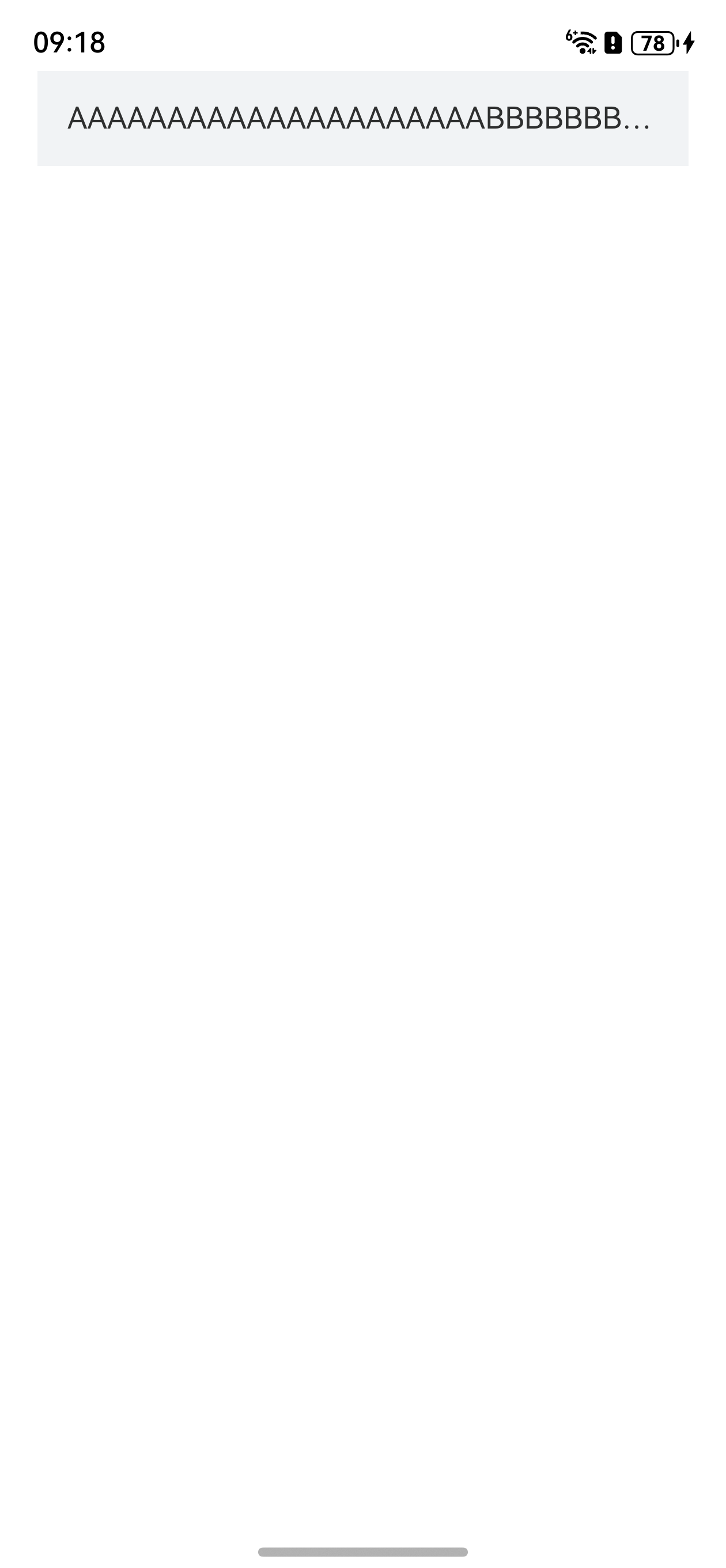
- 文本所在的页面非H5页面:调整Text组件的maxLines参数为1,限制文本行数,根据具体场景需求灵活设置textOverflow的值即可。
@Entry
@Component
struct ArkUIOverflow {
  build() {
    Column({ space: 8 }) {
      Row() {
        Text('AAAAAAAAAAAAAAAAAAAAA' +
          'BBBBBBBBBBBBBBBBBBBBB' +
          'CCCCCCCCCCCCCCCCCCCCC' +
          'DDDDDDDDDDDDDDDDDDDDD'
        )
          .textOverflow({ overflow: TextOverflow.Ellipsis })
          .maxLines(1)
      }
      .width('100%')
      .padding(16)
      .backgroundColor('#f1f3f5')
    }
    .padding({
      left: 20,
      right: 20
    })
    .height('100%')
    .width('100%')
  }
}
效果如下:
- 文本所在的页面为H5页面:
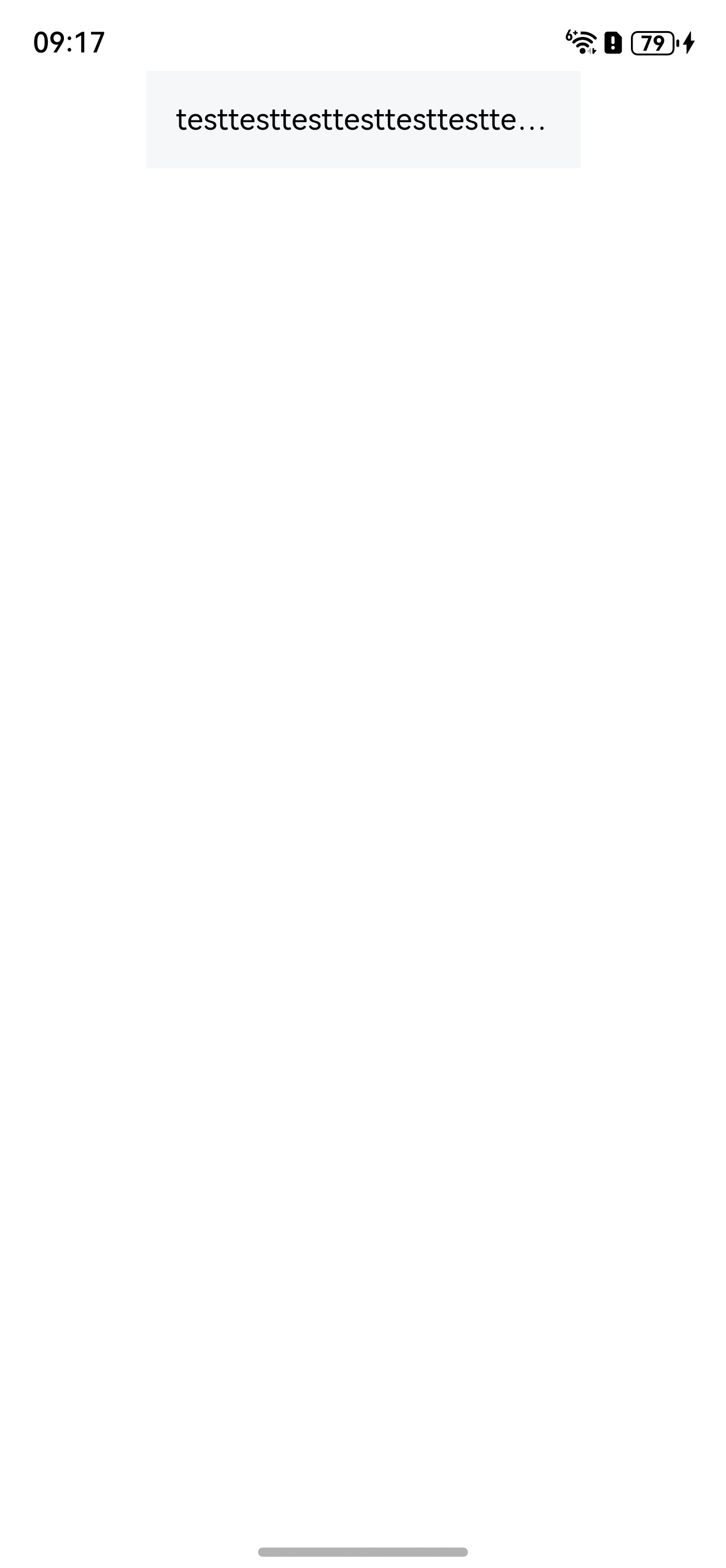
修改H5页面文本的设置,限制块内显示行数为1,规定当文本溢出时显示省略符号来代表被修剪的文本,参考代码如下:
src/main/resources/rawfile/CloseDialog.html文件:
<!doctype html>
<html lang="zh">
<head>
    <meta charset="UTF-8">
    <meta name="viewport" content="width=device-width, initial-scale=1">
    <title>OverflowTest</title>
</head>
<body>
<div class="container">
    <div id="mytext">
        testtesttesttesttesttesttesttesttesttesttesttesttesttest
    </div>
</div>

</body>
</html>
<style>
    html, body {
        width: 100vw;
        height: 100vh;
        padding: 0;
        margin: 0;
    }
    .container {
        width: 100%;
        height: 100%;
        display: flex;
        justify-content: center;
    }
    #mytext {
        /* 超出限定的宽度就隐藏*/
        overflow:hidden;
        /* 规定当文本溢出时显示省略符号来代表被修剪的文本*/
        text-overflow: ellipsis;
        width: 200px;
        height: 20px;
        line-height: 20px;
        padding: 16px;
        background-color: #f6f7f8;
    }
</style>
src/main/ets/pages/WebOverflow.ets文件:
import { webview } from '@kit.ArkWeb';

@Entry
@Component
struct WebOverflow {
  webController = new webview.WebviewController();

  build() {
    Column() {
      Web({
        src: $rawfile('OverflowTest.html'),
        controller: this.webController
      })
        .javaScriptAccess(true)
        .geolocationAccess(false)
        .fileAccess(false)
        .domStorageAccess(true)
    }
    .height('100%')
    .width('100%')
  }
}
效果如下:
- 调整页面布局。通过缩小字体大小以及拓宽父组件容器等方式,确保文本在一行内显示。