问题现象
当前应用通过Swiper组件垂直滚动展示公告通知,点击子组件的内容会有弹窗提示,左右滑动时也会触发Text组件的点击事件,如何保证在左右滑动时不触发子组件的点击事件?
问题代码示例参考如下:
import { PromptAction } from '@kit.ArkUI';

@Entry
@Component
struct Index {
  promptAction: PromptAction = this.getUIContext().getPromptAction();

  build() {
    Column() {
      Swiper() {
        Text('公告')
          .width('80%')
          .fontSize(20)
          .textAlign(TextAlign.Center)
          .onClick(() => {
            this.promptAction.showToast({ message: '通知详情', alignment: Alignment.Top });
          })
      }
      .height('20%')
      .vertical(true)
    }
    .width('100%')
    .height('100%')
  }
}
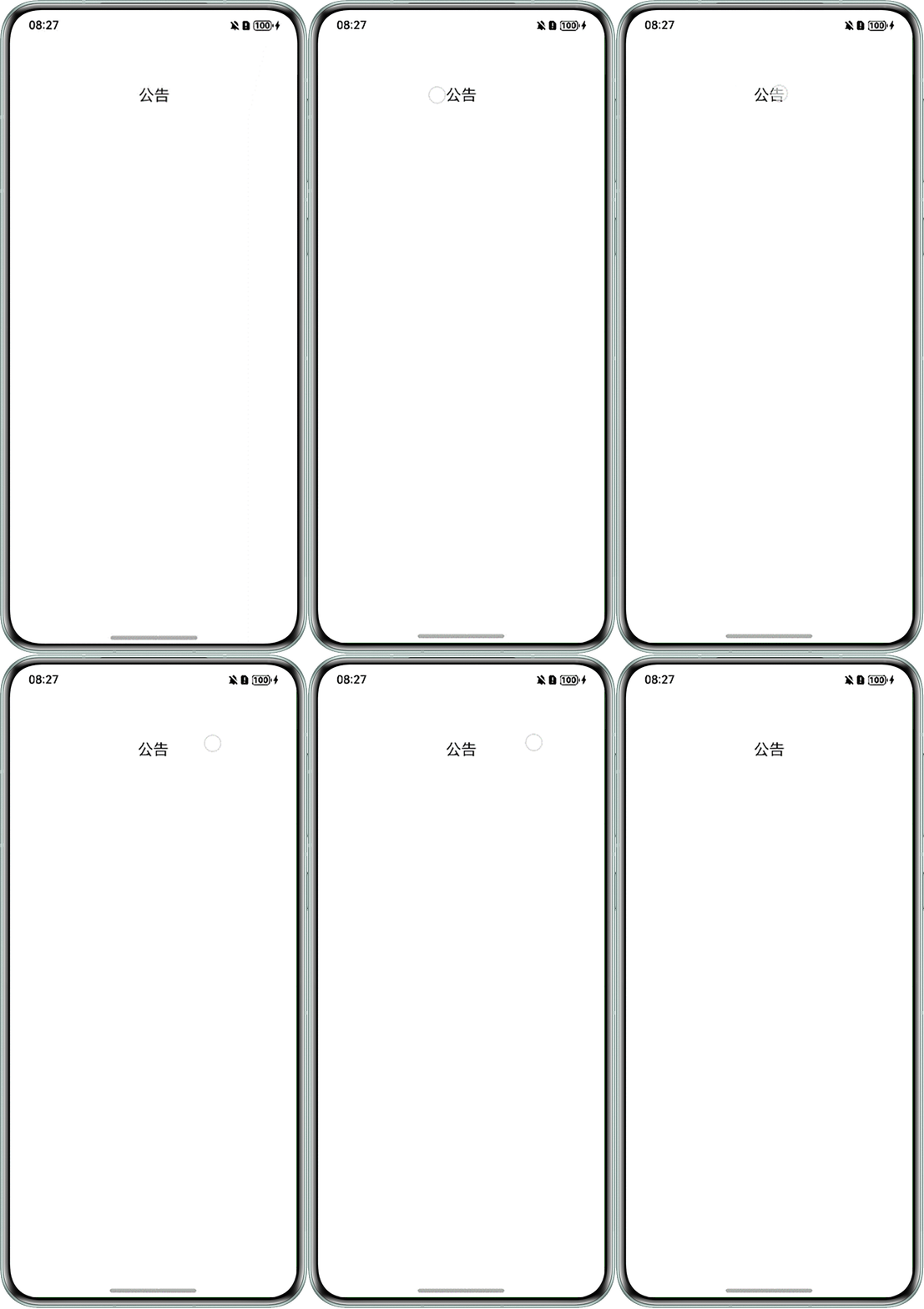
问题效果预览:
背景知识
- onClick点击事件是组件被点击时触发的事件,因此滑动后抬起手指也会触发onClick事件。可以新增distanceThreshold参数,设置点击手势移动阈值。手指移动超出阈值时,点击手势识别失败。
- TapGesture点击手势支持单次点击和多次点击。
解决方案
可通过限制手势移动阈值区分点击、滑动事件。
- 方案一:onClick事件中增加distanceThreshold参数,将阈值设置为一个极小值1,当手指的移动距离超出预设的移动阈值时,点击识别失败,即不触发点击事件。
import { PromptAction } from '@kit.ArkUI';

@Entry
@Component
struct Index {
  promptAction: PromptAction = this.getUIContext().getPromptAction();

  build() {
    Column() {
      Swiper() {
        Text('公告')
          .width('80%')
          .fontSize(20)
          .textAlign(TextAlign.Center)
          .onClick(() => {
            this.promptAction.showToast({ message: '通知详情', alignment: Alignment.Top });
          }, 1);
      }
      .height('20%')
      .vertical(true)
      .indicator(false);
    }
    .width('100%')
    .height('100%');
  }
}
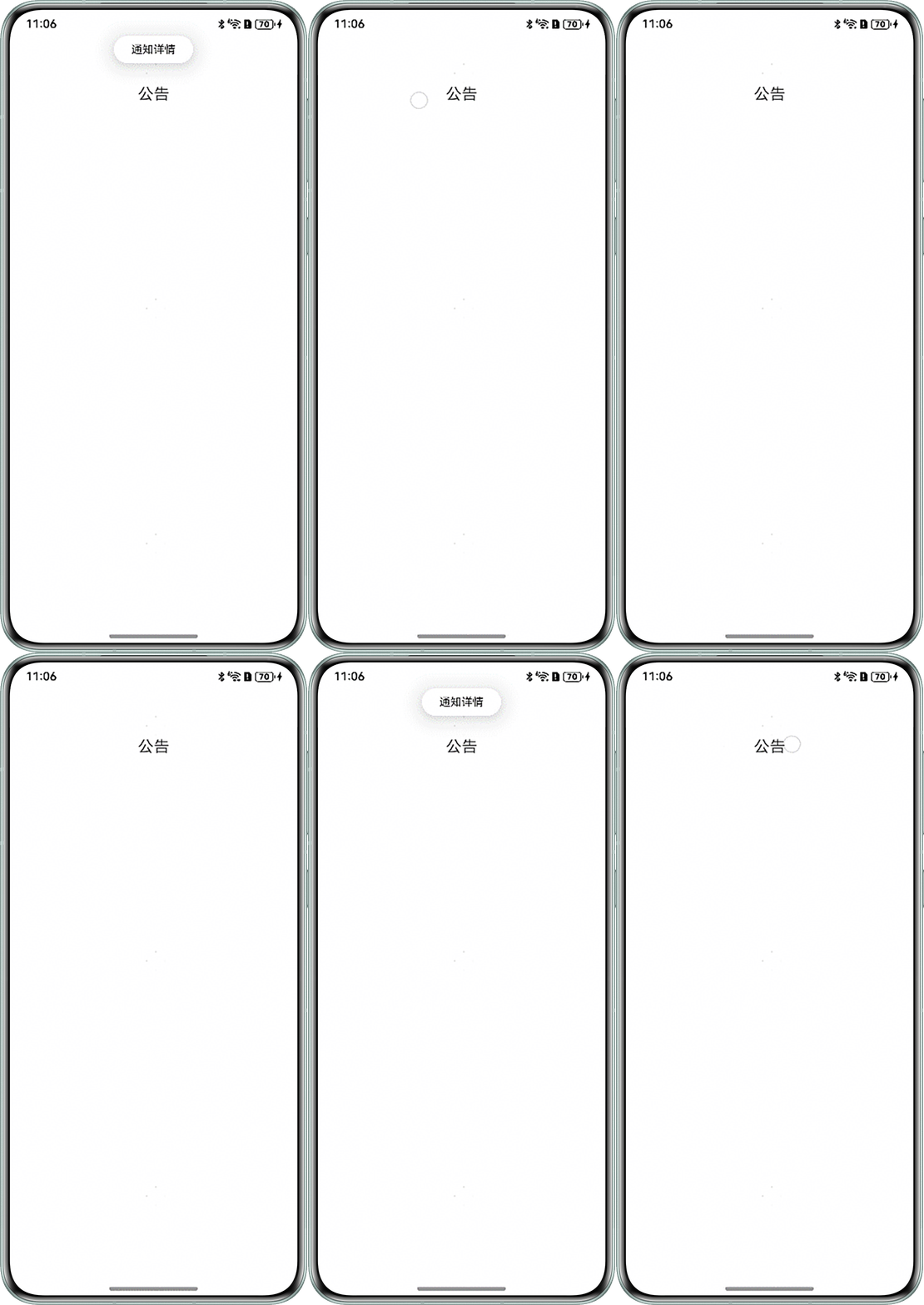
效果预览:
- 方案二:当需要识别单击、双击和多次点击事件,并阻止滑动过程中误触发子组件点击事件时,可将子组件的onClick事件替换为TapGesture。TapGestureParameters中可设置连续点击次数count,同时设置distanceThreshold限制手势移动范围,当手势移动距离超过该阈值时,不识别为有效点击,从而有效避免滑动时的误触。
import { PromptAction } from '@kit.ArkUI';

@Entry
@Component
struct TapGestureExample {
  promptAction: PromptAction = this.getUIContext().getPromptAction();

  build() {
    Column() {
      Swiper() {
        // 单指双击文本触发手势事件
        Text('Click twice').fontSize(28)
          .gesture(
            TapGesture({ count: 2, distanceThreshold: 50 })
              .onAction((event: GestureEvent) => {
                if (event) {
                  this.promptAction.showToast({ message: '通知详情', alignment: Alignment.Top });
                }
              })
          );
        Text('');
      }.indicator(false);
    }
    .height(200)
    .width(300)
    .padding(20)
    .margin(30);
  }
}
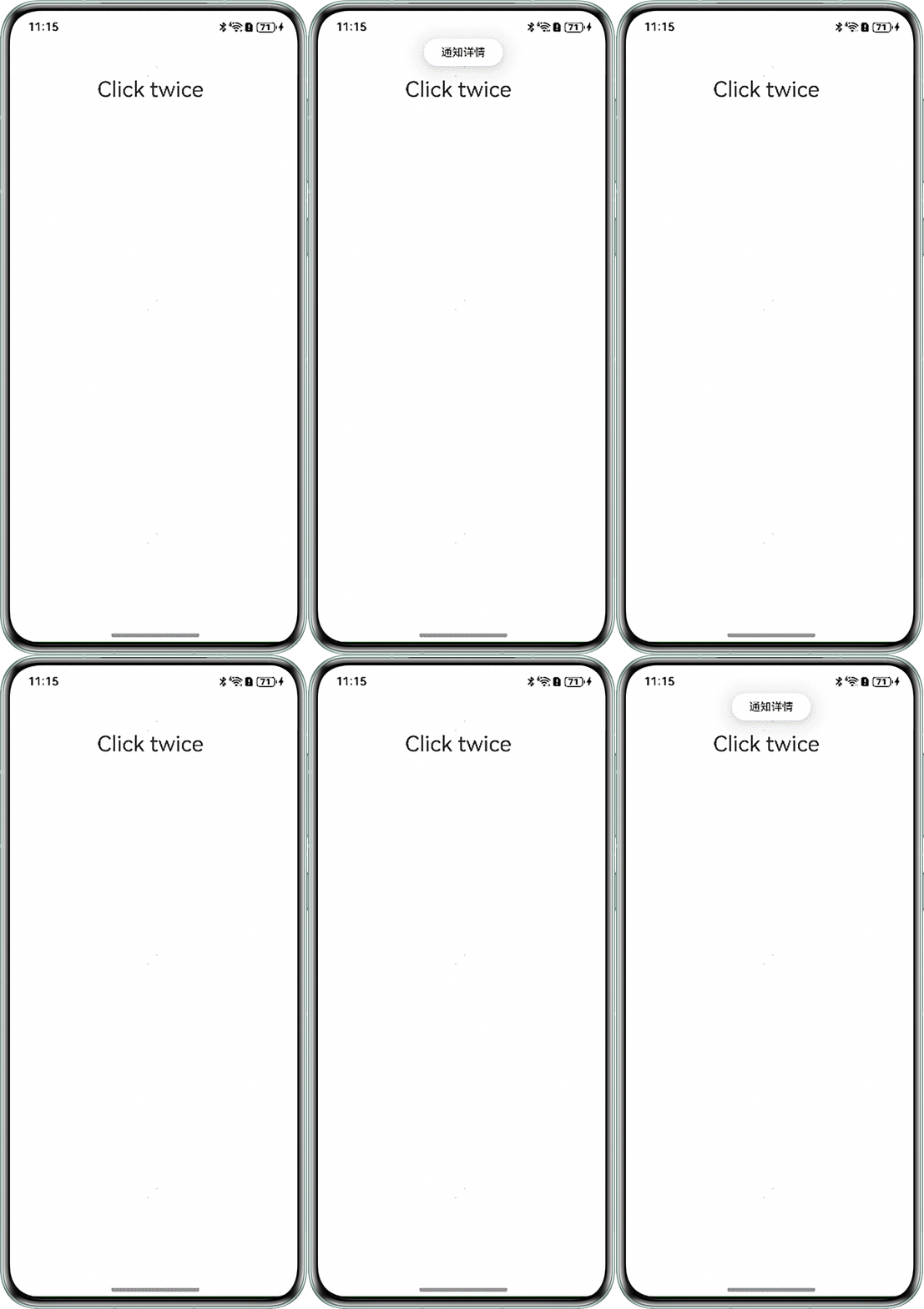
效果预览: