定位过程
- 使用DevEco Testing-实用工具-UIViewer查看页面布局,标题为Text组件。
- 查看该Web组件的设置,该Web组件使用onTitleReceive获取H5页面的标题,并通过Text组件显示标题。
Column() { Text(this.pageTitle) .width('100%') .height('10%') .textAlign(TextAlign.Center); Web({ src: $rawfile('video.html'), controller: this.controller }) .height('90%') .width('100%') .fileAccess(true) .geolocationAccess(false) .onTitleReceive((event) => { if (event) { this.pageTitle = event.title; } }); } - 使用Devtools或开发者工具查看该H5页面的设置,该H5页面未使用title设置页面标题。
<!DOCTYPE html>
<html lang="zh">
<head>
    <meta charset="UTF-8" />
    <meta name="viewport" content="width=device-width, initial-scale=1.0" />
    <!-- 未使用title设置页面标题 -->
</head>
</html>

修改建议
合理设置H5页面的<title>标签中的标题内容。
import { webview } from '@kit.ArkWeb';
import { window } from '@kit.ArkUI';
import { common } from '@kit.AbilityKit';

@Entry
@Component
struct WebVideo {
  controller: webview.WebviewController = new webview.WebviewController();
  @State pageTitle: string = '';

  aboutToAppear(): void {
    let context: common.UIAbilityContext = this.getUIContext().getHostContext() as common.UIAbilityContext;
    window.getLastWindow(context).then((lastWindow) => {
      lastWindow.setWindowLayoutFullScreen(true);
    });
  }

  build() {
    Column() {
      Text(this.pageTitle)
        .width('100%')
        .height('10%')
        .textAlign(TextAlign.Center);

      Web({ src: $rawfile('video.html'), controller: this.controller })
        .height('90%')
        .width('100%')
        .fileAccess(true)
        .geolocationAccess(false)
        .onTitleReceive((event) => {
          if (event) {
            this.pageTitle = event.title;
          }
        });
    }
    .height('100%')
    .width('100%')
    .padding({ top: '123px', bottom: '91px' })
    .expandSafeArea([SafeAreaType.SYSTEM], [SafeAreaEdge.TOP, SafeAreaEdge.BOTTOM]); // 扩展页面区域到导航栏和状态栏
  }
}
<!DOCTYPE html>
<html lang="zh">
<!-- Start solution1 -->
<head>
<meta charset="UTF-8" />
<meta name="viewport" content="width=device-width, initial-scale=1.0" />
<title>视频页面</title>
<!-- End solution1 -->
<style>
* {
padding: 0;
margin: 0;
}
body {
width: 100%;
height: 100%;
box-sizing: border-box;
background-color: #ffffff;
}
.page {
display: flex;
justify-content: center; /* 水平居中 */
align-items: center; /* 垂直居中 */
align-items: flex-start;
width: 100%;
height: 100%;
box-sizing: border-box;
}
.video-box {
width: 100%;
height: calc(100vw * 9 / 16);
display: flex;
justify-content: center; /* 水平居中 */
align-items: center; /* 垂直居中 */
align-items: center;
box-sizing: border-box;
margin-top: 200px;
}
.myVideo {
width: 100%;
height: 100%;
object-fit: contain;
background-color: black;
}
</style>
</head>
<body>
<div class="page" >
<div class="video-box" >
<video autoplay muted loop class="myVideo" controls>
<!-- "www.example.mp4"需要替换为开发者需要的视频资源文件 -->
<source src="www.example.mp4" type="video/mp4">
</video>
</div>
</div>
</body>
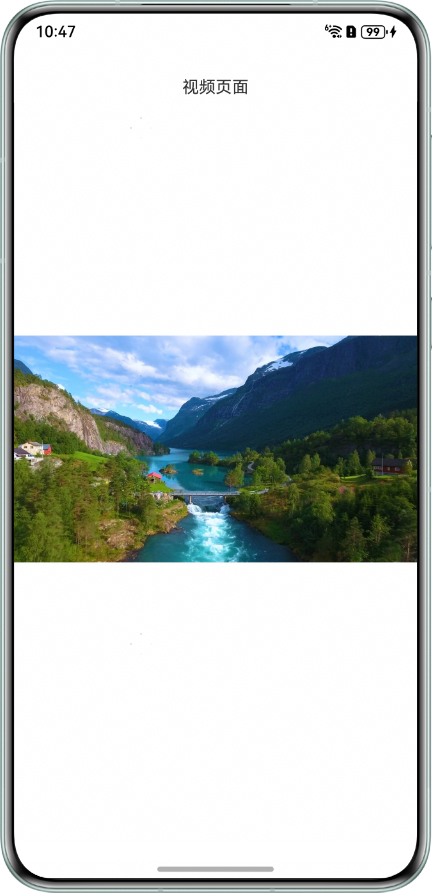
</html> 效果图如下: