问题现象
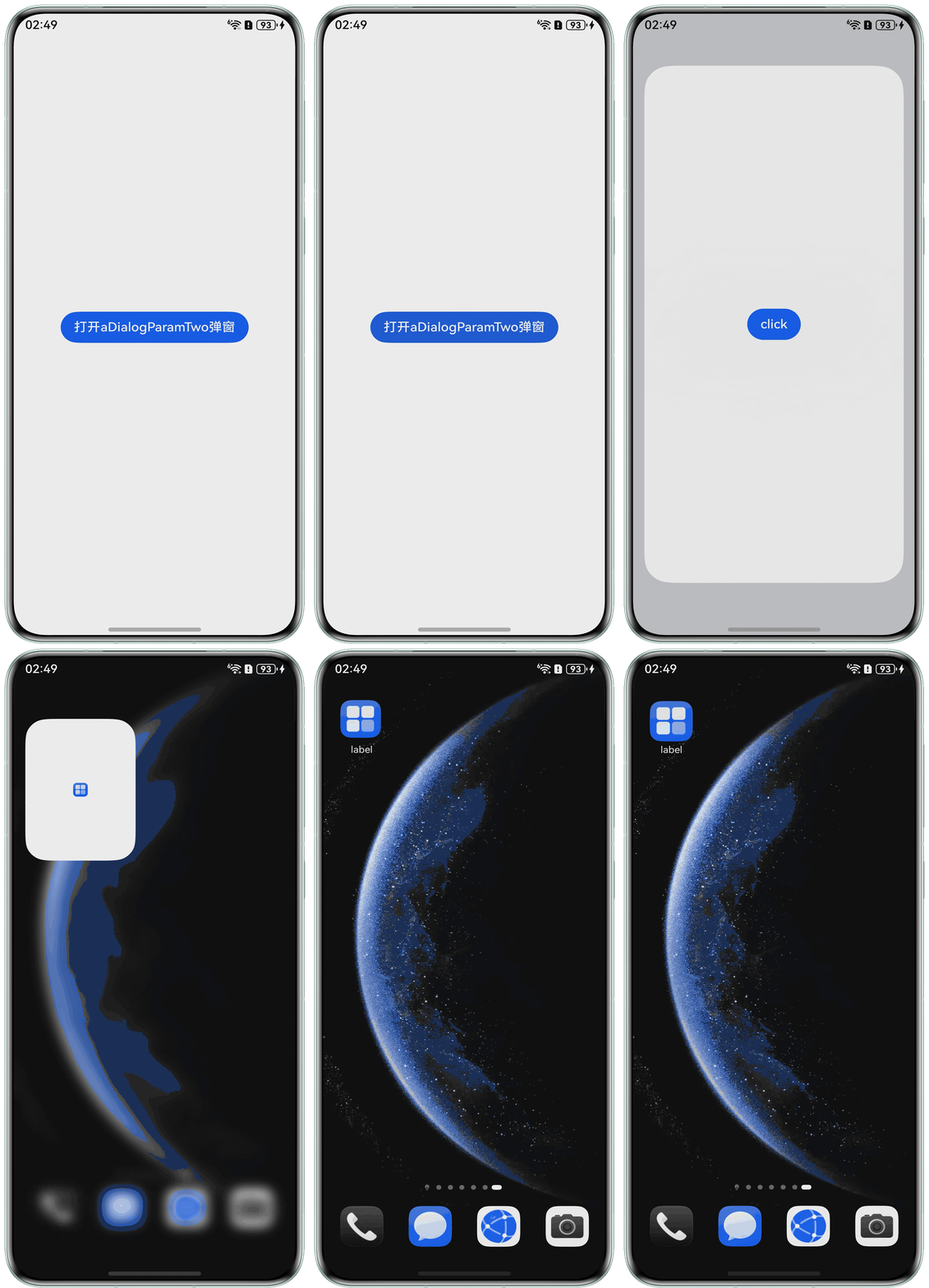
在弹窗中使用this.dialogController.open()方法打开上层弹窗时,出现闪退现象并报错:
Error message:Cannot read property open of undefined。
问题代码如下:
@Entry
@Component
export struct Index {
  aDialogParamTwo = new CustomDialogController({
    builder: ADialogParamTwo({
      visitorMode: this.visitorMode
    })
  })
  aDialogParam = new CustomDialogController({
    builder: ADialogOne({}),
  });
  visitorMode() {
    this.aDialogParam.open()
  }
  build() {
    Column() {
      Button('打开aDialogParamTwo弹窗')
        .onClick(() => {
          // 打开aDialogParamTwo弹窗
          this.aDialogParamTwo.open()
        })
    }
    .width('100%')
    .height('100%')
    .justifyContent(FlexAlign.Center)
  }
}
/**
 * 弹窗一
 * 用于模拟在弹窗二中打开弹窗一
 */
@CustomDialog
export struct ADialogOne {
  controller: CustomDialogController = new CustomDialogController({
    builder: ADialogOne({}),
  })
  build() {
    Column({}) {
      Button() {
        Text('隐私协议')
      }
    }
    .height('100%')
    .justifyContent(FlexAlign.Center)
  }
}

/**
 * 弹窗二
 * 模拟调用弹窗二的方法来打开弹窗一
 */
@CustomDialog
export struct ADialogParamTwo {
  controller: CustomDialogController = new CustomDialogController({
    builder: ADialogParamTwo({}),
  })
  visitorMode: () => void = () => {
  }
  build() {
    Column({}) {
      Button() {
        Button('click').onClick(() => {
          // 通过aDialogParamTwo弹窗的click按钮调用传入的箭头函数从而调用aDialogParam弹窗的this.aDialogParamTwo.open()方法,打开aDialogParam弹窗。
          this.visitorMode()
        })
      }
    }
    .height('100%')
    .justifyContent(FlexAlign.Center)
  }
}
问题代码运行效果:
问题定位
运行代码时出现报错Error message:Cannot read property open of undefined,确认是aDialogParamTwo对象调用visitorMode()方法导致的报错。在实例化aDialogParamTwo对象时,代码直接使用“传递方法引用”的方式将visitorMode()方法传递aDialogParamTwo的visitorMode参数,使visitorMode()方法中的this关键字指向调用者aDialogParamTwo;但因为aDialogParamTwo中未定义aDialogParam,所以visitorMode()方法内部在调用this.aDialogParam的open()方法的时候出现报错。
分析结论
- visitorMode()方法内部使用了this,如果使用“传递类方法引用”将这个方法传递给调用者aDialogParamTwo使用,visitorMode()方法内部的this会指向aDialogParamTwo对象,而不是父组件Index。因为aDialogParamTwo中没有定义aDialogParam对象,导致visitorMode()方法内部调用this.aDialogParam.open()会报错。
  visitorMode() {
      this.aDialogParam.open()
    }
aDialogParamTwo = new CustomDialogController({ builder: ADialogParamTwo({ // 传递类方法引用 visitorMode: this.visitorMode }) }) - 箭头函数没有自己的this,所以使用箭头函数包裹方法时,visitorMode()方法内部的this会继承它外层作用域的this。在这里,箭头函数中的this(外层作用域的this)始终指向父组件Index,所以visitorMode()方法内部的this也会指向父组件Index。由于Index中已定义aDialogParam对象,因此能正确调用this.aDialogParam.open()。
  aDialogParamTwo = new CustomDialogController({
    builder: ADialogParamTwo({
      // 将箭头函数传递给aDialogParamTwo弹窗的visitorMode
      visitorMode: () => {
        // 箭头函数包裹this.visitorMode()
        this.visitorMode()
      }
    })
  })
修改建议
通过箭头函数包裹方法,并将箭头函数传递给aDialogParamTwo对象中的visitorMode参数,示例代码如下:
@Entry
@Component
export struct Index {
  aDialogParamTwo = new CustomDialogController({
    builder: ADialogParamTwo({
      // 将箭头函数传递给aDialogParamTwo弹窗的visitorMode
      visitorMode: () => {
        // 箭头函数包裹this.visitorMode()
        this.visitorMode();
      }
    })
  });
  aDialogParam = new CustomDialogController({
    builder: ADialogOne({}),
  });
  visitorMode() {
    this.aDialogParam.open();
  }
  build() {
    Column() {
      Button('打开aDialogParamTwo弹窗')
        .onClick(() => {
          // 打开aDialogParamTwo弹窗
          this.aDialogParamTwo.open();
        })
    }
    .width('100%')
    .height('100%')
    .justifyContent(FlexAlign.Center)
  }
}

/**
 * 弹窗一
 * 用于模拟在弹窗二中打开弹窗一
 */
@CustomDialog
export struct ADialogOne {
  controller: CustomDialogController = new CustomDialogController({
    builder: ADialogOne({}),
  });
  build() {
    Column({}) {
      Button('隐私协议')
        .onClick(() => {
        })
    }
    .height('100%')
    .width('100%')
    .justifyContent(FlexAlign.Center)
    .backgroundColor('#d1d1d6')
  }
}

/**
 * 弹窗二
 * 模拟调用弹窗二的方法来打开弹窗一
 */
@CustomDialog
export struct ADialogParamTwo {
  controller: CustomDialogController = new CustomDialogController({
    builder: ADialogParamTwo({}),
  });
  visitorMode: () => void = () => {
  };
  build() {
    Column({}) {
      Button() {
        Button('click').onClick(() => {
          // 通过aDialogParamTwo弹窗的click按钮调用传入的箭头函数从而调用aDialogParam弹窗的this.aDialogParamTwo.open()方法,打开aDialogParam弹窗。
          this.visitorMode();
        })
      }
    }
    .height('100%')
    .width('100%')
    .justifyContent(FlexAlign.Center)
    .backgroundColor('#f1f3f5')
  }
}
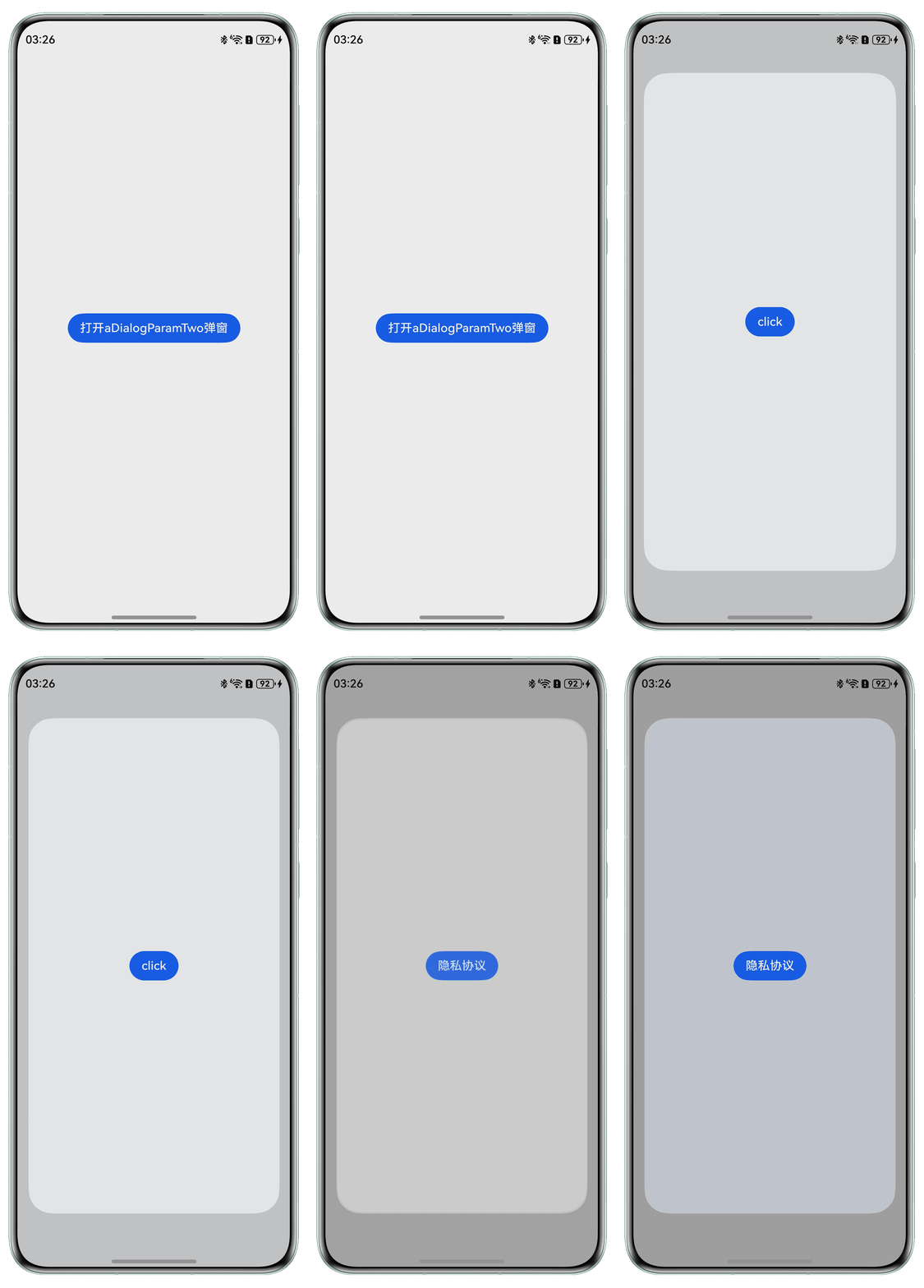
运行效果: