问题现象
给Button组件设置borderRadius属性不生效。
示例代码如下:
Button('按钮')
  .type(ButtonType.Normal)
  .borderRadius(8) // 设置borderRadius不生效
  .backgroundColor(0x317aff)
  .fontColor('white')
  .width(54)
  .height(30)
  .fontSize(14)
  .border({ color: '#E5E7EB', width: 1 })
  .margin({ right: 12, bottom: 30 })
  .padding(0);
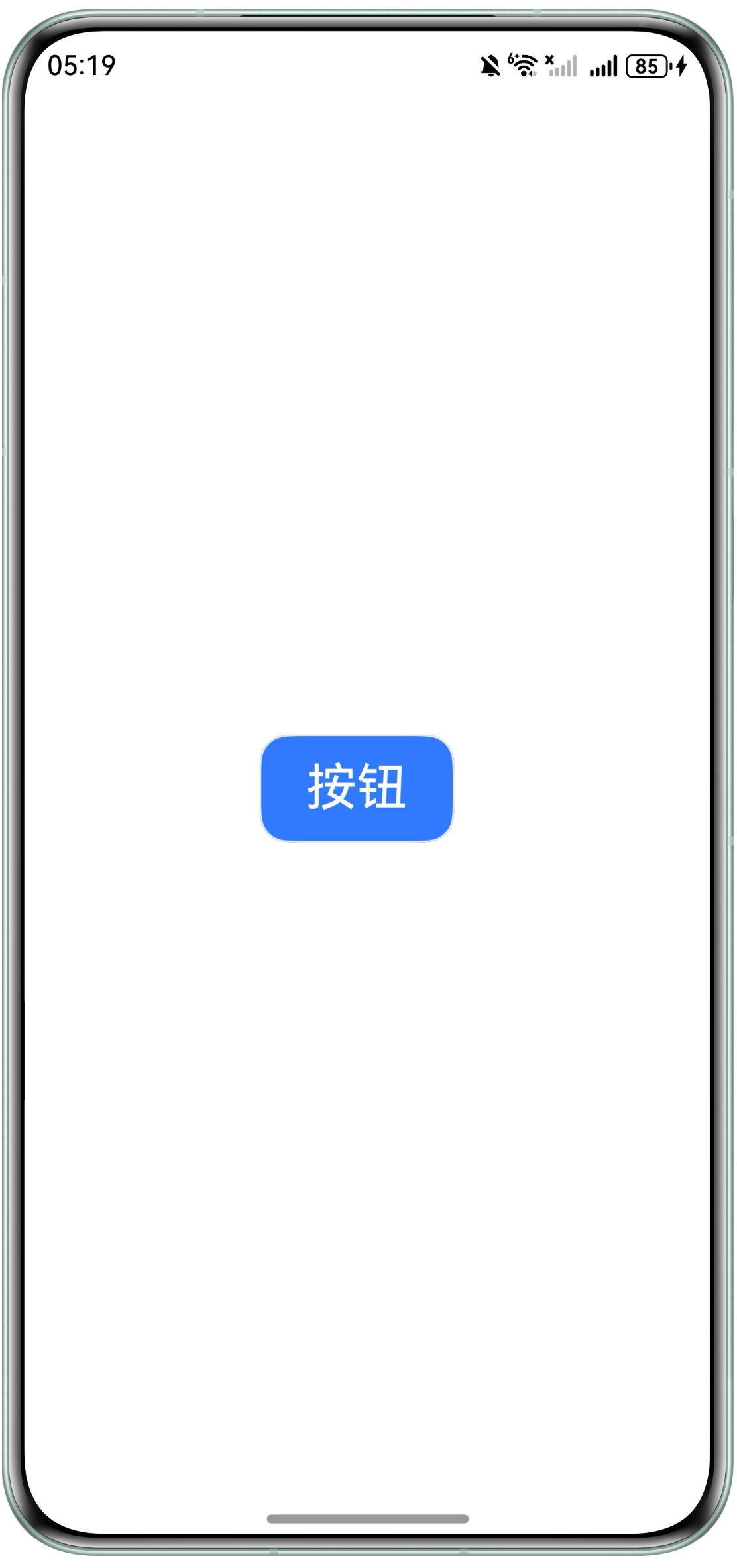
效果如下:

背景知识
通用属性border和borderRadius均有修改组件圆角的能力,其中border的范围适用性大于borderRadius,因此border属性可以覆盖borderRadius属性的效果应用到组件上,需要两个属性都生效,要求border属性配置必须在borderRadius属性配置前。
问题定位
- 考虑单独设置borderRadius是否生效。
- 排查哪个属性冲突使得borderRadius不生效,从有相同效果的属性开始排查。
- 修改属性配置顺序,确认属性冲突是因为顺序导致的,还是就是不能同时配置。
修改建议
先设置border属性,再设置borderRadius属性即可生效。
@Entry
@Component
struct Index {
  build() {

    Column() {
      Button('按钮')
        .type(ButtonType.Normal)
        .border({ color: '#E5E7EB', width: 1 }) // 调整该属性配置顺序在borderRadius前
        .borderRadius(16) // 设置borderRadius生效
        .backgroundColor(0x317aff)
        .fontColor('white')
        .width(108)
        .height(60)
        .fontSize(28)
        .margin({ right: 12 })
        .padding(0);
    }
    .justifyContent(FlexAlign.Center)
    .alignItems(HorizontalAlign.Center)
    .height('100%')
    .width('100%');

  }
}
效果如下: