问题现象
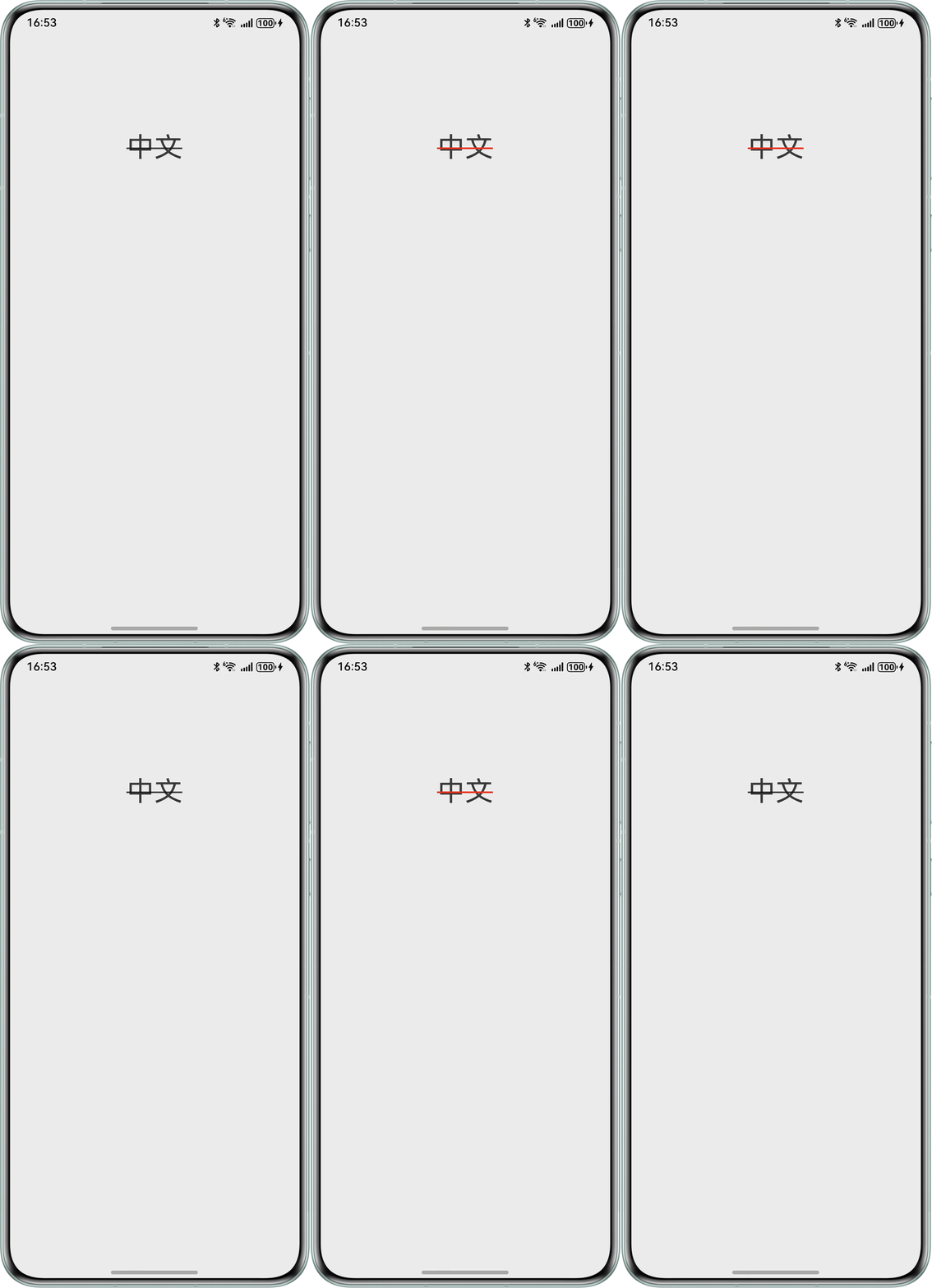
将Text组件的装饰线颜色设置为透明色Color.Transparent,用于控制装饰线的显示或隐藏,但实际显示与文本颜色相同,未达到预期效果。
问题代码如下:
@Entry
@Component
struct TextExample {
  @State selected: boolean = false


  build() {
    Column() {
      Row() {
        Text('中文')
          .fontSize('36fp')
          .decoration({
            type: TextDecorationType.LineThrough,
            color: this.selected ? Color.Red : Color.Transparent,
          })
          .onClick(() => {
            this.selected = !this.selected
          })
          .textAlign(TextAlign.Center)
          .layoutWeight(1)
      }
      .width('100%')
      .height(100)
      .justifyContent(FlexAlign.Center)
    }
    .width('100%')
    .padding({ top: 100 })
    .justifyContent(FlexAlign.Center)
  }
}
问题效果图:
解决方案
decoration属性中color的默认值为Color.Transparent,此时装饰线颜色跟随文本颜色。若期望设置装饰线为透明,需要设置装饰线颜色值为字符串格式,即透明色16进制对应值“#00FFFFFF”。
@Entry
@Component
struct TextDecorationExample {
  @State selected: boolean = false;

  build() {
    Column() {
      Text(' 点击显示或取消删除线 ')
        .width('100%')
        .fontSize('30fp')
        .textAlign(TextAlign.Center)
        .decoration({
          type: TextDecorationType.LineThrough,
          // 状态为false时,设置装饰线颜色为透明
          color: this.selected ? Color.Black : '#00FFFFFF',
        })
        .onClick(() => {
          this.selected = !this.selected;
        })
        .textAlign(TextAlign.Center)
        .layoutWeight(1);
    }
    .height('60%')
    .width('100%')
    .justifyContent(FlexAlign.Center);
  }
}