问题现象
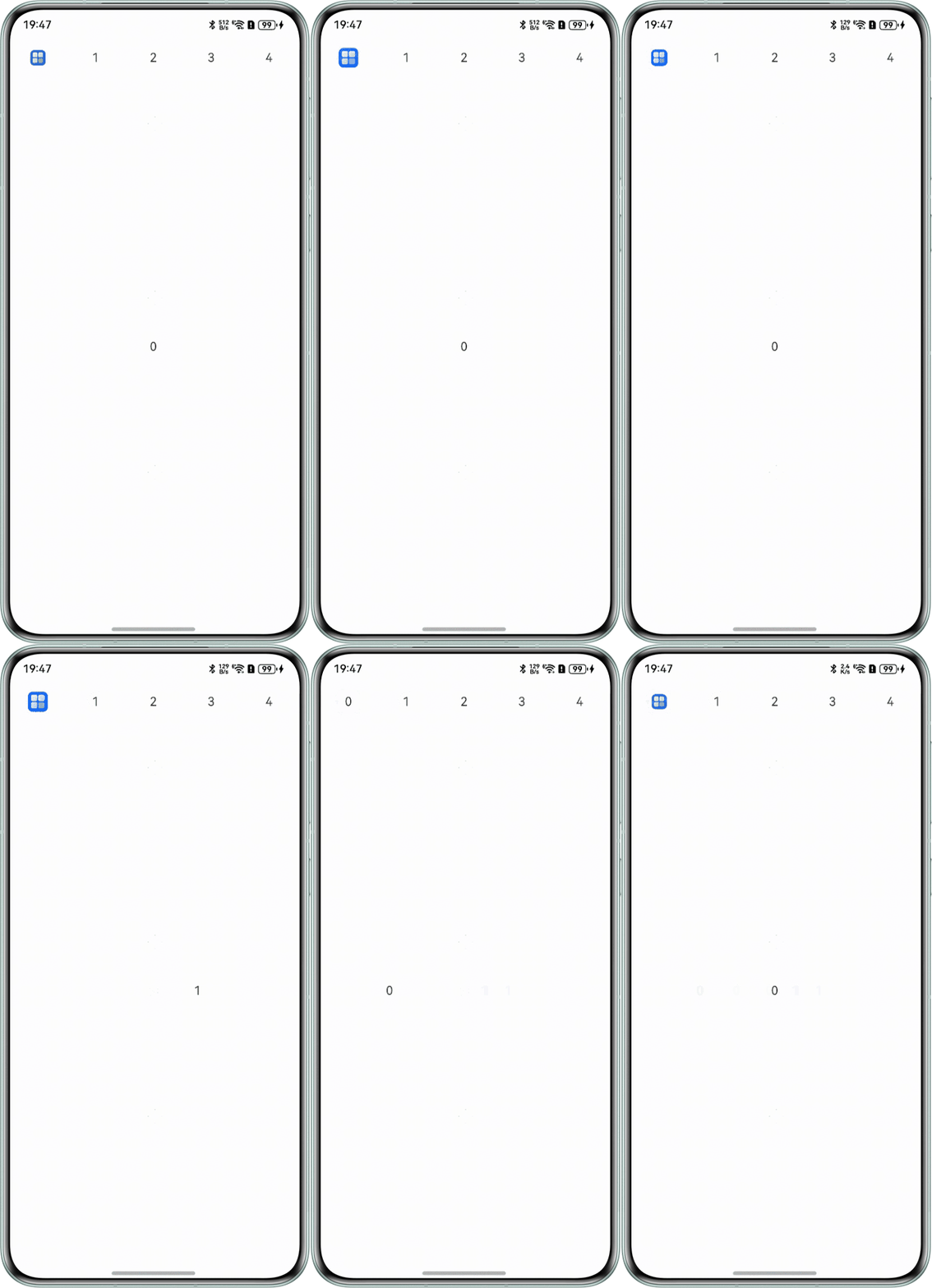
Tabs组件的tabBar导航页签栏中第一个页签使用if/else条件渲染,并执行属性动画,在切换到其他页签之后第一个页签被销毁,属性动画停止,当页签再次切换到第一个时,如何继续执行被销毁时执行的属性动画?
问题效果预览:

背景知识
- if/else:条件渲染的更新机制为当if、else if后跟随的状态判断中使用的状态变量值变化时,条件渲染语句会进行更新,更新步骤如下:
- 评估if和else if的状态判断条件,如果分支没有变化,无需执行以下步骤。如果分支有变化,则执行2、3步骤。
- 移除此前构建的所有子组件。
- 执行新分支的构造函数,将生成的子组件添加到if父容器中。如果缺少适用的else分支,则不创建任何内容。
- onAppear:组件挂载显示后触发此回调。
解决方案
由于if/else的渲染机制,切换页签后导致第一个页签被销毁重构从而导致动画停止,解决该问题可以在需要执行属性动画组件的onAppear事件中判断组件被销毁时是否在执行动画,如在执行动画则再次返回时给组件添加动画效果。
@Entry
@Component
struct TabBarNav {
  @State dataSource: number[] = [0, 1, 2, 3, 4];
  @State cIndex: number = 0;

  build() {
    Tabs() {
      ForEach(this.dataSource, (item: number) => {
        TabContent() {
          Text(item.toString());
        }.tabBar(this.myBar(item));
      });
    }
    .onChange((index: number) => {
      this.cIndex = index;
    })
    .height('100%')
    .width('100%');
  }

  @Builder
  myBar(key: number) {
    if (!(key === 0 && this.cIndex === 0)) {
      Text(key.toString());
    } else {
      BarDemo();
    }
  }
}

@Component
struct BarDemo {
  @State cHeight: number = 20;
  @State cWidth: number = 20;
  @StorageLink('isShow') isShow: boolean = false;
  ctx = this.getUIContext();

  // 判断组件被销毁时是否在执行动画
  animate() {
    this.ctx.animateTo({
      duration: 1000,
      curve: Curve.Linear,
      iterations: -1
    }, () => {
      if (this.isShow) {
        this.cHeight = 30;
        this.cWidth = 30;
      }
    });
  }

  build() {
    Column() {
      Image($r('app.media.startIcon'))
        .height(this.cHeight)
        .width(this.cWidth)
        .onClick(() => {
          // 改变状态
          this.isShow = !this.isShow;
          this.animate();
        });
    }
    .onAppear(() => {
      this.animate();
    });
  }
}