问题现象
使用Repeat实现列表功能,加载新数据会出现重复显示问题,一般有下面几种问题场景:
常见问题场景 | 问题描述 |
|---|---|
场景一 | 滑动加载新数据,在aboutToAppear方法里处理数据逻辑,导致数据重复。 |
场景二 | Repeat与@Builder混用场景下,传参错误,导致数据重复。 |


背景知识
- Repeat根据容器组件的有效加载范围(屏幕可视区域+预加载区域)加载子组件。当容器滑动/数组改变时,Repeat会根据父容器组件的布局过程重新计算有效加载范围,并管理列表子组件节点的创建与销毁。Repeat通过组件节点更新/复用从而优化性能表现。
- 节点更新/复用能力说明:当滚动容器组件滑动/数组改变时,Repeat将失效的子组件节点(离开容器组件的显示区域和预加载区域)加入空闲节点缓存池中,即断开组件节点与页面组件树的连接但不销毁节点。在需要生成新的组件时,对缓存池里的组件节点进行复用。
- aboutToAppear:aboutToAppear函数在创建自定义组件的新实例后,在执行其build()函数之前执行。允许在aboutToAppear函数中改变状态变量,更改将在后续执行build()函数中生效。
问题定位
- 场景一:
根据问题代码分析,数据更新是在子组件的aboutToAppear方法里完成的,aboutToAppear在组件被创建时触发,之后不会再触发。因为Repeat提供了节点复用的能力,后续加载的是之前复用的节点,不会走aboutToAppear方法,导致数据没有更新。
问题代码如下:
@ComponentV2
struct LowCodeTitleView{

  @Param ids: string = ''
  @Local changes:string = ''

  aboutToAppear(): void {
    this.changes = this.ids // 数据更新是在子组件的aboutToAppear方法里完成的
  }

  build() {
    Column(){
      Text(this.changes+"标题内容")
    }
  }
}

@Entry
@ComponentV2
struct Index {
  @Local dataArr: Array<string> = [];
  aboutToAppear(): void {
    for (let i = 0; i < 50; i++) {
      this.dataArr.push(`data_${i}`); // 为数组添加一些数据
    }
  }
  build() {
    RelativeContainer() {
      List({ space: 3 }) {
        Repeat<string>(this.dataArr)
          .each((ri: RepeatItem<string>) => {
            ListItem() {
              LowCodeTitleView({
                ids:ri.item
              })
            }
          })
          .key((item: string, index: number): string => "__test_lowcode--"+index)
          .virtualScroll({ totalCount: this.dataArr.length })
      }.cachedCount(1)
    }
    .height('100%')
    .width('100%')
  }
}
- 场景二:
- 首页展示正常,说明节点创建操作正常。
- 当滚动容器组件滑动/数组改变时,Repeat将失效的子组件节点(离开有效加载范围)加入空闲节点缓存池中,即断开组件节点与页面组件树的连接但不销毁节点。在需要生成新的组件时,对缓存池里的组件节点进行复用。下滑后发现节点与历史出现的节点重复,说明节点复用时异常,推测传参的方式或类型不符合要求。
- Repeat与Builder混用章节中描述:当Repeat与@Builder混用时,必须将RepeatItem类型整体进行传参,组件才能监听到数据变化,如果只传递RepeatItem.item或RepeatItem.index,将会出现UI渲染异常。
- 基于以上可确认问题原因在于组件imageItemView的传参有误。
问题代码如下:
List({ space: 10 }) {
  Repeat<ItemDataV2>(this.imageList)
    .each((ri: RepeatItem<ItemDataV2>) => {
      ListItem() {
        this.imageItemView(ri.item);
      };
    })
    .key((item: ItemDataV2) => item.id.toString())
    .templateId((item: ItemDataV2) => {
      return item.type;
    })
    .virtualScroll({ totalCount: this.imageList.length });
}
分析结论
- 场景一:Repeat提供了节点复用的能力,节点复用的时候没有办法重走aboutToAppear,导致复用组件的数据没有及时刷新。需要把要更新的数据放在数据源里,通过数据源变化来触发Repeat刷新。
- 场景二:UI渲染异常根源在于Repeat与@Builder混用时传参错误,必须将RepeatItem类型整体进行传参而不是只传递RepeatItem.item或RepeatItem.index。
修改建议
- 场景一:
- 方案一:由于复用时aboutToAppear方法不会执行,无法在aboutToAppear里更新数据源,因此可以考虑通过Repeat直接监听数据源变化触发刷新,示例代码如下:
class Title { id: number; title: string; constructor(id: number, title: string) { this.id = id; this.title = title; } } @ComponentV2 struct LowCodeTitleView { @Param title: Title = new Title(0, '标题内容'); // 数据从父组件传递给子组件,不走aboutToAppear build() { Column() { Text(this.title.id + this.title.title); }.margin({ left: 16, top: 10, bottom: 10 }); } } @Entry @ComponentV2 struct RepeatLoadDataDemo { @Local dataArr: Array<Title> = []; aboutToAppear(): void { for (let i = 0; i < 50; i++) { this.dataArr.push(new Title(i, '标题内容')); // 为数组添加一些数据 } } build() { RelativeContainer() { List({ space: 3 }) { Repeat<Title>(this.dataArr) // 把更新的数据放在数据源里 .each((ri: RepeatItem<Title>) => { ListItem() { LowCodeTitleView({ title: ri.item }); }; }) .key((_item: Title, index: number): string => '__test_lowcode--' + index) .virtualScroll({ totalCount: this.dataArr.length }); }.cachedCount(1).expandSafeArea([SafeAreaType.SYSTEM], [SafeAreaEdge.BOTTOM]); }.expandSafeArea([SafeAreaType.SYSTEM], [SafeAreaEdge.BOTTOM]) .height('100%') .width('100%'); } } - 方案二:可以使用LazyForEach结合@Reusable实现列表组件的组件复用,在节点复用的时候使用aboutToReuse生命周期触发节点触发更新数据,参考链接示例代码:列表滚动配合LazyForEach使用。
在API 18后,Repeat提供了关闭自身复用的能力,详细参考:VirtualScrollOptions;配合@ReusableV2装饰的组件使用,复用的时候也可以触发组件的aboutToReuse生命周期函数。
- 方案一:由于复用时aboutToAppear方法不会执行,无法在aboutToAppear里更新数据源,因此可以考虑通过Repeat直接监听数据源变化触发刷新,示例代码如下:
- 场景二:
上述问题代码中this.imageItemView(ri.item)传参存在问题,必须将RepeatItem类型整体进行传参,应该改为this.imageItemView(ri)。
示例代码如下:
@ObservedV2
export class ItemDataV2 {
  @Trace
  id: number;
  @Trace
  type: string = '';
  @Trace
  title: ResourceStr;
  @Trace
  img: Resource;

  constructor(id: number, title: ResourceStr, img: Resource, type?: string) {
    this.id = id;
    this.title = title;
    this.img = img;
    if (type) {
      this.type = type;
    }
  }
}

@Entry
@ComponentV2
struct RepeatDemo {
  @Local imageList: Array<ItemDataV2> = this.getFirstPageData();

  // 模拟的第一页的数据
  getFirstPageData(): Array<ItemDataV2> {
    let imageList: Array<ItemDataV2> = [];
    imageList.push(...getItemData(2, 10));
    return imageList;
  }

  build() {
    Column() {
      Button('addItem').onClick(() => { // 点击按钮添加一页的数据
        this.addTestData();
      });

      List({ space: 10 }) {
        Repeat<ItemDataV2>(this.imageList)
          .each((ri: RepeatItem<ItemDataV2>) => {
            ListItem() {
              this.imageItemView(ri);
            };
          })
          .key((item: ItemDataV2) => item.id.toString())
          .templateId((item: ItemDataV2) => {
            return item.type;
          })
          .virtualScroll({ totalCount: this.imageList.length });
      }.expandSafeArea([SafeAreaType.SYSTEM], [SafeAreaEdge.BOTTOM])
      .cachedCount(6)
      .width('100%')
      .padding({
        top: 15,
        right: 15,
        left: 15,
        bottom: 12
      });
    }.expandSafeArea([SafeAreaType.SYSTEM], [SafeAreaEdge.BOTTOM]);
  }

  // 添加一页的数据
  addTestData(): void {
    let count = this.imageList.length;
    let moreArr: ItemDataV2[] = getItemData(count, 10);
    this.imageList.push(...moreArr);
  }

  @Builder
  imageItemView(ri: RepeatItem<ItemDataV2>) {
    Stack() {
      Image(ri.item.img)
        .objectFit(ImageFit.Cover)
        .aspectRatio(3)
        .borderRadius(12);

      Text(ri.item.title)
        .padding(15)
        .fontSize(30)
        .fontWeight(FontWeight.Bold)
        .fontColor(Color.Black);

    }.alignContent(Alignment.TopStart)
    .width('100%');
  }
}

let swiperImg: Array<Resource> = [$r('app.media.backImage')]; // 背景图

// 创建模拟的数据
function getItemData(start: number, count: number): ItemDataV2[] {
  let arr: ItemDataV2[] = [];
  for (let i = 0; i < count; i++) {
    let imageIndex = i % swiperImg.length;
    arr.push(new ItemDataV2(i + start, (i + start).toString(), swiperImg[imageIndex]));
  }
  return arr;
}
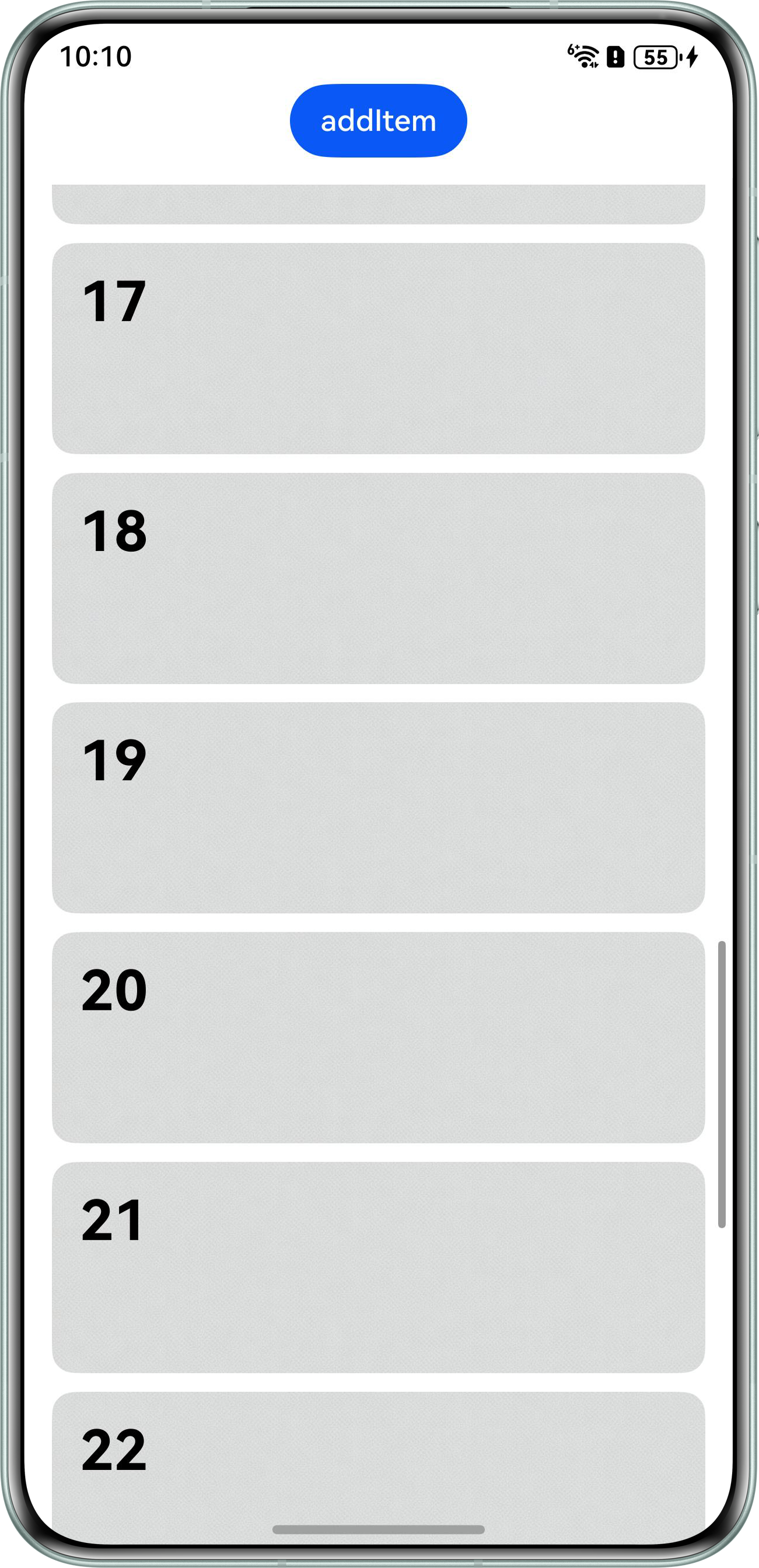
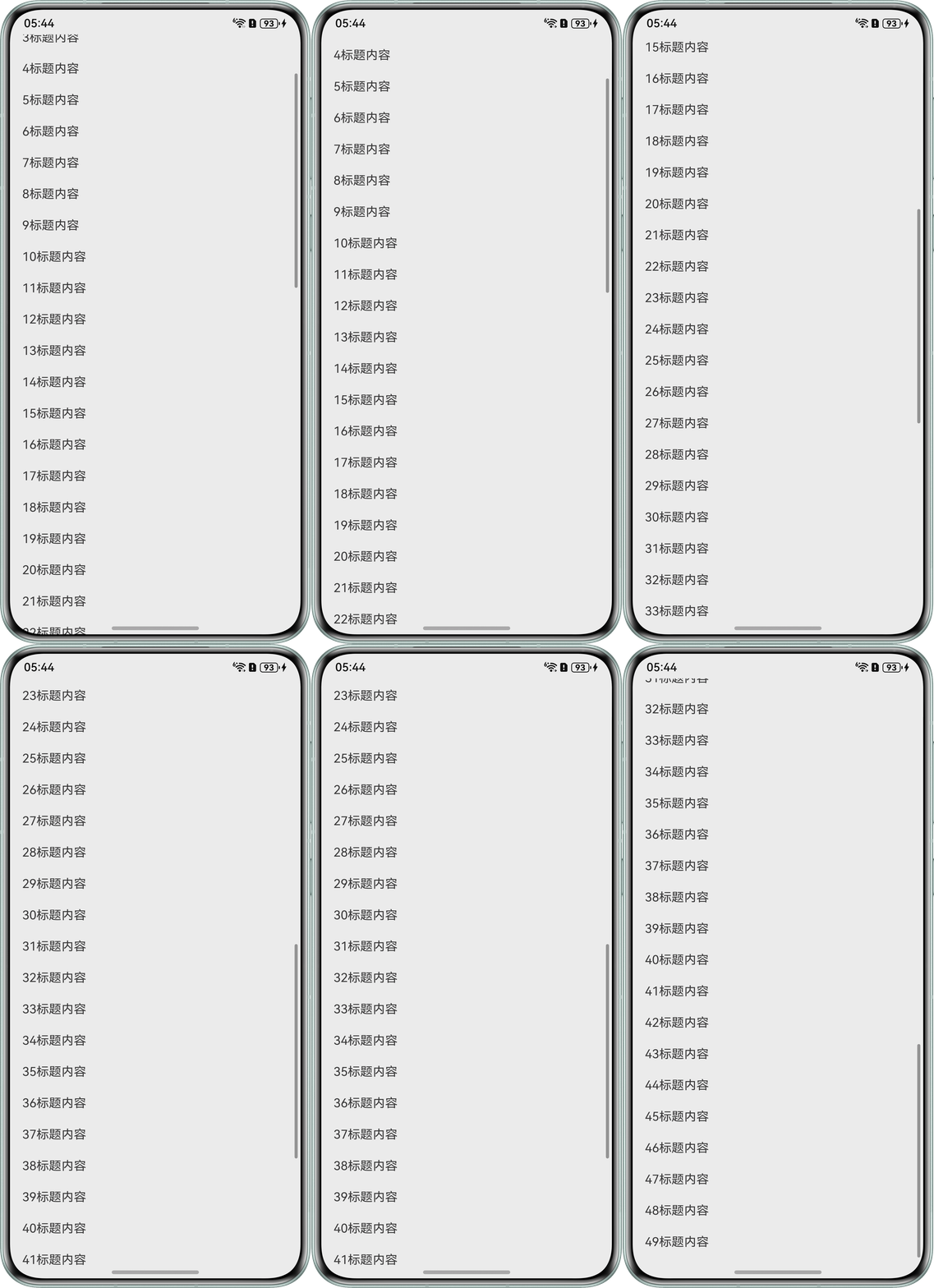
代码效果如下图:
场景一:
场景二: