背景知识
List是列表组件,适合用于呈现同类数据类型或数据类型集。
Swiper组件提供滑动轮播显示的能力。
Scroll可滚动的容器组件,当子组件的布局尺寸超过父组件的尺寸时,内容可以滚动。
共同点:都是手指滑动触发组件的显示。
解决方案
- Swiper滑动一页的宽度为Swiper组件自身的宽度:可以通过滑动手势PanGesture监听List的滑动方向和距离,每滑一次更新显示相应Item,模拟实现Swiper,代码如下:
@Entry
@Component
struct ListSwiper {
  private arr: number[] = [0, 1, 2, 3, 4, 5, 6, 7, 8, 9];
  scroller: Scroller = new Scroller();
  @State currentIndex: number = 0;
  @State offsetX: number = 0;
  @State preOffsetX: number = 0;

  build() {
    Column() {
      List({ space: 20, initialIndex: 0, scroller: this.scroller }) {
        ForEach(this.arr, (item: number) => {
          ListItem() {
            Text(`${item}`)
              .width('100%')
              .height(100)
              .fontSize(16)
              .textAlign(TextAlign.Center)
              .borderRadius(10)
              .backgroundColor('#f1f3f5');
          };
        }, (item: string) => item);
      }
      .listDirection(Axis.Horizontal) // 排列方向
      .scrollBar(BarState.Off)
      .friction(0.6)
      .enableScrollInteraction(false)
      .gesture(
        // 绑定滑动手势
        PanGesture()
        // 当触发滑动手势时,根据回调函数修改组件的布局位置信息
          .onActionUpdate((event: GestureEvent | undefined) => {
            if (event) {
              if (this.currentIndex === this.arr.length - 1 && event.offsetX < 0) {
                this.offsetX = 0;
              }
              this.offsetX = this.offsetX + this.preOffsetX - event.offsetX;
              this.scroller.scrollTo({ xOffset: this.offsetX, yOffset: 0 });
              this.preOffsetX = event.offsetX;
            }
          })
          .onActionEnd((event: GestureEvent | undefined) => {
            const length = this.arr.length;
            if (event) {
              if (event.offsetX < 0) {
                this.currentIndex = this.currentIndex === length - 1 ? 0 : this.currentIndex + 1;
                this.scroller.scrollToIndex(this.currentIndex);
              }
              if (event.offsetX > 0) {
                this.currentIndex = this.currentIndex === 0 ? this.currentIndex = length - 1 : this.currentIndex - 1;
                this.scroller.scrollToIndex(this.currentIndex);
              }
              setTimeout(() => {
                this.offsetX = this.scroller.currentOffset().xOffset;
                this.preOffsetX = 0;
              }, 500);
            }
          })
      )
      .width('100%');
    }
    .width('100%')
    .height('100%')
    .padding(16);
  }
}
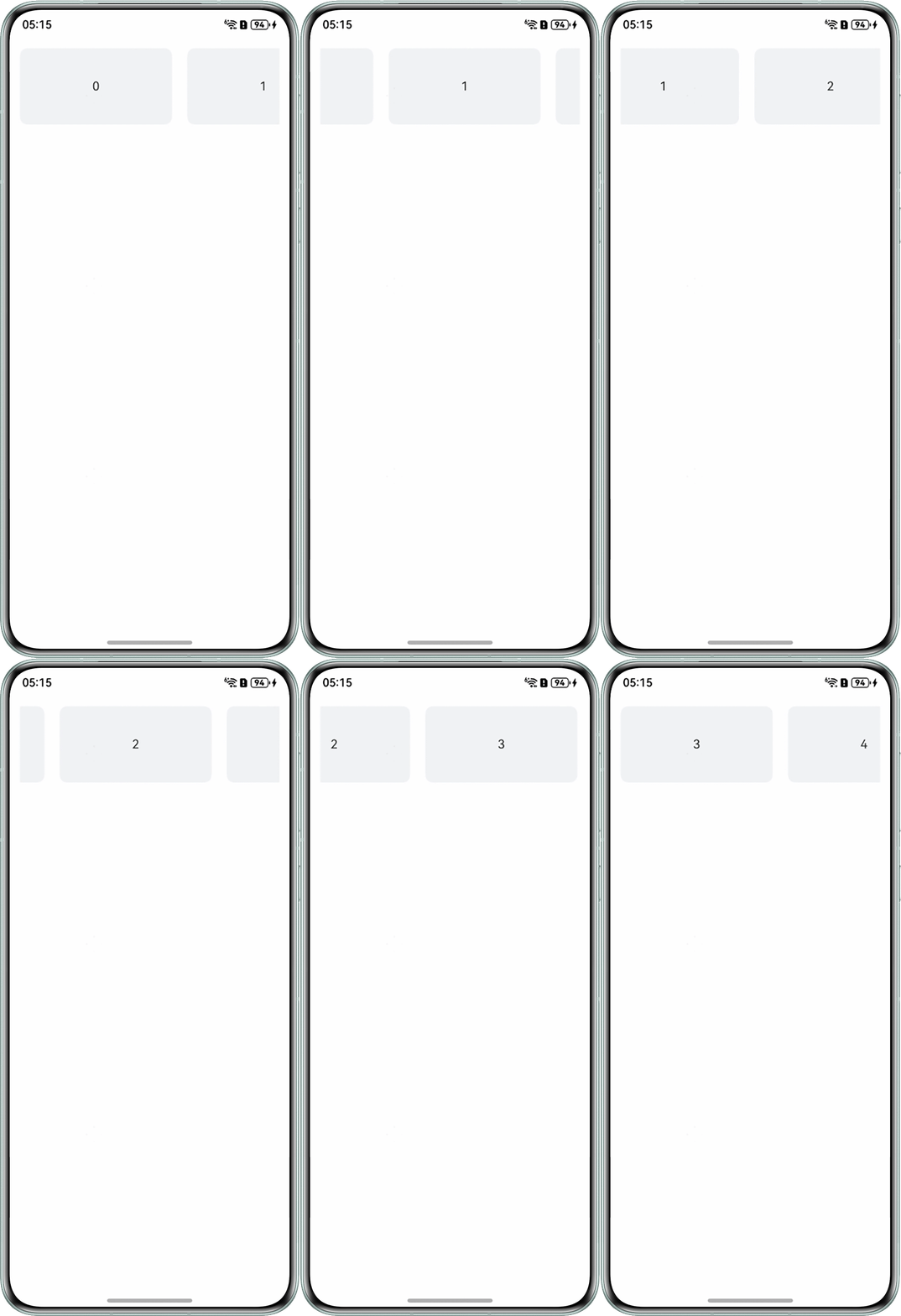
代码运行效果如下:
- Swiper滑动一页的宽度为子组件宽度中的最大值:SwiperDisplayMode枚举说明中表示AUTO_LINEAR类型(Swiper滑动一页的宽度为视窗内最左侧子组件的宽度)从API10开始支持,从API12开始不再维护,建议使用Scroller.scrollTo代替。目前未能完全使用Scroll替代Swiper功能,仅提供两种场景的实现方式。
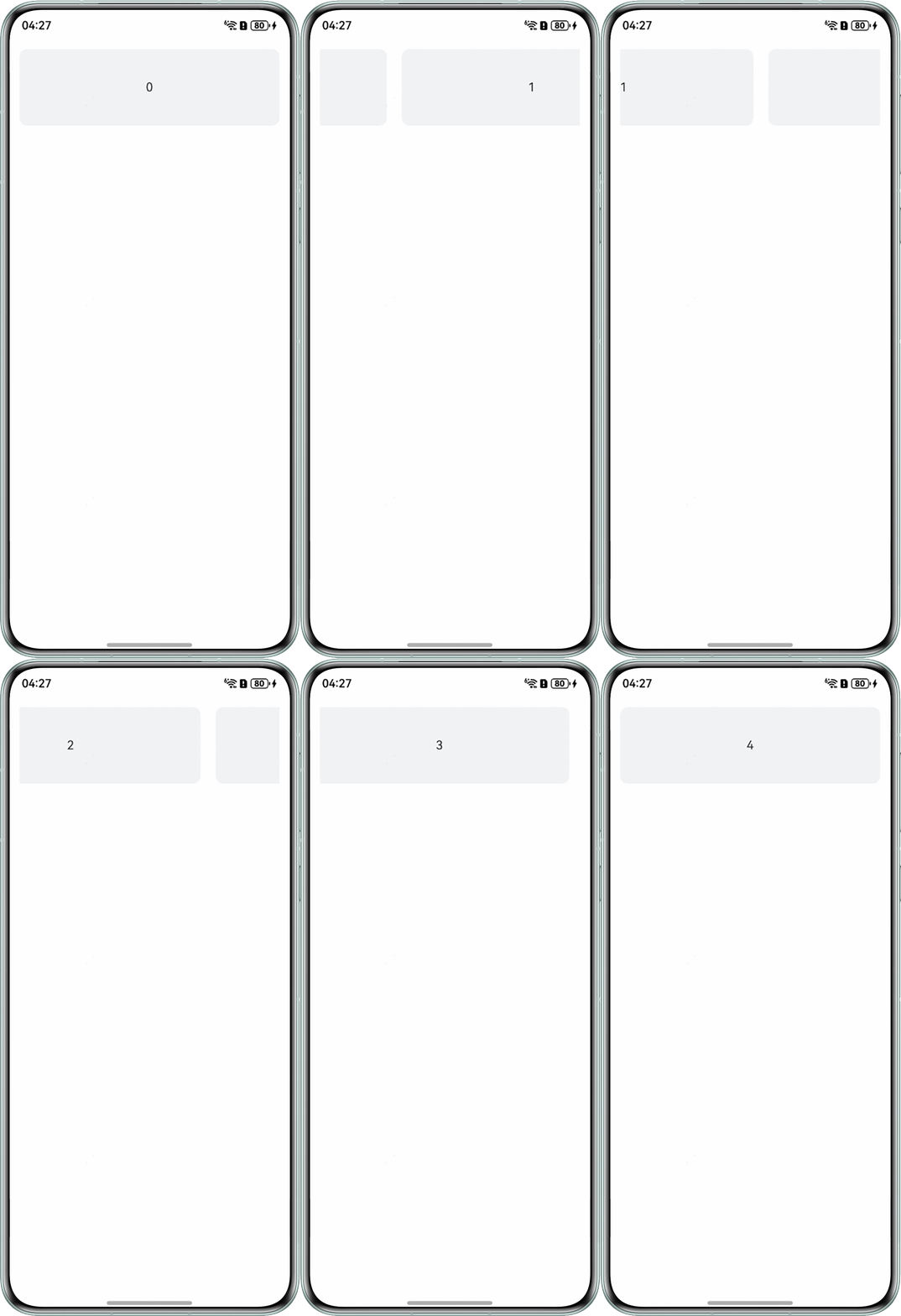
- 方式一:通过使用scrollTo,搭配gesture手势,只能实现手动轮播,且循环衔接效果差。
@Entry
@Component
struct ListSwiper1 {
  private arr: number[] = [0, 1, 2, 3, 4, 5, 6, 7, 8, 9];
  scroller: Scroller = new Scroller();
  itemWidth: number = 200;
  spaceInfo: number = 20;
  @State currentIndex: number = 0;
  @State offsetX: number = 0;
  @State preOffsetX: number = 0;
  @State moveLength: number = 0;

  build() {
    Column() {
      List({ space: this.spaceInfo, initialIndex: 0, scroller: this.scroller }) {
        ForEach(this.arr, (item: number) => {
          ListItem() {
            Row() {
              Text(`${item}`)
                .width(this.itemWidth)
                .height(100)
                .fontSize(16)
                .textAlign(TextAlign.Center)
                .borderRadius(10)
                .backgroundColor('#f1f3f5');
              if (item === this.arr.length - 1) {
                Blank(this.spaceInfo);
              }
            };
          };
        }, (item: string) => item);
      }
      .listDirection(Axis.Horizontal) // 排列方向
      .scrollBar(BarState.Off)
      .friction(0.6)
      .enableScrollInteraction(false)
      .gesture(
        // 绑定滑动手势
        PanGesture()
          .onActionUpdate((event: GestureEvent | undefined) => {
            if (event) {
              if (this.currentIndex === this.arr.length - 1 && event.offsetX < 0) {
                this.offsetX = 0;
              }
              this.offsetX = this.offsetX + this.preOffsetX - event.offsetX;
              this.scroller.scrollTo({
                xOffset: this.offsetX,
                yOffset: 0
              });
              this.preOffsetX = event.offsetX;
            }
          })
          .onActionEnd((event: GestureEvent | undefined) => {
            const LENGTH = this.arr.length;
            if (event) {
              if (event.offsetX < 0) {
                if ((-event.offsetX / this.itemWidth) > 0.5) {
                  this.currentIndex = this.currentIndex === LENGTH - 1 ? 0 : this.currentIndex + 1;
                  this.moveLength = this.currentIndex * (this.itemWidth + this.spaceInfo);
                }
              }
              if (event.offsetX > 0) {
                if ((event.offsetX / this.itemWidth) > 0.5) {
                  this.currentIndex = this.currentIndex === 0 ? LENGTH - 1 : this.currentIndex - 1;
                  this.moveLength = this.currentIndex * (this.itemWidth + this.spaceInfo);
                }
              }
              this.scroller.scrollTo({
                xOffset: this.moveLength,
                yOffset: 0,
                animation: { duration: 100, curve: Curve.Linear }
              });
              setTimeout(() => {
                this.offsetX = this.scroller.currentOffset().xOffset;
                this.preOffsetX = 0;
              }, 500);
            }
          })
      )
      .width('100%');
    }
    .width('100%')
    .height('100%')
    .padding(16);
  }
}
实现效果:
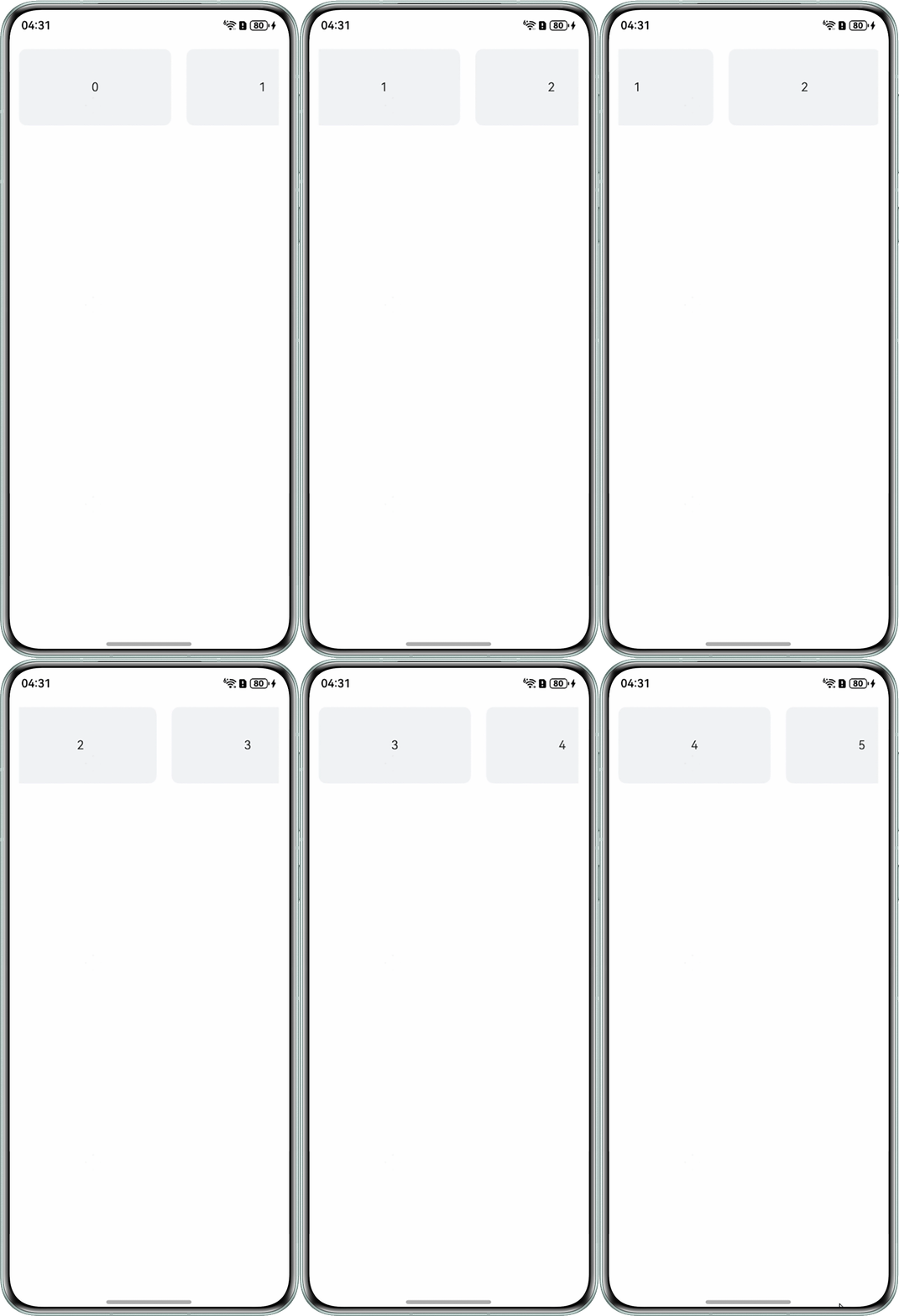
- 方式二:通过scrollBy可以实现自动循环轮播但未能同时实现手动轮播,scrollBy为滑动指定距离。
代码如下:
@ObservedV2
class HeadItemInfo {
  title: string = '';
  @Trace scale: number = 1;
  color: string = '#f1f3f5';
}

@Entry
@Component
struct ListSwiper2 {
  @State headList: HeadItemInfo[] = [];
  scroller: Scroller = new Scroller();
  intervalNum = -1;
  imageWidth: number = 200;
  spaceInfo = 20;

  aboutToAppear(): void {
    for (let index = 0; index < 10; index++) {
      let item = new HeadItemInfo();
      item.title = index.toString();
      this.headList.push(item);
    }
    this.intervalNum = setInterval(() => {
      this.showNext();
    }, 2000);
  }

  aboutToDisappear(): void {
    clearInterval(this.intervalNum);
  }

  build() {
    Column() {
      Scroll(this.scroller) {
        Row() {
          ForEach(this.headList, (item: HeadItemInfo) => {
            Text(item.title)
              .width(this.imageWidth)
              .height(100)
              .fontSize(16)
              .textAlign(TextAlign.Center)
              .borderRadius(10)
              .backgroundColor(item.color);
            Blank(this.spaceInfo);
          });
        };
      }
      .scrollBar(BarState.Off)
      .scrollable(ScrollDirection.Horizontal)
      .height(100)
      .align(Alignment.Center)
      .hitTestBehavior(HitTestMode.None)

    }
    .width('100%')
    .height('100%')
    .padding(16)
  }

  showNext() {
    this.getUIContext().animateTo({
      duration: 1000,
      curve: Curve.Linear,
      iterations: 1,
      playMode: PlayMode.Normal,
      onFinish: () => {
        this.headList.push(this.headList[0]);
        this.headList.shift();
        this.scroller.scrollBy(-this.imageWidth + 10, 0);
      }
    }, () => {
      this.scroller.scrollBy(this.imageWidth - 10, 0);
    });
  }
}
实现效果: