问题现象
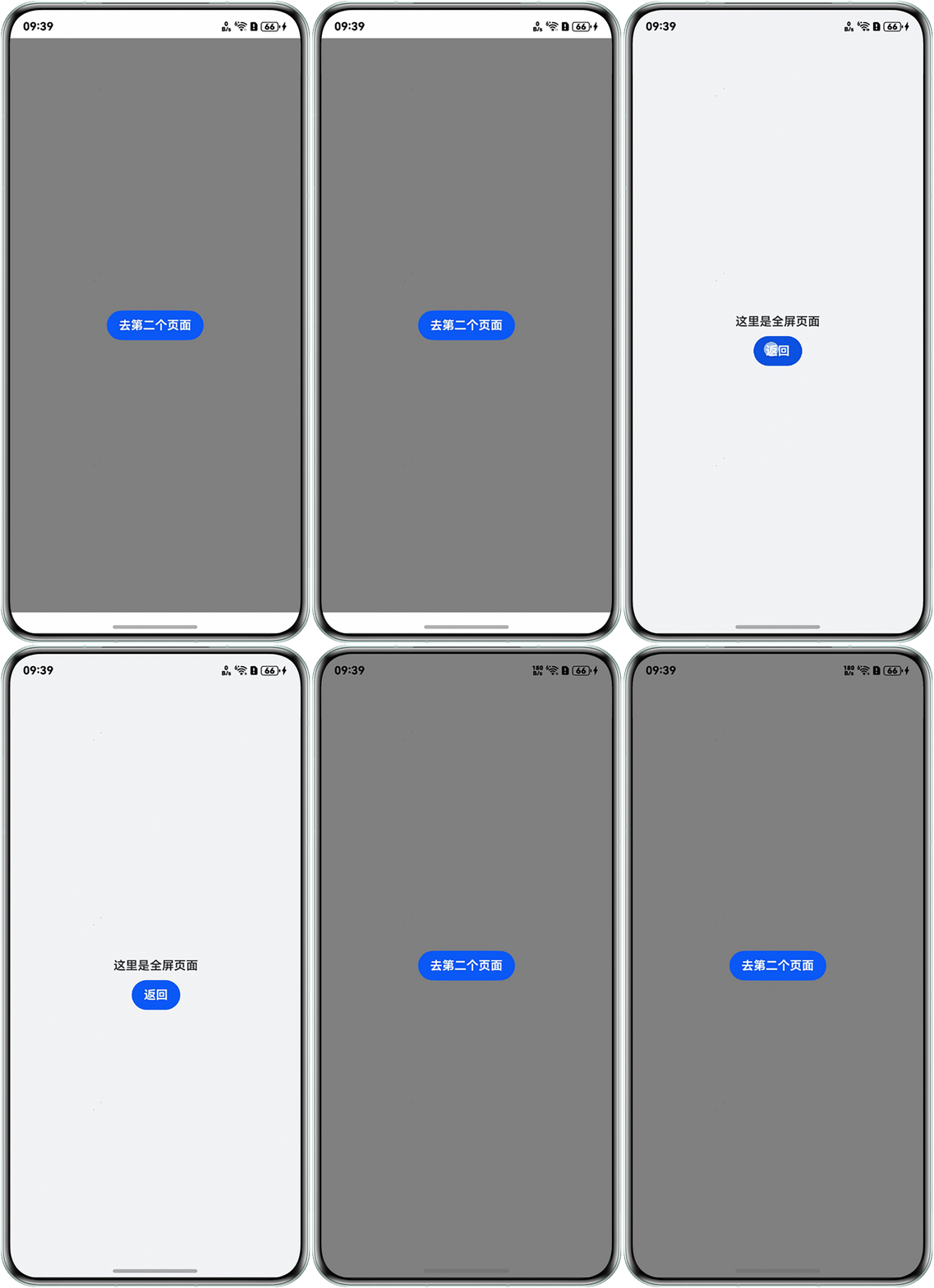
A页面没有设置沉浸式模式,B页面设置了沉浸式模式。在A页面跳转B页面时使用setWindowLayoutFullScreen()方法让页面变沉浸式,在B页面的aboutToDisappear生命周期中退出沉浸式,回到A页面,发现A页面也进入了沉浸式模式,如何避免A页面因跳转B页面而进入沉浸式模式?
问题效果预览:
背景知识
沉浸式模式通常指让应用的界面更加专注于内容,不希望用户被无关元素干扰。实现沉浸式效果有如下两种方案:
- 窗口提供管理窗口的一些基础能力,包括对当前窗口的创建、销毁、各属性设置,以及对各窗口间的管理调度。其中,setWindowLayoutFullScreen用于动态设置主窗口或子窗口的布局模式为沉浸式,即隐藏系统状态栏/导航栏以最大化可用区域。
- 设置组件的expandSafeArea属性,扩展组件的安全区域到状态栏和导航栏,从而实现沉浸式。
解决方案
由于aboutToDisappear生命周期是异步回调,因此在B页面的aboutToDisappear生命周期中退出沉浸式,A页面也会看到沉浸式过渡为非沉浸式的效果。解决该问题可参考以下2种方案:
- 方案一:在页面跳转过程中,通过页面生命周期方法动态控制沉浸式模式:
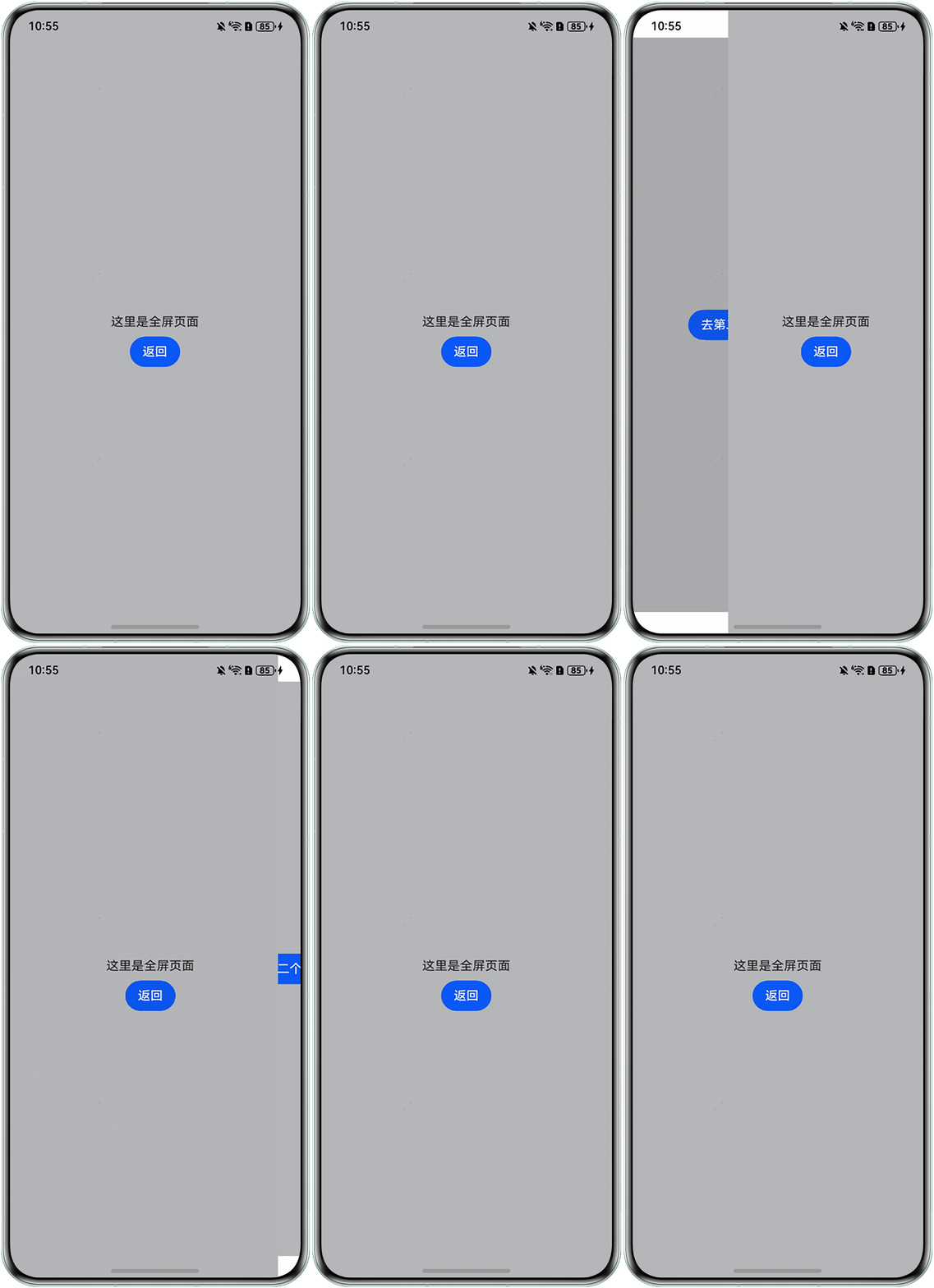
当B页面被隐藏时,在onPageHide方法中主动调用setWindowLayoutFullScreen(false)恢复非沉浸式状态,同时通过window.getLastWindow(this.getUIContext().getHostContext())确保仅操作当前页面的窗口实例,从而隔离页面间的状态影响,避免A页面因沉浸式模式被意外修改。
Index页面:
@Entry
@Component
struct Index {
  build() {
    RelativeContainer() {
      Button('去第二个页面')
        .alignRules({
          center: { anchor: '__container__', align: VerticalAlign.Center },
          middle: { anchor: '__container__', align: HorizontalAlign.Center }
        })
        .onClick(() => {
          this.getUIContext().getRouter().pushUrl({ url: 'pages/PageTwo'});
        });
    }.width('100%').height('100%').backgroundColor('#ffb5b6b8');
  }
}
PageTwo页面:
import { window } from '@kit.ArkUI';

export class ParamInfo {
  fromPage: string = '';
}

@Entry
@Component
struct PageTwo {
  onPageShow(): void {
    window.getLastWindow(this.getUIContext().getHostContext(), (err, win) => {
      if (err.code) {
        return;
      }
      win.setWindowLayoutFullScreen(true);
    });
  }

  onPageHide(): void {
    window.getLastWindow(this.getUIContext().getHostContext(), (err, win) => {
      if (err.code) {
        return;
      }
      win.setWindowLayoutFullScreen(false);
    });
  }

  build() {
    RelativeContainer() {
      Text('这里是全屏页面')
        .id("text1")
        .alignRules({
          center: { anchor: '__container__', align: VerticalAlign.Center },
          middle: { anchor: '__container__', align: HorizontalAlign.Center }
        });
      Button('返回').onClick(() => {
        this.getUIContext().getRouter().pushUrl({ url: 'pages/Index' });
      })
        .margin({ top: 10 })
        .alignRules({
          middle: { anchor: '__container__', align: HorizontalAlign.Center },
          top: { anchor: "text1", align: VerticalAlign.Bottom },
        });
    }.width('100%').height('100%').backgroundColor('#ffb5b6b8');
  }
}
效果预览:
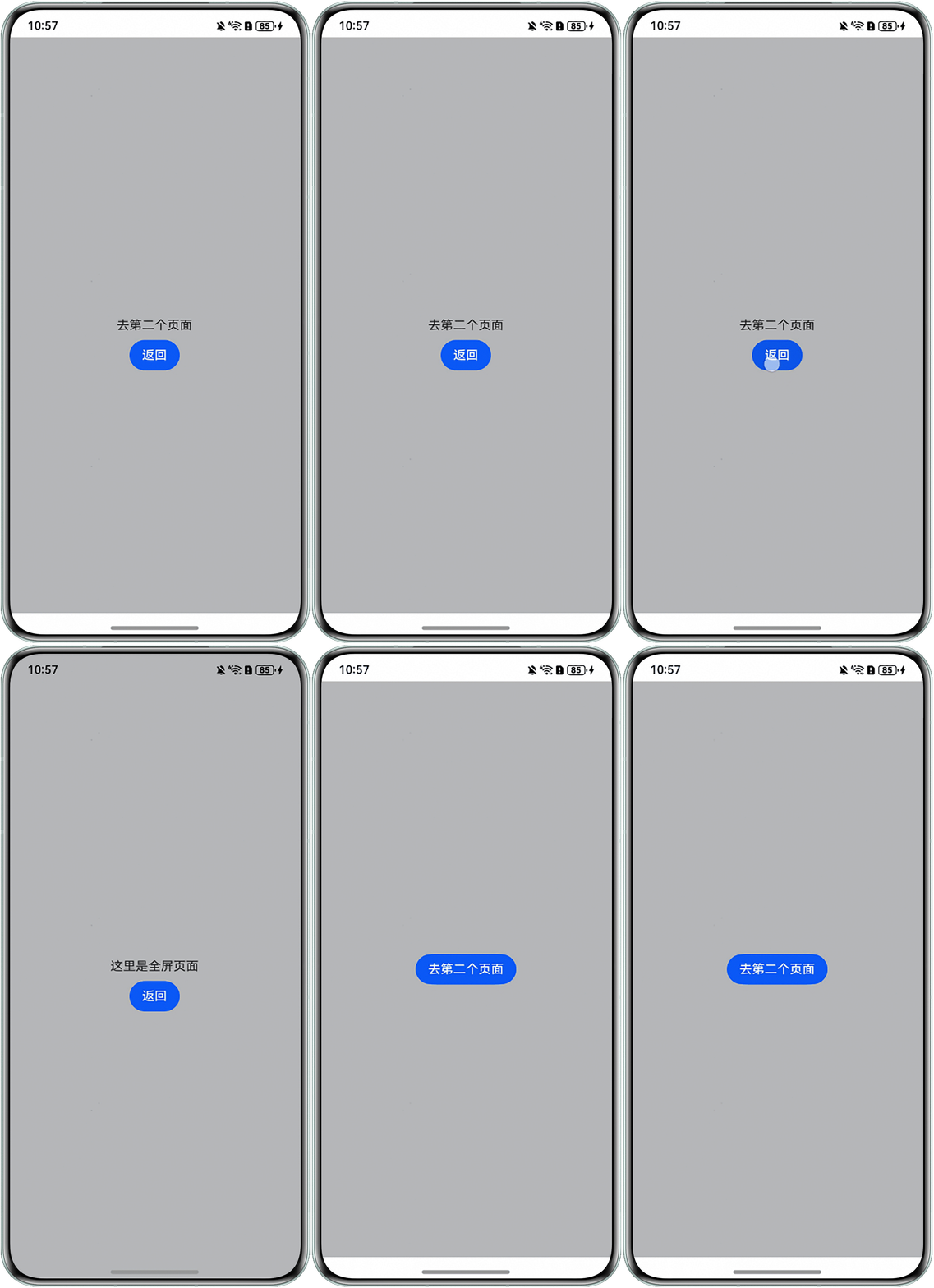
- 方案二:使用expandSafeArea属性扩展安全区域的方案实现:单个页面实现沉浸式,优先考虑使用expandSafeArea属性扩展安全区域的方案实现,该方案只会影响当前组件的布局。PageThree页面:
@Entry
@Component
struct PageThree {
  build() {
    RelativeContainer() {
      Button('去第二个页面')
        .onClick(() => {
          this.getUIContext().getRouter().pushUrl({ url: 'pages/PageFour' });
        })
        .alignRules({
          center: { anchor: '__container__', align: VerticalAlign.Center },
          middle: { anchor: '__container__', align: HorizontalAlign.Center }
        })
    }.width('100%').height('100%').backgroundColor('#ffb5b6b8');
  }
}
PageFour.ets页面:
export class ParamInfo {
  fromPage: string = '';
}

@Entry
@Component
struct PageFour {
  build() {
    RelativeContainer() {
      Text('这里是全屏页面')
        .id("text1")
        .alignRules({
          center: { anchor: '__container__', align: VerticalAlign.Center },
          middle: { anchor: '__container__', align: HorizontalAlign.Center }
        });
      Button('返回').onClick(() => {
        this.getUIContext().getRouter().pushUrl({ url: 'pages/PageThree' });
      })
        .margin({ top: 10 })
        .alignRules({
          middle: { anchor: '__container__', align: HorizontalAlign.Center },
          top: { anchor: "text1", align: VerticalAlign.Bottom },
        });
    }.width('100%').height('100%').backgroundColor('#ffb5b6b8')
    .expandSafeArea([SafeAreaType.SYSTEM], [SafeAreaEdge.TOP, SafeAreaEdge.BOTTOM]);
  }
}
效果预览:
常见FAQ
Q:当页面存在悬浮子窗口时,使用下述方法实现沉浸式效果失效。
import { window } from '@kit.ArkUI';

@Entry
@Component
struct Index {
  onPageShow(): void {
    window.getLastWindow(this.getUIContext().getHostContext(), (err, win) => {
      if (err) {
        return;
      }
      win.setWindowLayoutFullScreen(true);
    });
  }

  onPageHide(): void {
    window.getLastWindow(this.getUIContext().getHostContext(), (err, win) => {
      if (err) {
        return;
      }
      win.setWindowLayoutFullScreen(false);
    });
  }

  build() {
    Column() {
      Text('全屏页面....');
    }.width('100%').height('100%').backgroundColor(Color.Green);
  }
}
A:getLastWindow用于获取当前应用内最上层显示的子窗口,若无应用子窗口或子窗口未调用showWindow()进行显示,则返回应用主窗口。当页面存在子窗口时,可使用AppStorage存储windowStage,并在页面中获取该windowStage实例下的主窗口。
EntryAbility.ets:
onWindowStageCreate(windowStage: window.WindowStage): void {
  windowStage.loadContent('pages/Index', (err) => {
    if (err.code) {
      return;
    }
    // 保存windowStage,在页面中取出使用
    AppStorage.setOrCreate('windowStage', windowStage);
  });
}
Index.ets:
import { window } from '@kit.ArkUI'

@Entry
@Component
struct Index {
  onPageShow(): void {
    let windowStage = AppStorage.get('windowStage') as window.WindowStage;
    let windows = windowStage.getMainWindowSync();
    windows.setWindowLayoutFullScreen(true);
  }

  onPageHide(): void {
    let windowStage = AppStorage.get('windowStage') as window.WindowStage;
    let windows = windowStage.getMainWindowSync();
    windows.setWindowLayoutFullScreen(false);
  }

  build() {
    Column() {
      Text('全屏页面....');
    }.width('100%').height('100%').backgroundColor(Color.Green);
  }
}