问题现象
在实现滑动手势PanGesture时,使用双指操作(做缩放捏合动作,没有添加捏合手势),会造成异常闪退。闪退日志:
Cannot read property displayX of undefined。 问题代码示例参考如下:
@Entry
@Component
struct GetScreen {
  @State touchX: number = 0;
  @State touchY: number = 0;

  build() {
    Column() {
      Column() {
      }
      .width(300)
      .height(500)
      .border({ width: 0.5, color: '#000' })
      .gesture(
        PanGesture()
          .onActionStart((event: GestureEvent | undefined) => {
            if (event && event.fingerList.length > 0) {
              this.touchX = event.fingerList[0].displayX
              this.touchY = event.fingerList[0].displayY
              console.info(`fingerList: ${JSON.stringify(event.fingerList[0])}`)
              // ...
            }
          })
          .onActionUpdate((event?: GestureEvent | undefined) => {
            if (event && event.fingerList.length > 0) {
              this.touchX = event.fingerList[0].displayX
              this.touchY = event.fingerList[0].displayY
              console.info(`fingerList: ${JSON.stringify(event.fingerList[0])}`)
              // ...
            }
          })
      )
    }
    .height('100%')
    .width('100%')
    .padding(24)
  }
}
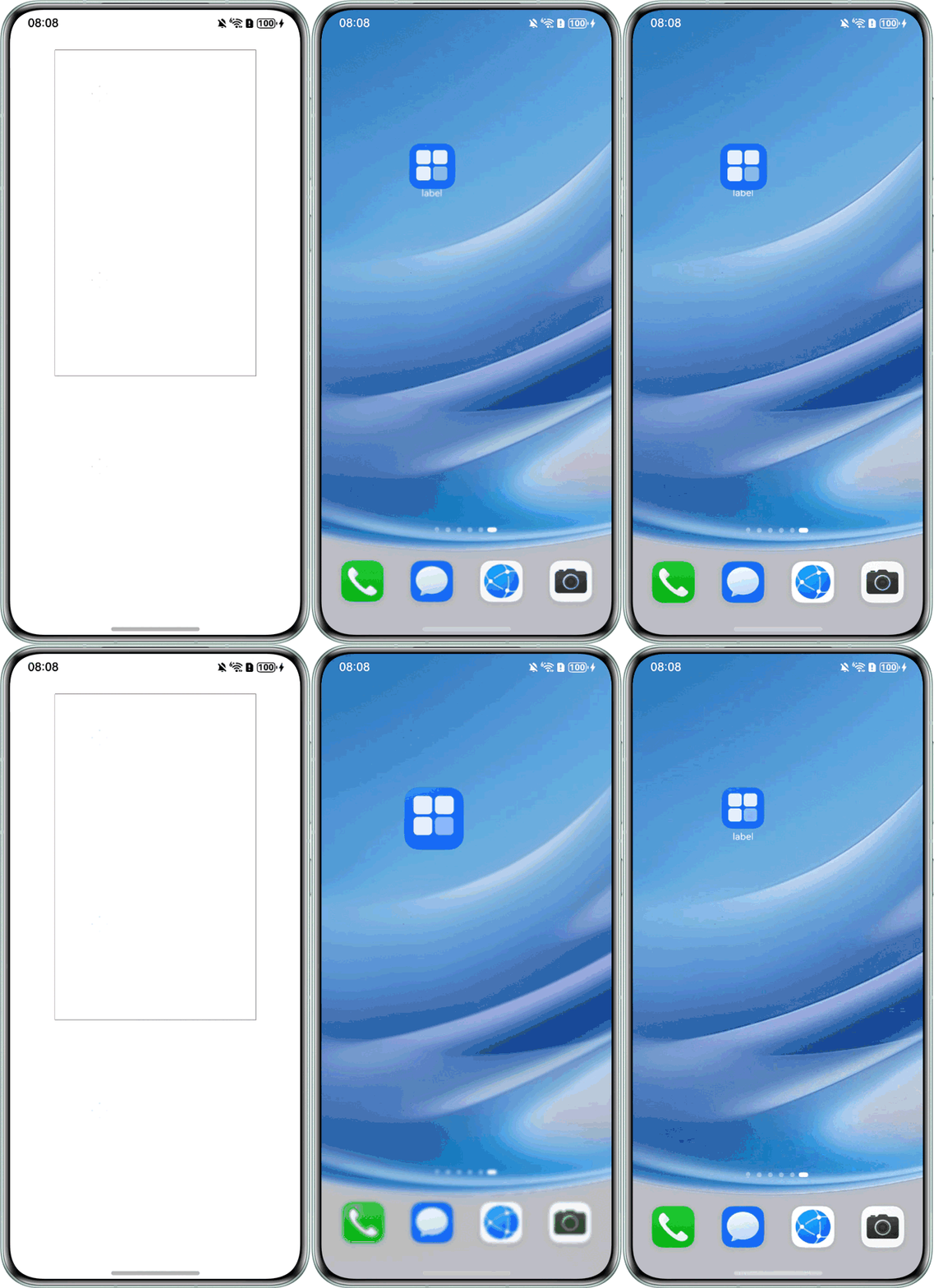
问题效果预览:

修改建议
处理时加一个判断条件,在fingerList[0]有值的情况下获取其属性。
@Entry
@Component
struct GetScreen {
  @State touchX: number = 0;
  @State touchY: number = 0;

  build() {
    Column() {
      Column() {
      }
      .width(300)
      .height(500)
      .border({ width: 0.5, color: '#000' })
      .gesture(
        PanGesture()
          .onActionStart((event: GestureEvent | undefined) => {
            // 当event.fingerList[0]有值时,再去获取屏幕位置
            if (event && event.fingerList.length > 0 && event.fingerList[0]) {
              this.touchX = event.fingerList[0].displayX;
              this.touchY = event.fingerList[0].displayY;
              console.info(`fingerList: ${event.fingerList[0]}`);
              // ...
            }
          })
          .onActionUpdate((event?: GestureEvent | undefined) => {
            // 当event.fingerList[0]有值时,再去获取屏幕位置
            if (event && event.fingerList.length > 0 && event.fingerList[0]) {
              this.touchX = event.fingerList[0].displayX;
              this.touchY = event.fingerList[0].displayY;
              console.info(`fingerList: ${JSON.stringify(event.fingerList[0])}`);
              // ...
            }
          })
      );
    }
    .height('100%')
    .width('100%')
    .padding(24);
  }
}