
解决方案
- 系统设置-存储-应用大小页面中的“应用”、“数据”、“缓存”这三个存储数据分别对应BundleStats中的appSize、dataSize、cacheSize。可以参考官网应用及文件系统空间统计章节的表2应用空间统计。
设置中的存储显示
BundleStats属性
含义
统计路径
应用
appSize
应用安装文件大小(单位为Byte)
应用安装文件保存在以下目录:/data/storage/el1/bundle
缓存
cacheSize
应用缓存文件大小(单位为Byte)
应用的缓存文件保存在以下目录:
/data/storage/${el1-el5}/base/cache
/data/storage/${el1-el5}/base/haps/${moduleName}/cache
说明:${el1-el5}指的是el1,el2,el3,el4,el5目录。${moduleName}是模块名。
数据
dataSize
应用文件存储大小(除应用安装文件)(单位为Byte)
应用文件通常由本地文件、分布式文件、数据库文件等部分组成。
本地文件保存在以下目录(注意缓存文件目录为以下目录的子目录):
/data/storage/${el1-el5}/base
分布式文件保存在以下目录:
/data/storage/el2/distributedfiles
数据库文件保存在以下目录:
/data/storage/${el1-el5}/database
说明:${el1-el5}指的是el1,el2,el3,el4,el5目录。
- 开发者可以通过storageStatistics.getCurrentBundleStats查询本应用的“应用”、“数据”、“缓存”这三个存储数据。示例代码如下:
import { BusinessError } from '@kit.BasicServicesKit';
import { storageStatistics } from '@kit.CoreFileKit';

@Entry
@Component
struct QueryAppStorageSize {
  @State appSize: number = 0;
  @State cacheSize: number = 0;
  @State dataSize: number = 0;
  @State totalSize: number = 0;

  aboutToAppear(): void {
    this.getCurrentBundleStats();
  }

  getCurrentBundleStats() {
    storageStatistics.getCurrentBundleStats((err: BusinessError, bundleStats: storageStatistics.BundleStats) => {
      if (err) {
        console.error(`Invoke getCurrentBundleStats failed, code is ${err.code}, message is ${err.message}`);
      } else {
        console.info(`Invoke getCurrentBundleStats succeeded`);
        this.appSize = bundleStats.appSize; // 应用安装文件大小
        this.cacheSize = bundleStats.cacheSize; // 应用缓存文件大小
        this.dataSize = bundleStats.dataSize; // 应用文件存储大小(除应用安装文件)
        this.totalSize = this.appSize + this.dataSize;
      }
    });
  }

  build() {
    Column({ space: 20 }) {
      Text(`应用安装文件大小:${this.appSize} Byte`);
      Text(`应用缓存文件大小:${this.cacheSize} Byte`);
      Text(`应用文件存储大小(除应用安装文件):${this.dataSize} Byte`);
      Text(`应用总计大小:${this.totalSize} Byte`);
    }
    .width('100%')
    .alignItems(HorizontalAlign.Center);
  }
}
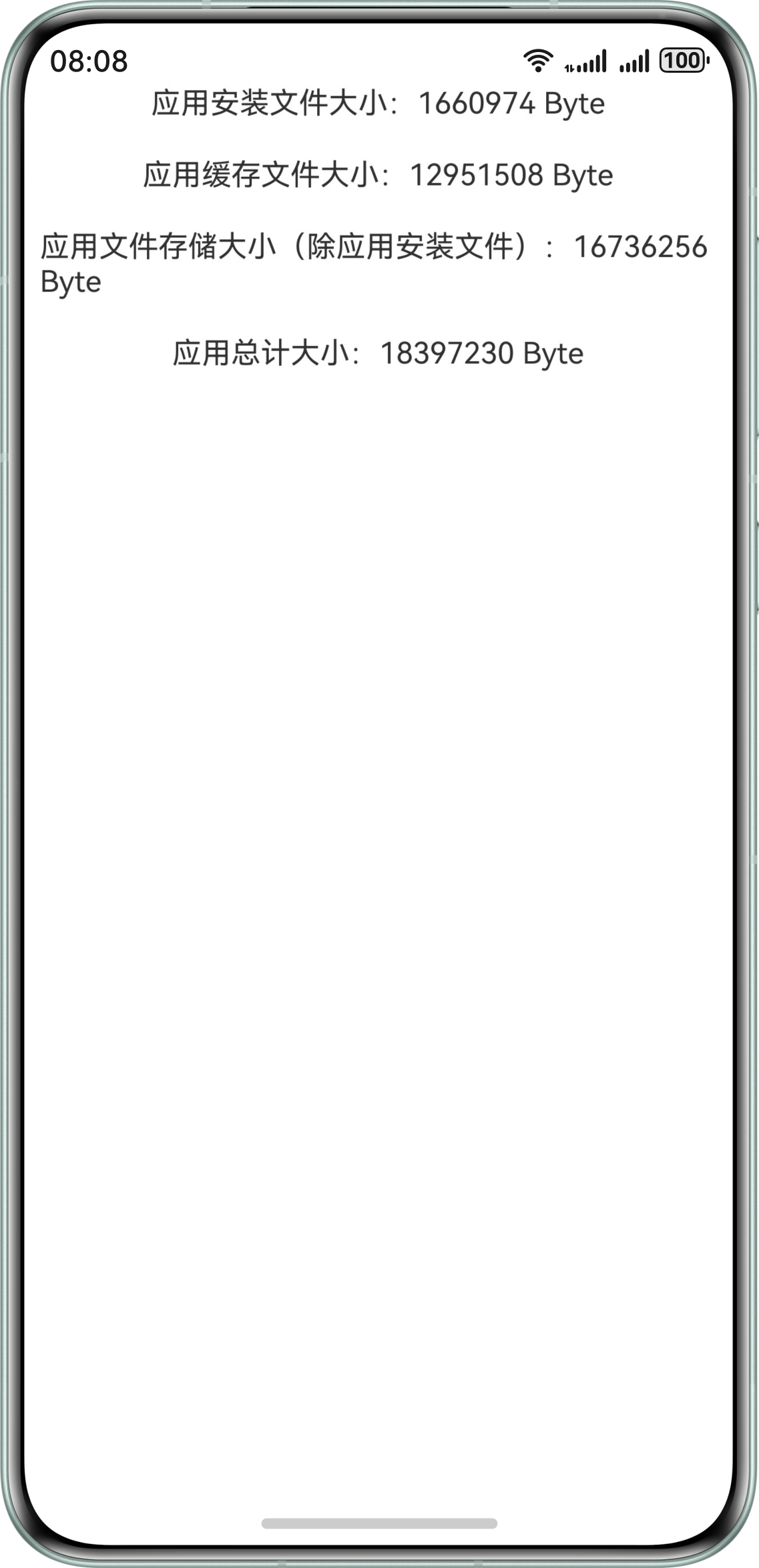
运行效果图如下:
- 如果需要继续查询对应存储空间下的文件信息,可以参考获取文件大小和文件类型。