问题现象
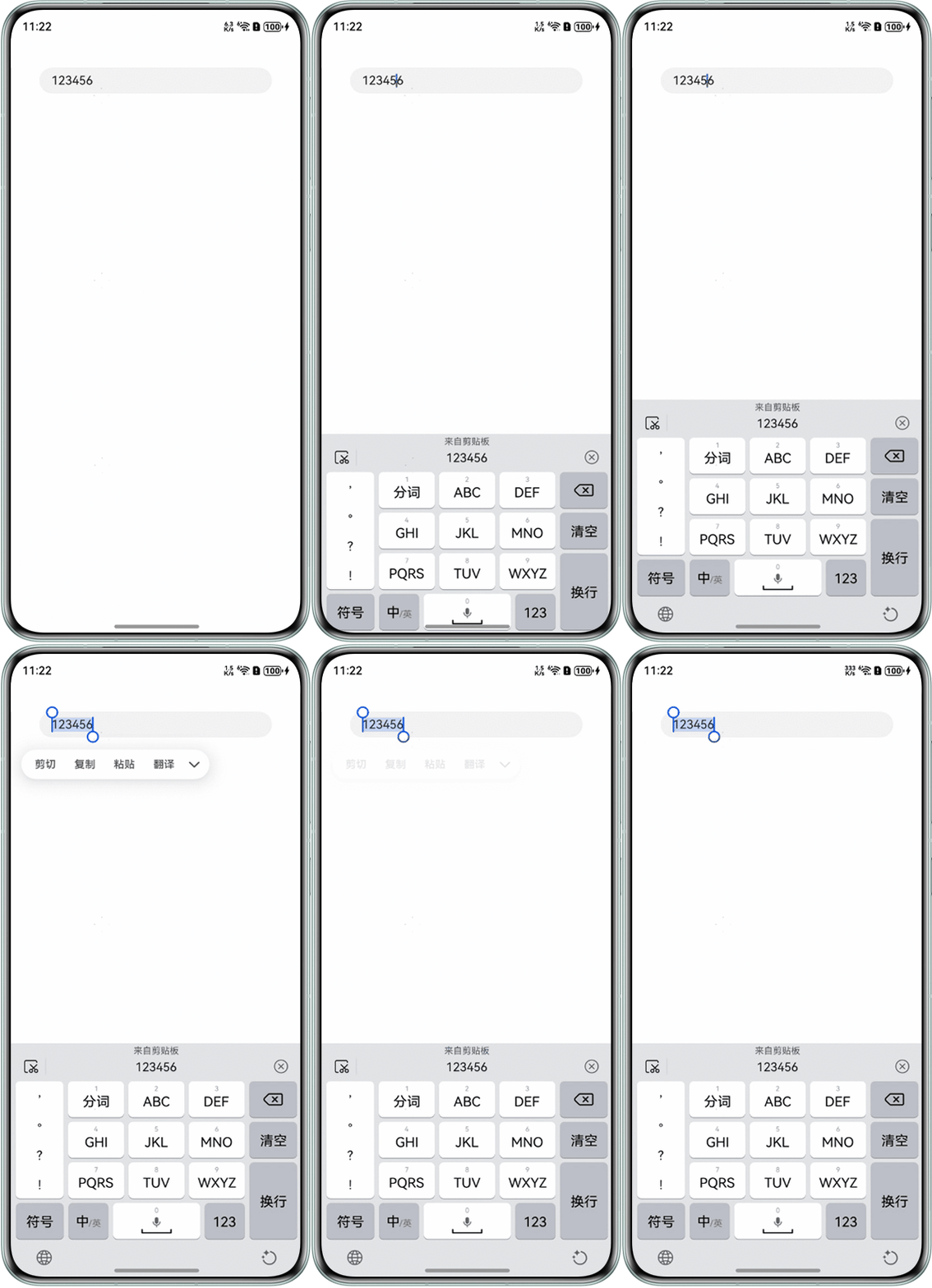
TextArea组件输入若干内容,长按选择文字并点击“复制”后所选文字仍然是选中状态,如何取消其选中状态?
问题代码示例参考如下:
@Entry
@Component
struct Index {
  @State message: string = '123456';
  controller: TextAreaController = new TextAreaController();
  startIndex: number = -1;
  endIndex: number = -1;

  build() {
    Column() {
      TextArea({ controller: this.controller, text: this.message })
        .onTextSelectionChange((selectionStart: number, selectionEnd: number) => {
          this.startIndex = selectionStart;
          this.endIndex = selectionEnd;
        })
        .margin(40)
    }
    .height('100%')
    .width('100%')
  }
}
问题效果预览:

背景知识
- onTextSelectionChange:文本选择的位置或编辑状态下光标位置发生变化时,触发该回调。
- onCopy:进行复制操作时,触发该回调。
- caretPosition:设置输入光标的位置。
修改建议
- 选中文字时在onTextSelectionChange回调里记录光标结束位置,
- 点击“复制”时在onCopy回调里使用caretPosition将光标定位到所记录的结束位置。
@Entry
@Component
struct TextAreaSelectionChangeDemo {
  @State message: string = '123456';
  controller: TextAreaController = new TextAreaController();
  startIndex: number = -1;
  endIndex: number = -1;

  build() {
    Column() {
      TextArea({ controller: this.controller, text: this.message })
        .onTextSelectionChange((selectionStart: number, selectionEnd: number) => {
          // 记录光标起始和结束位置
          this.startIndex = selectionStart;
          this.endIndex = selectionEnd;
        })
        .onCopy(() => {
          // 完成复制后将光标定位到记录下来的结束位置
          this.controller.caretPosition(this.endIndex);
        })
        .margin(40)
    }
    .height('100%')
    .width('100%')
  }
}