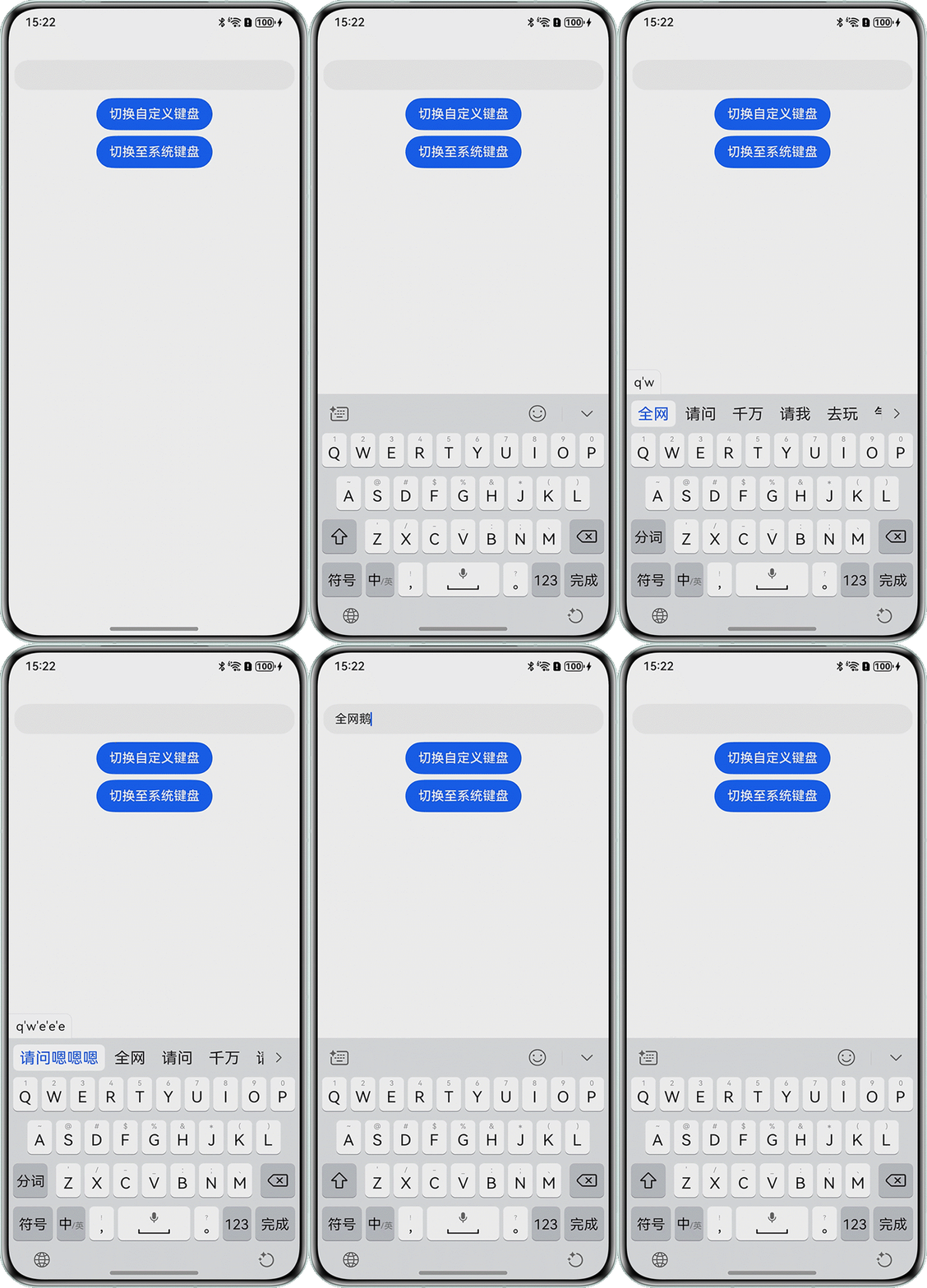
背景知识
- onWillDelete:在将要删除时,触发该回调。在预上屏删除操作时,该回调不触发。仅支持系统输入法输入的场景。
- onDidDelete:在删除完成时,触发该回调。仅支持系统输入法输入的场景。
解决方案
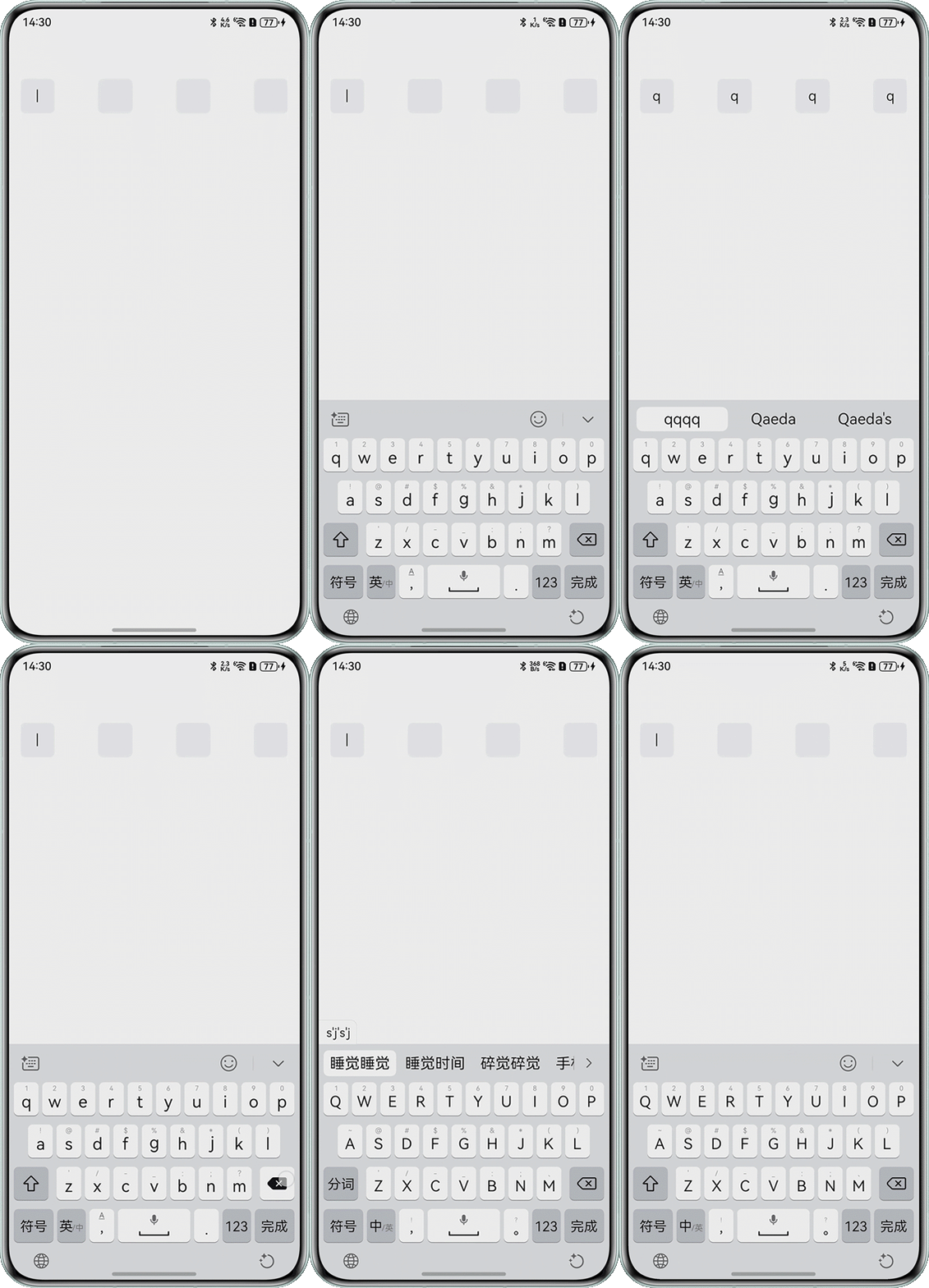
- 方案一:通过Text组件展示TextInput的输入和删除,监听键盘的删除操作。
@Entry
@Component
struct TextInputCodeView {
  // 验证码
  @State code: string = '';
  // 验证码位数
  someArrayLength: number = 4;
  someArray: number[] = [];

  aboutToAppear(): void {
    this.someArray = Array.from({ length: this.someArrayLength });
  }

  build() {
    Column() {
      Stack() {
        Row() {
          ForEach(this.someArray, (item: number, index: number) => {
            // 加间隙
            if (index !== 0) {
              Blank();
              if (item) {
              } // 此处仅仅展示item
            }
            // index+1:表示输入框的位置。
            // 填写验证码
            if (this.code.length >= index + 1) {
              this.OneText({
                str: this.code.substring(index, index + 1),
                isBorder: index + 1 === this.someArray.length,
              });
            } else {
              // 没有验证码
              this.OneText({
                str: '',
                isBorder: this.code.length + 1 === index + 1
              });
            }
          }, (item: number, index: number) => JSON.stringify(index + 1) + item); // 键值标识
        }
        .width('100%');

        TextInput({ placeholder: '' })
          .width('100%')
          .height('100%')
          .maxLength(this.someArray.length)
          .caretColor(Color.Transparent)
          .fontColor(Color.Transparent)
          .borderColor(Color.Transparent)
          .backgroundColor(Color.Transparent)
          .onChange((value: string) => {
            this.code = value;
          });
      }
      .width('100%')
      .height(60);
    }
    .padding({ right: 24, left: 24, top: 50 });
  }

  // 参数:验证码内容,是否显示边框
  @Builder
  OneText(item: codeOne) {
    // 判断,是否选中当前的输入框,是否有内容。是当前选中的,没有内容,显示|
    Text(item.isBorder && !item.str ? '|' : item.str as string)
      .width(50)
      .height(50)
      .textAlign(TextAlign.Center)
      .fontSize(20)
      .fontColor(item.isBorder && !item.str ? '#87ceeb' : Color.Black)
      .backgroundColor('#f3f4f6')
      .borderRadius(8);
  }
}

// 验证码输入框
interface codeOne {
  str: string,
  isBorder: boolean
}
效果预览:
- 方案二:使用onWillDelete和onDidDelete回调,监听键盘的删除操作。
@Entry
@Component
struct Page {
  @State keyboardVisible: boolean = false;
  @State inputValue: string = '';

  @Builder
  buildCustomKeyboard() {
    Column() {
      Grid() {
        ForEach([1, 2, 3, 4, 5, 6, 7, 8, 9, '*', 0, '#'], (item: number | string) => {
          GridItem() {
            Button(item + '')
              .width(110).onClick(() => {
              this.inputValue += item;
            });
          };
        });
      }.maxCount(3).columnsGap(10).rowsGap(10).padding(5);
    }
    .height('200').width('100%').backgroundColor(Color.Green);
  }

  @Builder
  customKeyboard() {
    this.buildCustomKeyboard();
  }

  build() {
    Column({ space: 10 }) {
      TextInput({ text: this.inputValue })
        .id('Input')
        .customKeyboard(this.keyboardVisible ? this.customKeyboard : undefined)
        .onWillDelete((info: DeleteValue) => {
          let n = 0;
          console.info(`hm-->onWillDelete, n: ${n}, info: ${info}`);
          return true;
        })
        .onDidDelete((info: DeleteValue) => {
          let n = 1;
          console.info(`hm-->onDidDeleten: ${n}, info: ${info}`);
        });

      Button('切换自定义键盘').onClick(() => {
        this.keyboardVisible = true;
        focusControl.requestFocus('RichEditor');
      });

      Button('切换至系统键盘').onClick(() => {
        this.keyboardVisible = false;
      });
    }.padding(16)
  }
}
效果预览: