问题现象
NavPathStack能在子组件中使用或者自己封装的公共类中使用吗,如何使用?
效果预览
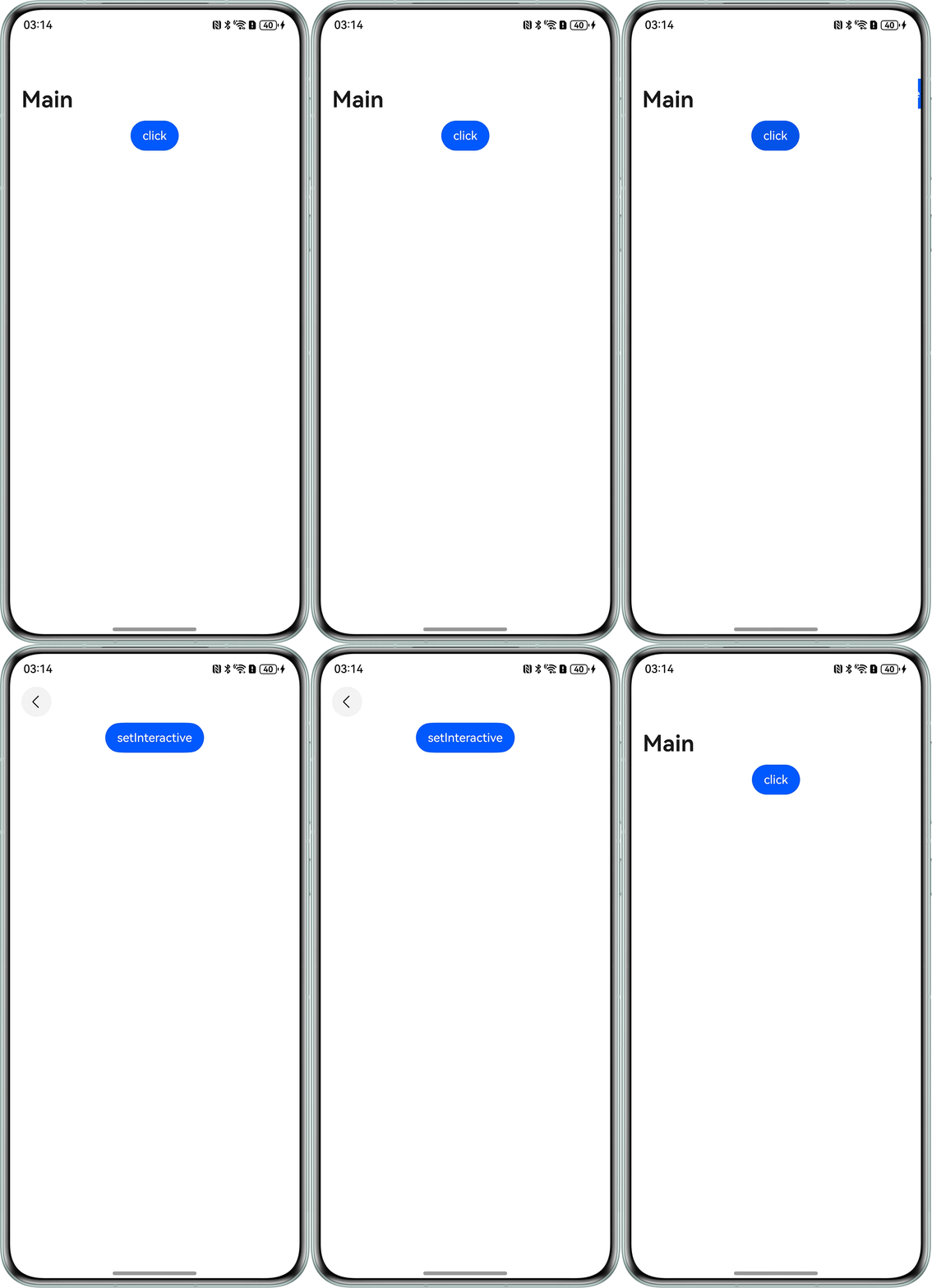
解决方案
- 新增PublicUtils文件并定义跳转页面的公共方法。
export class Tmp {
  pushPath(name: string) {
    (AppStorage.get('pathStack') as NavPathStack).pushPath({ name: name });
  }
} - 将NavPathStack缓存起来。
// Index.ets
import { Tmp } from './PublicUtils';

@Entry
@Component
struct Index {
  // 创建一个页面栈对象并传入Navigation
  private pathStack: NavPathStack = new NavPathStack();
  private InfoTmp: Tmp = new Tmp();

  aboutToAppear(): void {
    // 存储pathStack
    AppStorage.setOrCreate('pathStack', this.pathStack);
  }

  build() {
    Navigation(this.pathStack) {
      Button('click')
        .onClick(() => {
          // 调用pushPath方法并跳转到对应页面
          this.InfoTmp.pushPath('PageOne');
        });
    }
    .title('Main');
  }
} - PageOne页面:
@Builder
export function PageOneBuilder() {
  PageOne();
}

@Component
export struct PageOne {
  build() {
    NavDestination() {
      Button('setInteractive');
    }
    .width('100%')
    .height('100%');
  }
} - 在src/main目录下的工程配置文件module.json5中的module字段里配置"routerMap": "$profile:router_map",并在src/main/resources/base/profile目录下新增router_map.json。router_map.json示例参考如下:
{
  "routerMap": [
    {
      "name": "PageOne",
      "pageSourceFile": "src/main/ets/pages/PageOne.ets",
      "buildFunction": "PageOneBuilder"
    }
  ]
}