背景知识
- Scroll、Grid、List、WaterFlow都是可滚动的容器组件,可通过滚动组件通用接口enableScrollInteraction来设置组件是否支持滚动手势。
- 触摸事件onTouch是组件的通用事件,在手指触摸动作时触发该回调,回调入参包含以下信息:
- 触摸事件的类型TouchType,表示手指按下、抬起、滑动等信息。
- 屏幕触点的信息Array<TouchObject>,手指在屏幕上的坐标。
- gesture可以为组件绑定不同类型的手势事件,并设置事件的响应方法。
解决方案
- 方案一:触摸事件onTouch和滚动组件通用接口enableScrollInteraction配合实现。
在特定区域滑动时,滚动组件不滚动,则需要使用onTouch监听特定区域的触摸事件,在回调中判断触摸事件类型,手指按下TouchType.Down或滑动TouchType.Move时通过enableScrollInteraction设置滚动组件不可滚动,手指抬起时设置滚动组件支持滚动手势。
滚动组件的实现代码类似,以Scroll组件为例:@Entry @Component struct ScrollExampleSolution1 { scroller: Scroller = new Scroller(); @State scrollEnabled: boolean = true; @State message: string = '这个Text无法滑动父组件Scroll'; private arr: number[] = [0, 1, 2, 3, 4, 5, 6, 7, 8, 9]; @Styles textStyles(){ .width('90%') .height(150) .borderRadius(15); } build() { Scroll(this.scroller) { Column({ space: 10 }) { Text(this.message) .backgroundColor(0xE0E0E0) .textAlign(TextAlign.Center) .textStyles() .onTouch((event) => { // 手指抬起时恢复Scroll滚动 if (event.type === TouchType.Cancel || event.type === TouchType.Up) { this.scrollEnabled = true; // 允许手指滑动 this.message = '这个Text无法滑动父组件Scroll'; } // 当手指按下或滑动时禁用Scroll滚动 if (event.type === TouchType.Down || event.type === TouchType.Move) { this.scrollEnabled = false; // 禁止手指滑动 this.message = '手指按下'; } }); ForEach(this.arr, (item: number) => { Text(item.toString()) .backgroundColor(0xF0F0F0) .textAlign(TextAlign.Center) .textStyles(); }, (item: string) => item); } .width('100%'); } .scrollable(ScrollDirection.Vertical) // 设置滚动条方向 .scrollBar(BarState.On) // 滚动条常驻显示 .enableScrollInteraction(this.scrollEnabled); // 设置scroll是否可以手指滑动 } }
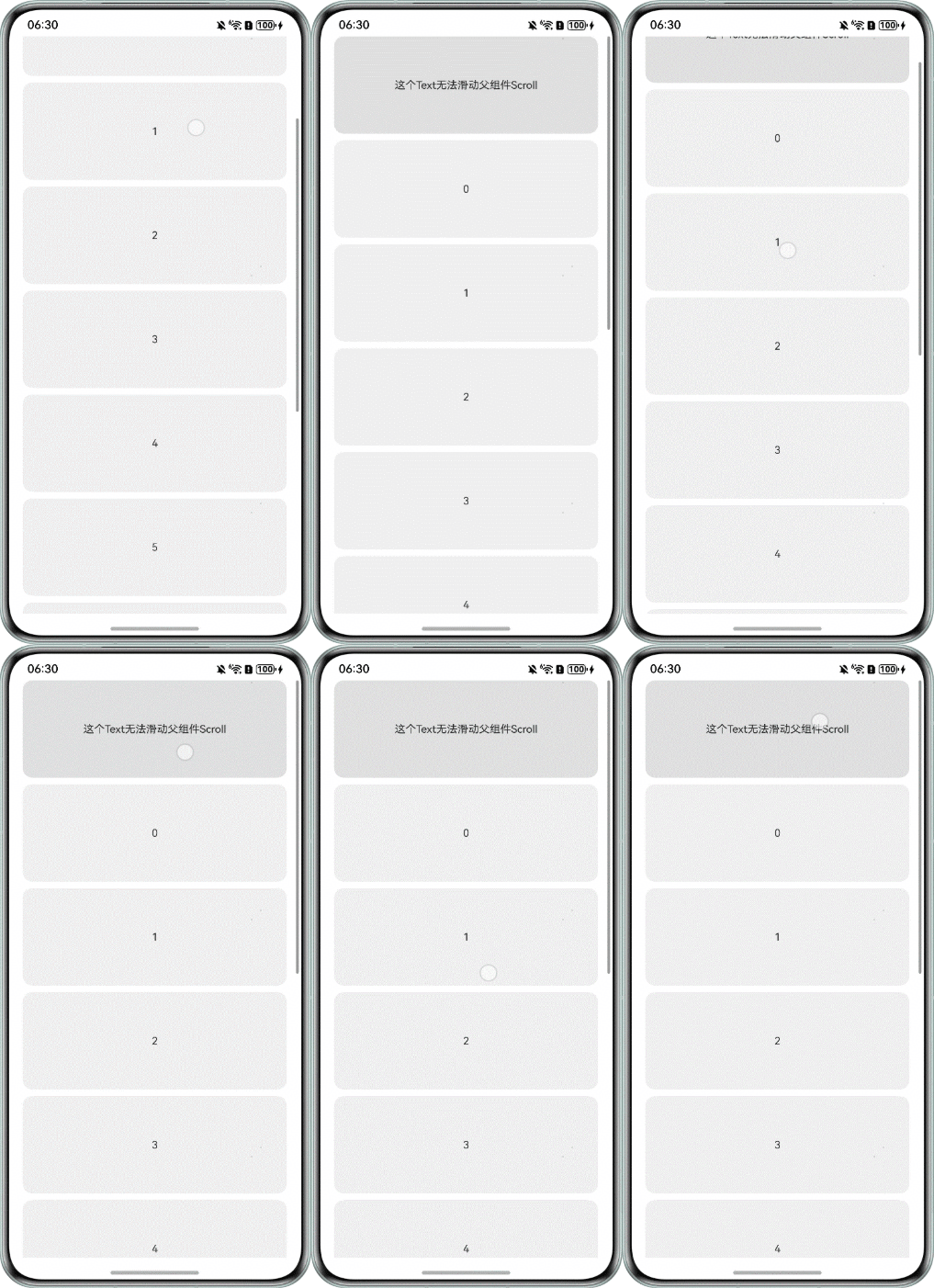
效果预览:手指按在第一个Text区域内无法滑动Scroll组件。
- 方案二:gesture手势事件。
使用gesture给特定区域绑定滑动手势事件PanGesture,则手指在此区域滑动时,滑动事件不会传递至外层的滚动组件,即实现此区域滑动时,滚动组件不滚动的效果。
大部分代码和方案一类似,只需将onTouch事件替换为gesture即可。
Text(this.message)
  .backgroundColor(0xE0E0E0)
  .textAlign(TextAlign.Center)
  .textStyles()
  .gesture(PanGesture()); // onTouch换成gesture
相当于子组件拦截了外层滚动组件的滑动事件,所以不需要再通过enableScrollInteraction动态修改滚动组件是否支持手势滚动。
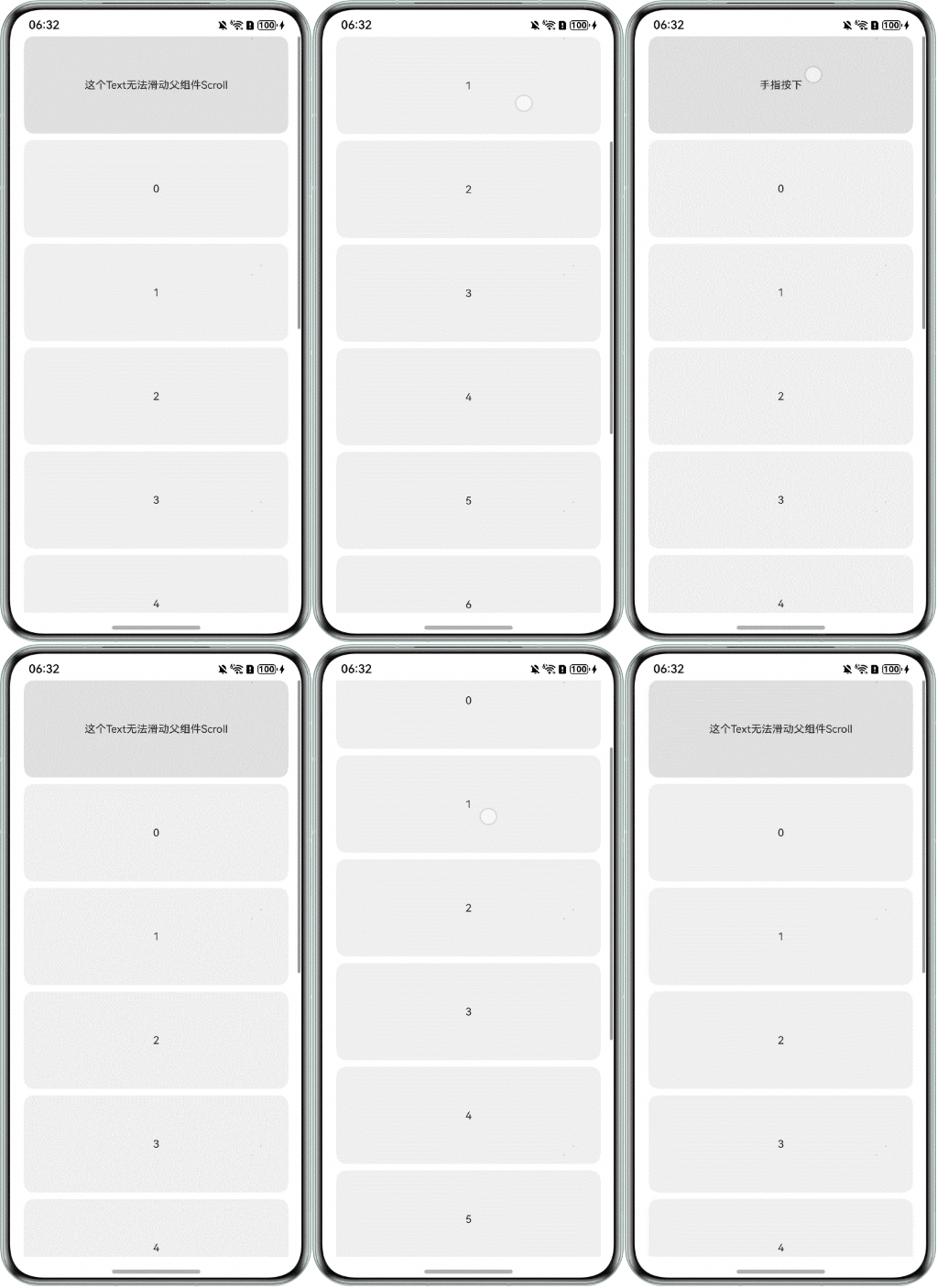
效果预览:手指按在第一个Text区域内无法滑动Scroll组件。