修改建议
Scroll组件不设置fling属性。
@Entry
@Component
struct Index {
  pageInfos: NavPathStack = new NavPathStack();

  build() {
    Navigation(this.pageInfos) {
      Stack() {
        Button('点击跳转')
          .backgroundColor('#0A59F7')
          .fontColor(Color.White)
          .borderRadius('50%')
          .width(130)
          .height(50)
          .onClick(() => {
            this.pageInfos.pushPath({ name: 'Scroll' }); // 跳转到新页面
          });
      }
      .height('100%')
      .width('100%');
    }
    .hideTitleBar(true)
    .height('100%')
    .width('100%')
    .mode(NavigationMode.Stack);
  }
}
跳转后的页面src/main/ets/pages/ScrollPage.ets:
import { common } from '@kit.AbilityKit';
import { window } from '@kit.ArkUI';

@Builder
export function ScrollPageBuilder() {
  ScrollPage();
}

@Entry
@Component
struct ScrollPage {
  pageInfos: NavPathStack = new NavPathStack();
  private scroller = new Scroller();
  @State arr: number[] = [1, 2, 3, 4, 5, 6, 7, 8, 9, 10];

  build() {
    NavDestination() {
      Scroll(this.scroller) {
        Column({ space: 10 }) {
          ForEach(this.arr, (item: number) => {
            Text(item.toString())
              .width('90%')
              .height(150)
              .backgroundColor('#f1f3f5')
              .borderRadius(15)
              .fontSize(16)
              .textAlign(TextAlign.Center);
          });
        }
        .width('100%');
      }
      // 不设置fling属性
      .scrollBar(BarState.Off)
      .friction(0.1)
    }
    .onBackPressed(() => {
      this.pageInfos.pop(); // 弹出路由栈栈顶元素
      return true;
    })
    .onReady((navContext: NavDestinationContext) => {
      this.pageInfos = navContext.pathStack;
      let context: common.UIAbilityContext = this.getUIContext().getHostContext() as common.UIAbilityContext;
      window.getLastWindow(context).then((lastWindow) => {
        lastWindow.setWindowLayoutFullScreen(true);
      });
    })
    .hideTitleBar(true)
    .height('100%')
    .width('100%')
    .padding({ top: '123px' })
    .expandSafeArea([SafeAreaType.SYSTEM], [SafeAreaEdge.TOP, SafeAreaEdge.BOTTOM]);
  }
}
src/main/resources/base/profile/router_map.json:
{
  "routerMap": [
    {
      "name": "Scroll",
      "pageSourceFile": "src/main/ets/pages/ScrollPage.ets",
      "buildFunction": "ScrollPageBuilder"
    }
  ]
}
src/main/module.json5文件中需添加"routerMap": "$profile:router_map"。
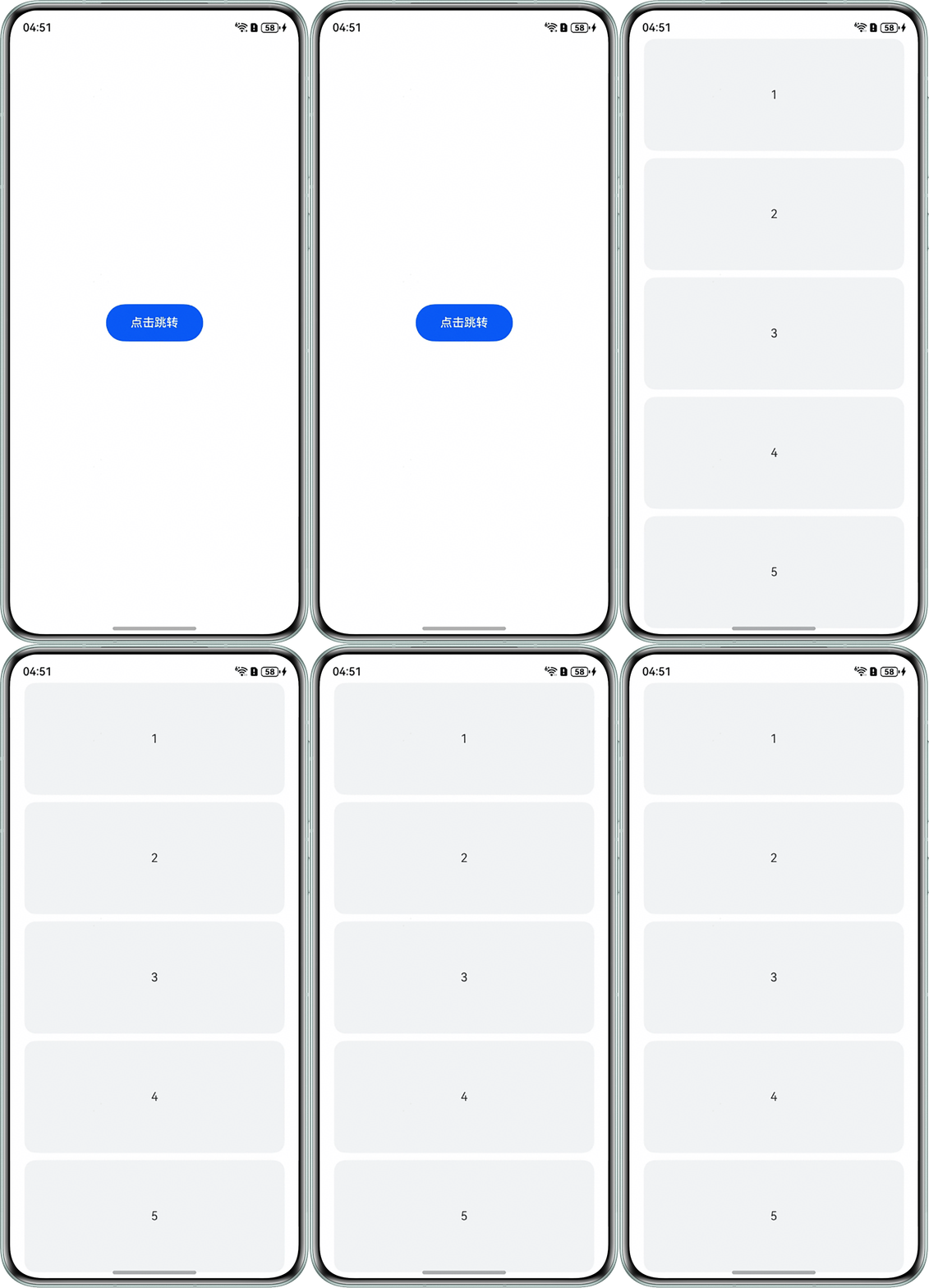
效果图如下: