背景知识
- 层叠布局用于在屏幕上预留一块区域来显示组件中的元素,提供元素可以重叠的布局。层叠布局通过Stack容器组件实现位置的固定定位与层叠,容器中的子元素依次入栈,后一个子元素覆盖前一个子元素,子元素可以叠加,也可以设置位置。
- 相对布局是一种采用相对布局的容器,支持容器内部的子元素设置相对位置关系,适用于处理界面复杂的场景,对多个子元素进行对齐和排列。子元素可以指定兄弟元素或父容器作为锚点,基于锚点进行相对位置布局。
- position属性:确定子组件相对父组件内容区的位置。
解决方案
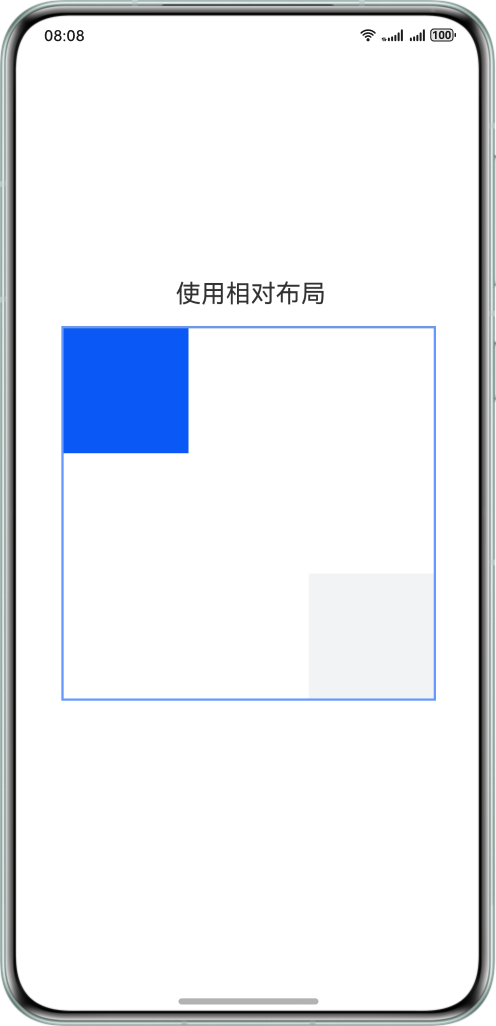
- 方案一:使用相对布局。
实现原理:通过相对布局RelativeContainer,指定容器中两个子组件的相对关系,使它们互为对角线。
@Entry
@Component
struct RelativeContainerPage {
  build() {
    Column() {
      Text('使用相对布局')
        .fontSize(20)
      RelativeContainer() {
        Row()
          .width(100)
          .height(100)
          .justifyContent(FlexAlign.Center)
          .backgroundColor('#0A59F7')
          .alignRules({
            top: { anchor: '__container__', align: VerticalAlign.Top },
            left: { anchor: '__container__', align: HorizontalAlign.Start }
          })

        Row()
          .width(100)
          .height(100)
          .justifyContent(FlexAlign.Center)
          .backgroundColor('#F1F3F5')
          .alignRules({
            bottom: { anchor: '__container__', align: VerticalAlign.Bottom },
            right: { anchor: '__container__', align: HorizontalAlign.End }
          })
      }
      .width(300)
      .height(300)
      .border({ width: 2, color: '#6699FF' })
    }
    .height('100%')
    .width('100%')
    .justifyContent(FlexAlign.Center)
    .alignItems(HorizontalAlign.Center)
  }
}
效果预览:
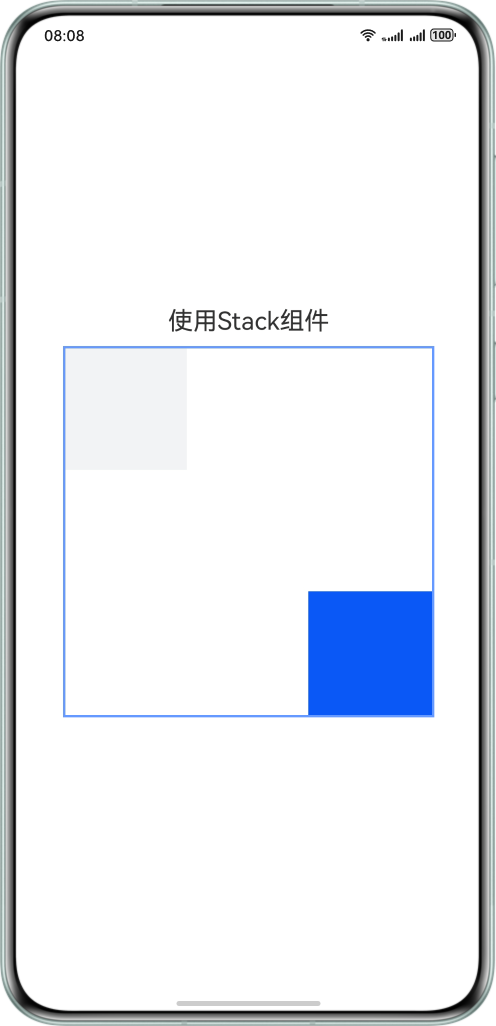
- 方案二:使用Stack组件。
实现原理:设置多个子组件在容器内的对齐方式,但需要定义里面Stack组件的宽高,来控制子组件重叠情况。

当Stack组件中有多个节点触摸区域重叠时,如两个节点,默认只会对显示在最上层的节点做触摸测试,若需要显示在下层的节点触发触摸测试,需给显示在上层的节点设置hitTestBehavior为HitTestMode.Transparent。
@Entry
@Component
struct StackPage {
  build() {
    Column() {
      Text('使用Stack组件')
        .fontSize(20)
      Stack({ alignContent: Alignment.TopStart }) {
        Row()
          .size({ width: '100', height: '100' })
          .backgroundColor('#F1F3F5')
        Stack({ alignContent: Alignment.BottomEnd }) {
          Row()
            .size({ width: '100', height: '100' })
            .backgroundColor('#0A59F7')
        }
        .width('300')
        .height('300')
        .border({ width: 2, color: '#6699FF' })
        // 若需要触发下层组件的触摸测试,需要进行下述设置
        .hitTestBehavior(HitTestMode.Transparent)
      }
    }
    .height('100%')
    .width('100%')
    .justifyContent(FlexAlign.Center)
    .alignItems(HorizontalAlign.Center)
  }
}
效果预览:
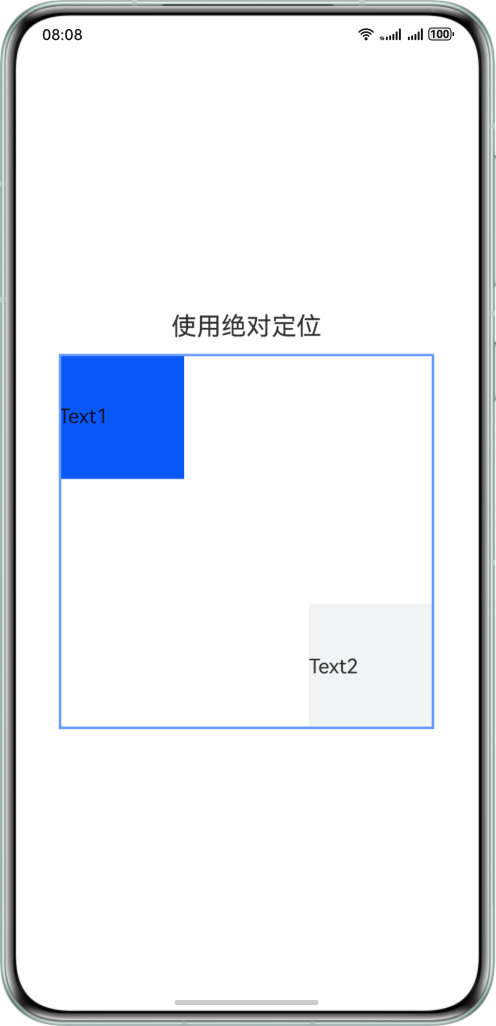
- 方案三:设置position属性。
实现原理: 基于父组件内容区四边确定位置,top/left/right/bottom分别为组件各边距离父组件内容区相应边的边距,通过边距来确定组件相对于父组件内容区的位置。
@Entry
@Component
struct PositionPage {
  build() {
    Column() {
      Text('使用绝对定位')
        .fontSize(20)
      Stack() {
        Text('Text1')
          .width(100)
          .height(100)
          .backgroundColor('#0A59F7')
          .position({ top: 0, left: 0 })
        Text('Text2')
          .width(100)
          .height(100)
          .backgroundColor('#F1F3F5')
          .position({ right: 0, bottom: 0 })
      }
      .width(300)
      .height(300)
      .border({ width: 2, color: '#6699FF' })
    }
    .width('100%')
    .height('100%')
    .justifyContent(FlexAlign.Center)
    .alignItems(HorizontalAlign.Center)
  }
}
效果预览: