问题现象
TextTimer组件使用计时功能时遇到的常见场景如下。
- 问题一:在aboutToAppear中通过TextTimerController调用start启动TextTimer计时器无法开始计时。
- 问题二:TextTimer组件中的onTimer回调在后台时不生效。无法在后台状态得知计时已结束。
- 问题三:TextTimer组件在应用退出后台后再进入前台发现计时器会计时,需要实现后台时倒计时停止,前台时恢复。
背景知识
- TextTimer:文本计时器组件,常用于倒计时、运动计时等场景。当时间文本发生变化时会触发onTimer事件,该事件可以获取到当前时间戳和计时器经过的时间(单位ms),锁屏状态和应用后台状态下不会触发该事件。
- TextTimerController:TextTimer组件的控制器,用于控制文本计时器。一个TextTimer组件仅支持绑定一个控制器,组件创建完成后相关指令才能被调用。相关指令有start、pause、reset,分别控制开始、停止、重置。
- aboutToAppear:组件即将出现时回调该接口,具体时机为在创建自定义组件的新实例后,在执行其build函数之前执行。
- UIAbility生命周期中当应用首次启动到前台或者从后台转入到前台时会触发onForeground,从前台转入到后台时会触发onBackground。
解决方案
- 问题一:由于aboutToAppear执行的时机在组件出现之前,而TextTimerController控制器的指令需要在组件创建完成之后才能调用,所以直接在aboutToAppear中调用start不会启动计时器,导致了start未生效。可以让计时器的启动与自身生命周期onAppear绑定,参考官网示例创建之后立即执行计时。
- 问题二:由于规格限制,TextTimer组件中的onTimer事件在锁屏状态和应用后台状态下不会触发。如果想要在后台情况下知道计时已结束,可以自定义计时器。方案如下:
通过设置setInterval定时器,每隔很短的时间获取一次当前时间戳,计算当前到结束的差值可以得到当前剩余时间,实现计时效果。计时过程以及结束可以自行添加操作。
参考代码如下:
@Entry
@Component
struct Index {
  @State timeNum: number = 60000; // 单位ms
  @State timeEnd: number = 0;
  timeId: number = -1;

  build() {
    Column({ space: 10 }) {
      Text(`${Math.floor(this.timeNum / 1000)}.${this.timeNum / 10 % 100 < 10 ? 0 : ''}${Math.floor(this.timeNum / 10 %
        100)}s`)
        .fontSize($r('app.float.page_text_font_size'))
        .fontWeight(FontWeight.Bold);
      Button('开始计时')
        .onClick(() => {
          if (this.timeId === -1) { // 防止重复执行
            this.timeEnd = Date.now() + this.timeNum; // 设置结束时间
            this.timeId = setInterval(() => {
              if (Date.now() < this.timeEnd) { // 当前时间未到结束时间
                this.timeNum = this.timeEnd - Date.now(); // 获取计时剩余时间,单位ms
                // 添加执行过程中的操作
                console.info(`${this.timeNum}`);
              } else {
                clearInterval(this.timeId); // 停止计时器
                this.timeId = -1;
                // 添加执行结束的操作
                this.timeNum = 0; // 到达结束时间,剩余时间0
                console.info(`计时结束`);
              }
            }, 10);
          }
        });
      Button('暂停计时')
        .onClick(() => {
          if (this.timeId !== -1) {
            clearInterval(this.timeId);
            this.timeId = -1;
          }
        });
      Button('重置计时')
        .onClick(() => {
          if (this.timeId !== -1) {
            clearInterval(this.timeId);
            this.timeId = -1;
          }
          this.timeNum = 60000;
        });
    }
    .height('100%')
    .width('100%');
  }
}
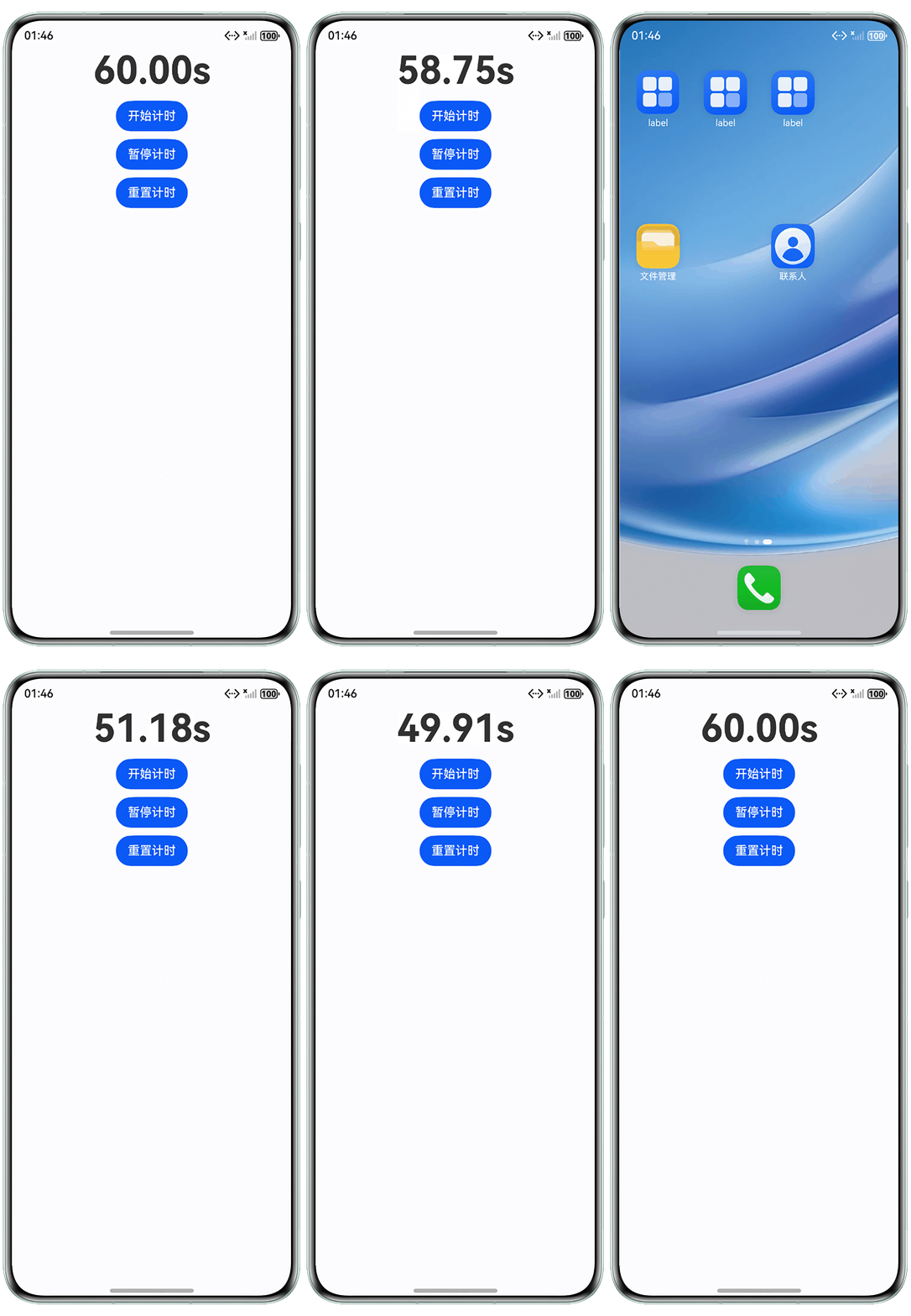
运行效果图如下:
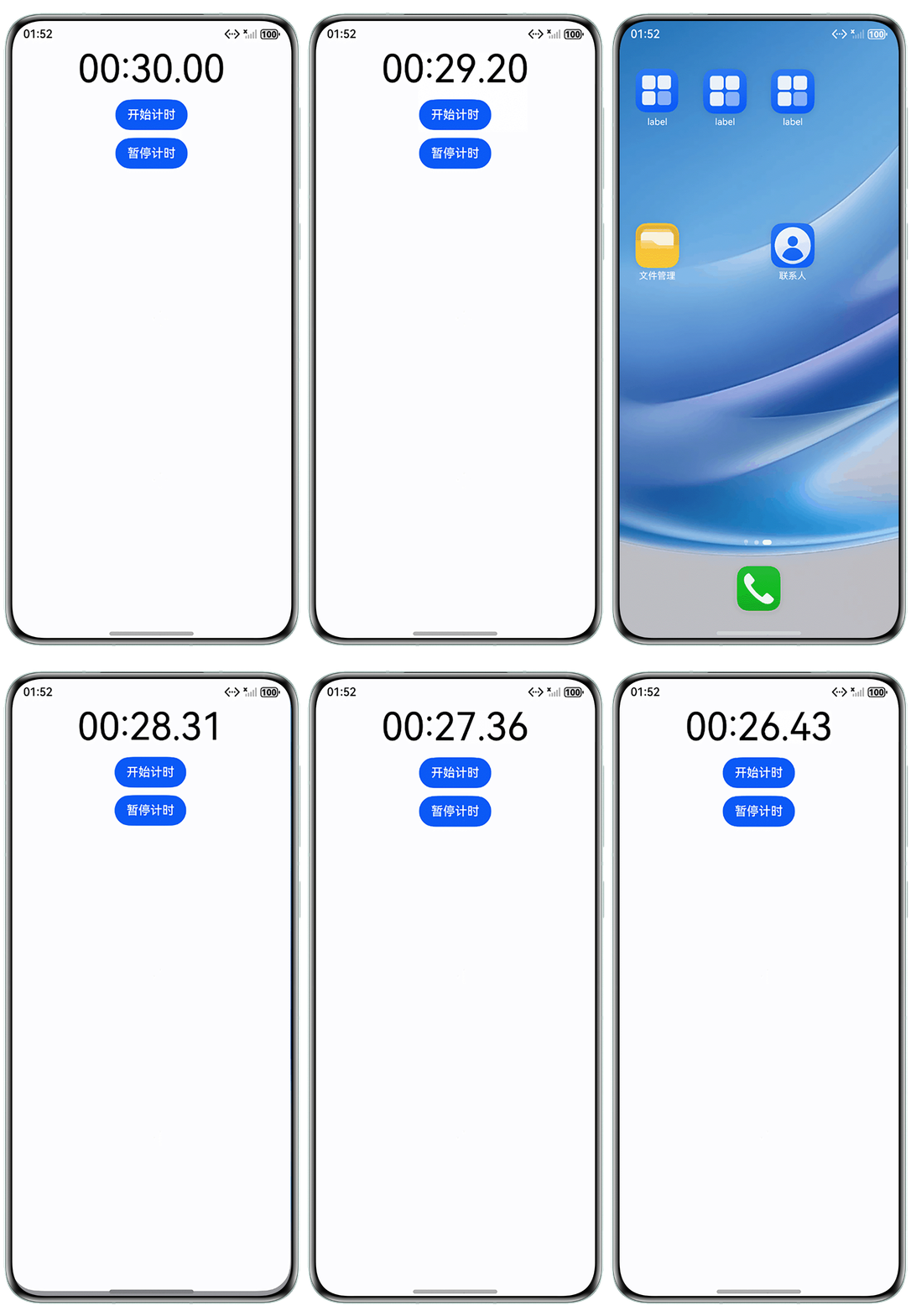
- 问题三:TextTimer组件后台停止前台恢复可以通过计时器控制器的指令实现。将控制器导出,在EntryAbility.ets文件中使用。当应用进入后台触发onBackground时使用pause指令停止计时器,进入前台时根据上一次后台前计时器的状态判断是否调用start指令让计时器继续计时。
// EntryAbility.ets下相关代码
// 进入前台时触发
onForeground(): void {
  console.info('应用进入前台');
  if (textTimerInfo.inProgress) {
    textTimerInfo.textTimerController.start(); // 如果原本是计时状态,进入前台开始计时
  }
}

// 进入后台时触发
onBackground(): void {
  console.info('应用进入后台');
  textTimerInfo.textTimerController.pause(); // 进入后台时停止计时
}
// Page2.ets class TextTimerInfo { textTimerController: TextTimerController; // 计时器控制器 inProgress: boolean; // 计时器原本是否在计时 constructor(textTimerController: TextTimerController, inProgress: boolean) { this.textTimerController = textTimerController; this.inProgress = inProgress; } } export const textTimerInfo: TextTimerInfo = new TextTimerInfo(new TextTimerController(), false); // 导出计时器的信息 @Entry @Component struct Page2 { build() { Column({ space: 10 }) { TextTimer({ isCountDown: true, count: 30000, controller: textTimerInfo.textTimerController }) .format('mm:ss.SS') .fontColor(Color.Black) .fontSize(50); Button('开始计时') .onClick(() => { textTimerInfo.textTimerController.start(); textTimerInfo.inProgress = true; }); Button('暂停计时') .onClick(() => { textTimerInfo.textTimerController.pause(); textTimerInfo.inProgress = false; }); } .height('100%') .width('100%'); } }运行效果图如下: