问题现象
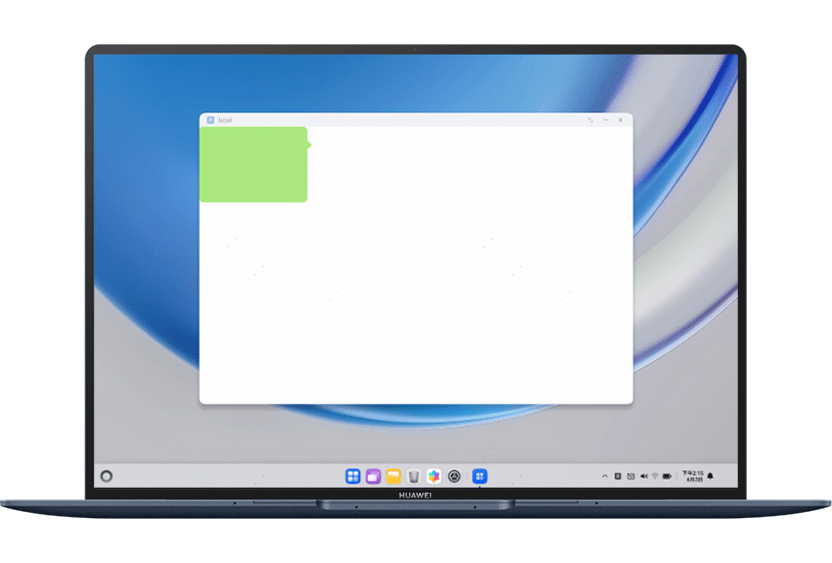
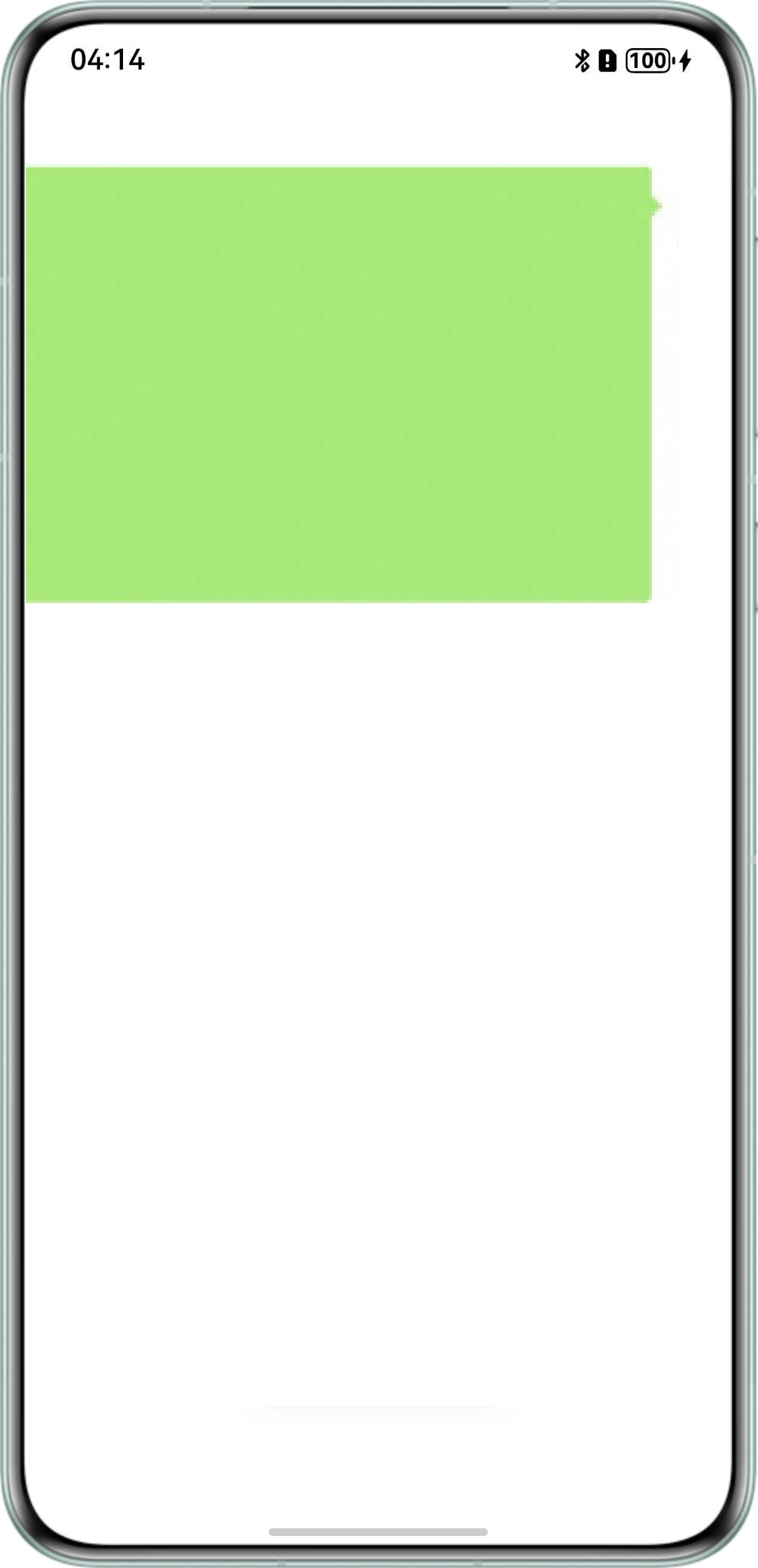
使用resizable设置top、right、bottom、left,单位是vp,在PC设备和手机设备上箭头拉伸效果存在差异。
问题代码如下:
@Entry
@Component
struct Index {
  @State message: string = 'Hello World';

  build() {
    RelativeContainer() {
      Image($r('app.media.test')) // 运行时需替换为实际的资源文件
        .width(300)
        .height(200)
        .resizable({
          slice: {
            top: this.getUIContext().px2vp(84),
            bottom: this.getUIContext().px2vp(38),
            left: this.getUIContext().px2vp(10),
            right: this.getUIContext().px2vp(28)
          }
        })
    }
    .height('100%')
    .width('100%')
  }
} 
背景知识
- 设置EdgeWidths对象中的,传入数字时默认为VP单位,但在不同设备上VP单位会被解析成不同大小的PX单位。
- 屏幕像素单位:px。屏幕上的实际像素,1px代表手机屏幕上的一个像素点。
- 虚拟像素单位:vp。屏幕密度相关像素,根据屏幕像素密度转换为屏幕物理像素,当数值不带单位时,默认单位vp。vp与px的比例与屏幕像素密度有关。
问题定位
问题代码中top、right、bottom、left设置的数值单位是vp,Image组件宽高数值单位也是vp,因为不同设备的像素密度不同,所以在不同设备上vp单位会被解析成不同大小的px单位。推测由于PC设备上聊天气泡单行文本组件最小高度小于气泡图片物理高度,导致图片显示被压缩。