问题现象
Text组件绑定自定义菜单如何实现以下效果:
- bindSelectionMenu展示的菜单在用户触碰屏幕时自动消失。
- 长按出现自定义菜单,双击手势不出现默认菜单。
问题效果预览:
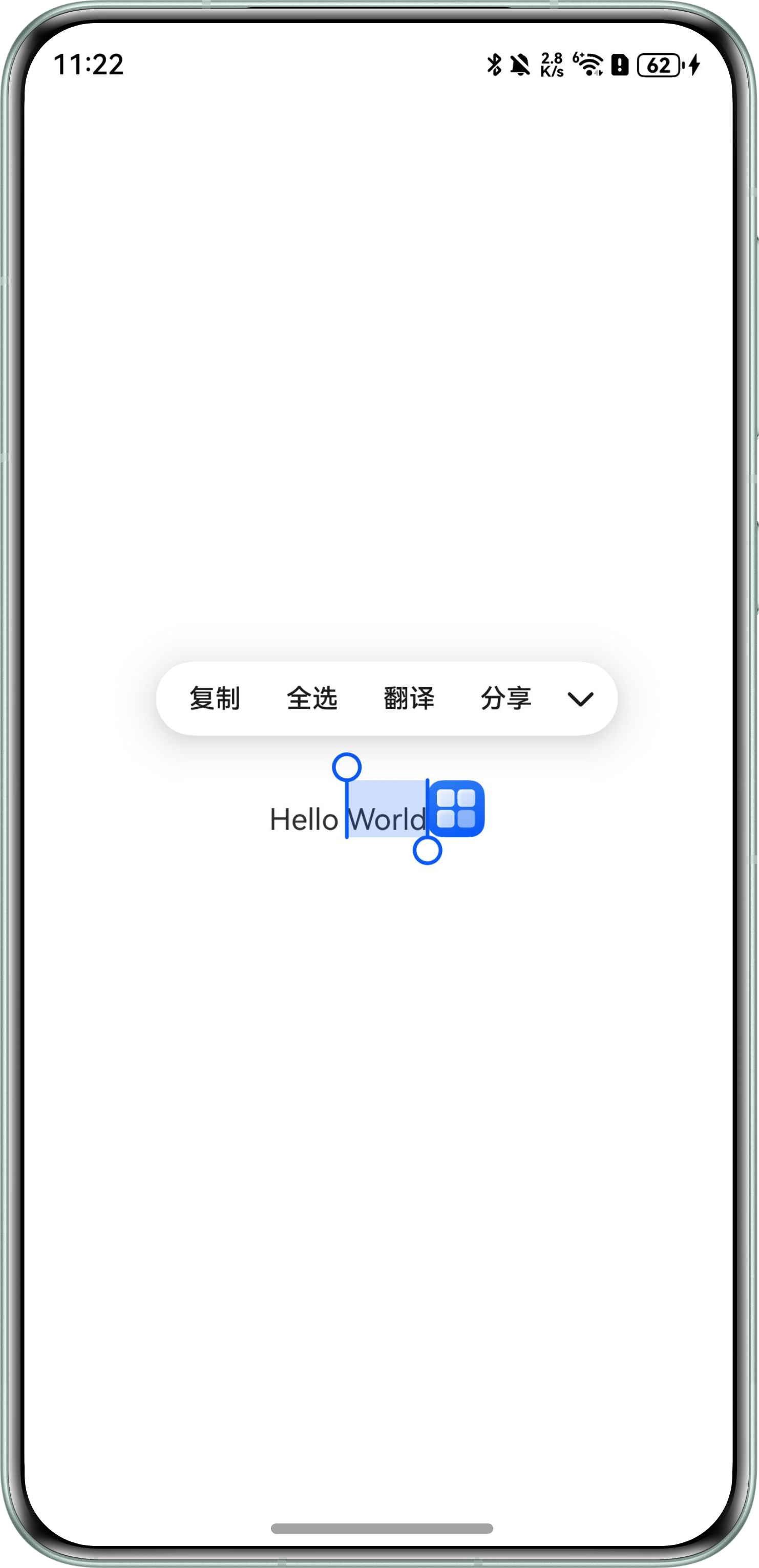
效果预览
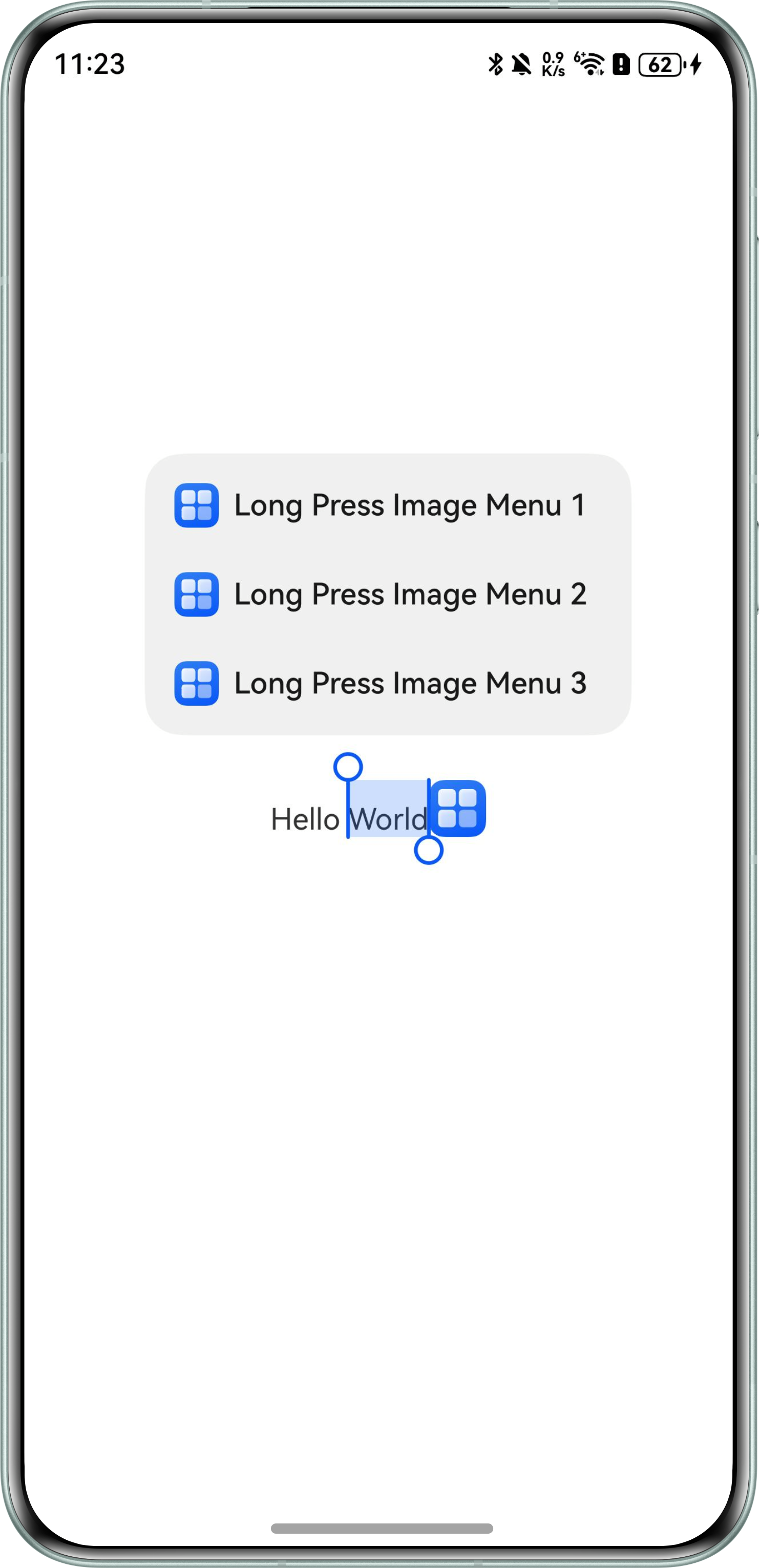
解决方案
- 在页面最外层组件添加点击事件,关闭菜单,实现触摸屏幕菜单消失的效果。
- 双击手势出现默认菜单是系统默认规格,可以为Text组件绑定双击事件覆盖默认行为。
@Entry
@Component
struct BindMenuPage {
  controller: TextController = new TextController();

  build() {
    Column() {
      Text(undefined, { controller: this.controller }) {
        Span('Hello World');
        ImageSpan($r('app.media.startIcon')) // 图片资源需自行替换
          .width('100px').height('100px');
      }
      .parallelGesture(
        // 重写双击手势事件,关闭菜单
        TapGesture({ count: 2 })
          .onAction(() => {
            this.controller.closeSelectionMenu();
          }), GestureMask.Normal)
      .copyOption(CopyOptions.InApp)
      // 设置TextResponseType.LONG_PRESS,可以通过长按方式弹出自定义菜单
      .bindSelectionMenu(TextSpanType.DEFAULT, this.LongPressImageCustomMenu, TextResponseType.LONG_PRESS);
    }.width('100%').height('100%')
    .justifyContent(FlexAlign.Center)
    .onClick(() => {
      // 在页面根节点设置点击事件,关闭菜单
      this.controller.closeSelectionMenu(); // 关闭菜单
    });
  }

  @Builder
  LongPressImageCustomMenu() {
    Column() {
      Menu() {
        MenuItemGroup() {
          // 图片资源需自行替换
          MenuItem({ startIcon: $r('app.media.startIcon'), content: 'Long Press Image Menu 1', labelInfo: '' });
          MenuItem({ startIcon: $r('app.media.startIcon'), content: 'Long Press Image Menu 2', labelInfo: '' });
          MenuItem({ startIcon: $r('app.media.startIcon'), content: 'Long Press Image Menu 3', labelInfo: '' });
        };
      }
      .backgroundColor('#F0F0F0');
    };
  }
}