问题现象
如何封装bindPopup的PopupOptions以实现复用?
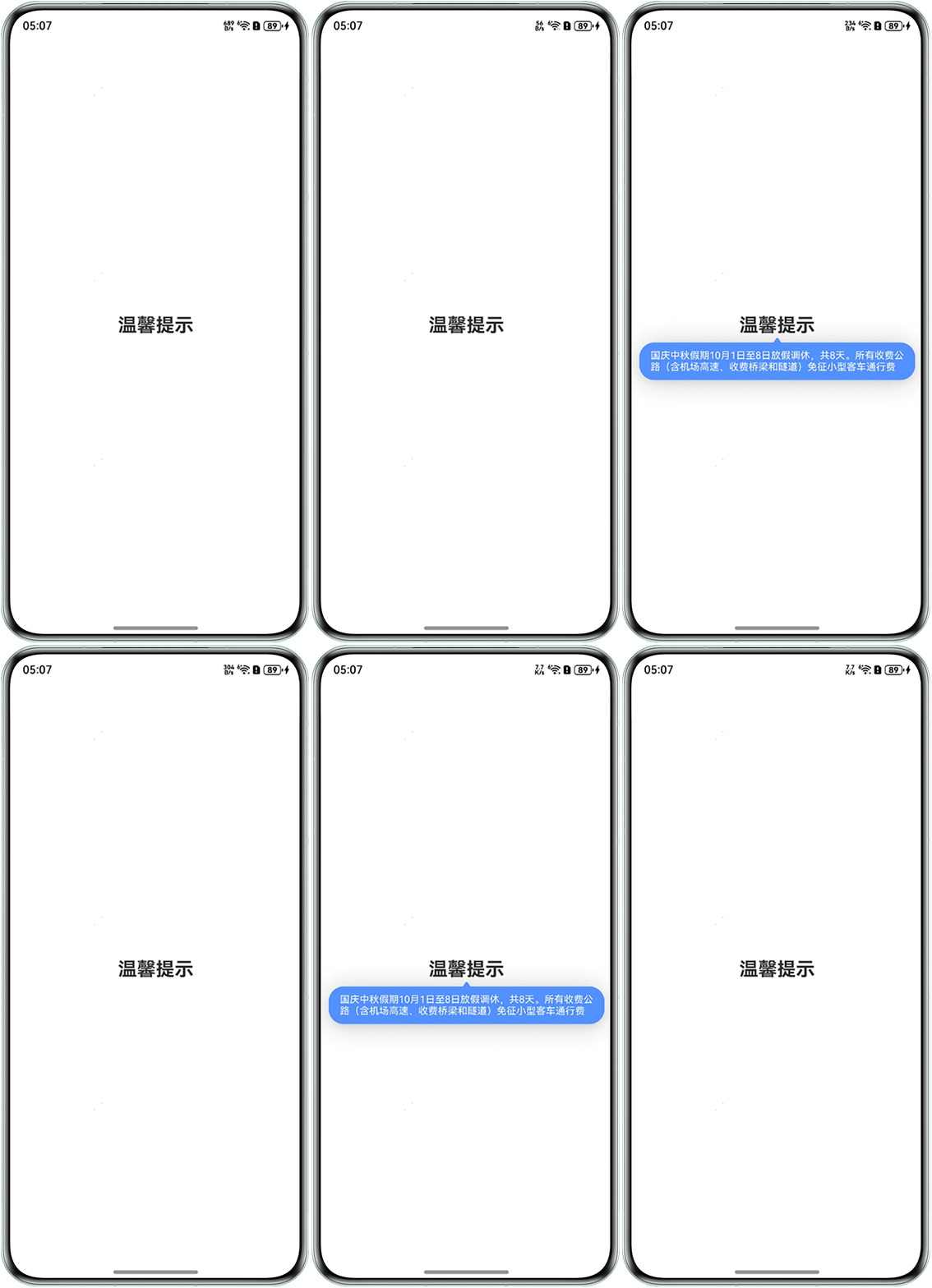
效果预览
解决方案
- 在CustomPopUtility.ets中定义气泡弹窗的显示内容,并封装气泡弹窗的配置属性。
import { emitter } from '@kit.BasicServicesKit';

@Builder
function csPopupBuilder(title: string | Resource, color: string) {
  Column() {
    Text(title)
      .onDisAppear(() => {
        // Pop消失时发送emitter事件。
        emitter.emit({
          eventId: 1,
          priority: emitter.EventPriority.HIGH
        });
      })
      .fontSize(13)
      .padding({
        left: 15,
        right: 15,
        top: 10,
        bottom: 10
      })
      .fontColor(color);
  };
}

export function buildOptionsParams(that: Object, content: string, customPopup: boolean): CustomPopupOptions {
  // 想在此处解析皮肤配置title,字体颜色、背景颜色、气泡描边色offset等
  return {
    builder: csPopupBuilder.bind(that,
      content, '#FFFFFF'),
    placement: Placement.Bottom,
    offset: { y: -6 },
    arrowWidth: 10,
    arrowHeight: 6,
    backgroundBlurStyle: BlurStyle.NONE,
    popupColor: '#5291FF',
    onStateChange: (e) => {
      if (!e.isVisible) {
        customPopup = false;
      } else {
        customPopup = true;
      }
      console.info('res=', customPopup);
    },
  };
} - 在Index.ets中调用CustomPopUtility.ets中封装的弹窗配置属性,并使用emitter进行监听Pop的消失事件,以此达到一次封装可多次复用的效果。
import { emitter } from '@kit.BasicServicesKit';
import { buildOptionsParams } from './CustomPopUtility';

@Entry
@Component
struct Index {
  @State isShowSchedulePopupGuide: boolean = false;

  aboutToAppear(): void {
    // 收到eventId为1的事件后执行回调函数修改Pop的状态变量
    emitter.on({
      eventId: 1
    }, (eventData: emitter.EventData) => {
      if (eventData) {
        this.isShowSchedulePopupGuide = false;
      }
    });
  }

  build() {
    RelativeContainer() {
      Text('温馨提示')
        .fontSize(25)
        .fontWeight(FontWeight.Bold)
        .alignRules({
          center: { anchor: '__container__', align: VerticalAlign.Center },
          middle: { anchor: '__container__', align: HorizontalAlign.Center }
        })
        .onClick(() => {
          this.isShowSchedulePopupGuide = !this.isShowSchedulePopupGuide;
        })
        //Pop封装后只需一行代码即可实现调用。
        .bindPopup(this.isShowSchedulePopupGuide, buildOptionsParams(this,
          '国庆中秋假期10月1日至8日放假调休,共8天。所有收费公路(含机场高速、收费桥梁和隧道)免征小型客车通行费',
          this.isShowSchedulePopupGuide));
    }
    .height('100%')
    .width('100%');
  }
}