背景知识
RichEditor是支持图文混排和文本交互式编辑的组件,通常用于响应用户对图文混合内容的输入操作,例如可以输入图文的评论区。可以通过addTextSpan添加文本内容以及addBuilderSpan添加@Builder装饰器修饰的内容。
解决方案
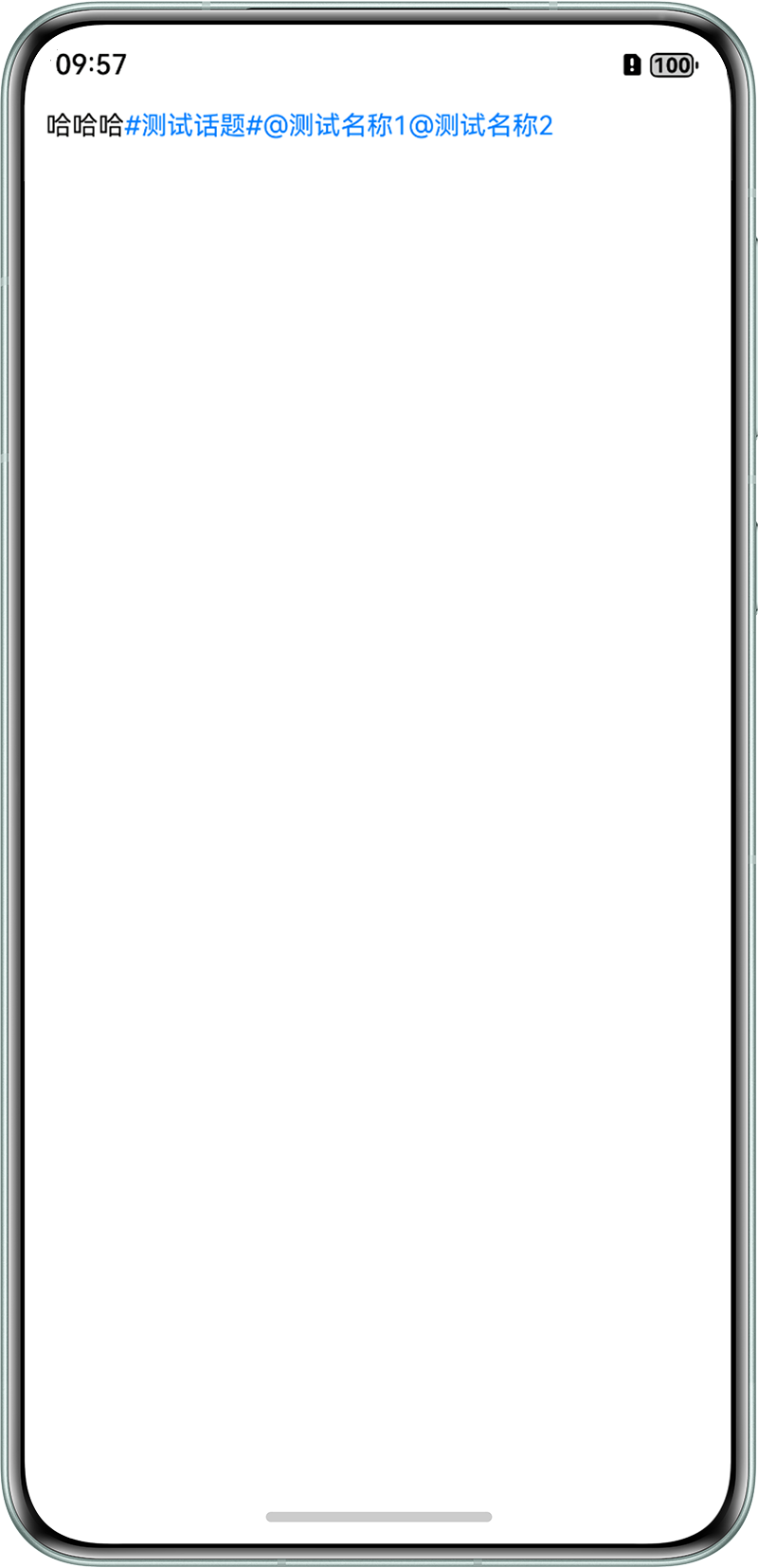
获取缓存数据时需要解析成对应格式后展示。用js正则匹配出需要的正常文本内容通过addTextSpan添加到输入框中,接着通过addBuilderSpan自定义样式内容插入后面。示例代码为:
interface FormatText {
  'content': string;
  'sendFriend': SendFriendText[];
  'topic': TopicText;
}

interface SendFriendText {
  'name': string;
  'id': string;
}

interface TopicText {
  'topicContent': string;
}

@Entry
@Component
struct RichEditorExample {
  controller: RichEditorController = new RichEditorController();
  option: RichEditorOptions = { controller: this.controller };

  build() {
    Column() {
      RichEditor(this.option)
        .onAppear(() => {
          let cacheData: string = `{
              "content": "哈哈哈&&topic&&&&at&&&&at&&",
              "sendFriend":
              [{
                "name": "测试名称1",
                "id": "1"
              },
              {
                "name": "测试名称2",
                "id": "2"
              }],
              "topic": {
                "topicContent": "测试话题'"
              }
            }`;
          const controller = this.controller;
          const regex = /&&(.*)&&/;
          let resolveData = JSON.parse(cacheData) as FormatText;
          let postContent = resolveData.content;
          let normalText: string = postContent.replace(regex, '');
          let topic = resolveData.topic.topicContent;
          let atNames: string[] = resolveData.sendFriend.map((item: SendFriendText) => item.name);
          controller.addTextSpan(normalText, { style: { fontColor: Color.Black, fontSize: 14 } });
          controller.addBuilderSpan(() => this.AtSpan(`#${topic}#`), {
            offset: controller.getCaretOffset()
          });
          atNames.map((name: string) => {
            controller.addBuilderSpan(() => this.AtSpan(`@${name}`), {
              offset: controller.getCaretOffset()
            });
          });
        })
    }
    .width('100%')
    .height('100%')
  }

  @Builder
  AtSpan(span: string) {
    Text(span)
      .fontSize(14)
      .fontColor('#007dff')
  }
}
效果图为: