问题现象
启动预览后,预览窗口白屏,并显示错误信息:“Preview failed. View details in the PreviewerLog window.”。
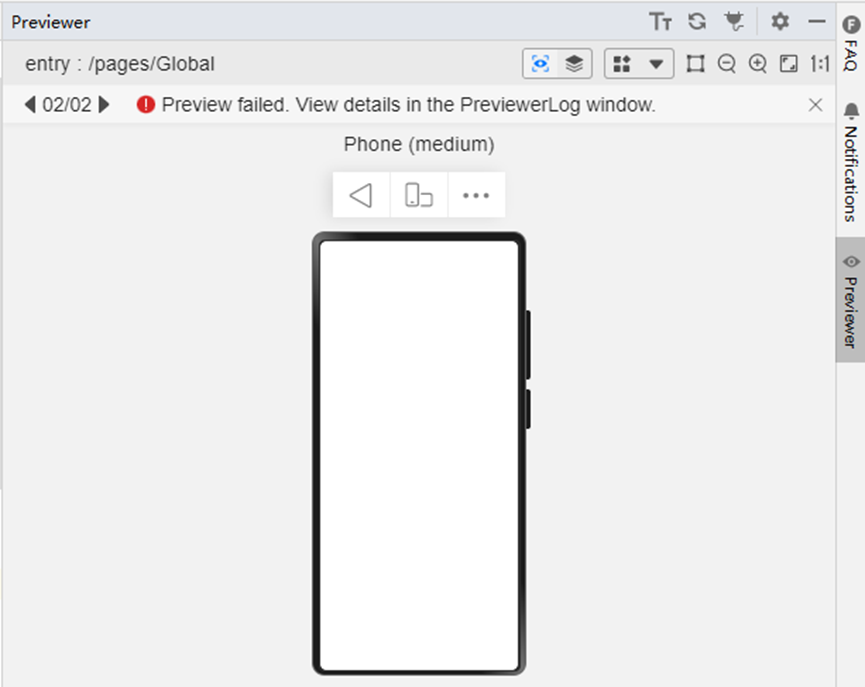
此时下方PreviewLog窗口出现告警信息:“There are properties not initialized.”。

解决措施
预览页面或组件中存在未初始化成功的成员变量,调用这些成员变量的属性或方法时会导致错误,预览界面显示空白。导致该问题的常见原因包括:
场景一:使用AppStorage等方法设置全局变量。
场景二:使用router.getParams()获取路由参数。
使用自定义的Mock。
- 在 oh-package.json5 中添加以下依赖。
"dependencies": { // The version number needs to be modified according to the relationship between hvigor and the SDK "@ohos/hamock": "1.0.0" } - 预览页面中导入mock依赖。
import { MockSetup } from '@ohos/hamock'; - 设置mock数据。
@MockSetup
mock(){
  this.fruit = new Fruit("apple");
}
场景一:使用AppStorage等方法设置的全局变量,修改后的示例代码如下:
import { MockSetup } from '@ohos/hamock';

export default class Fruit{
  public name: string;

  getName(): string{
    return this.name;
  }

  constructor(name: string) {
    this.name = name;
  }

}

@Entry
@Component
struct GlobalData {
  @State fruit:Fruit = AppStorage.get("fruit") as Fruit;

  @MockSetup
  mock(){
    this.fruit = new Fruit("apple");
  }

  build() {
    Row() {
      Column() {
        Text(this.fruit.name)
          .fontSize(50)
          .fontWeight(FontWeight.Bold)
      }
      .width('100%')
    }
    .height('100%')
  }
}
场景二:使用路由参数,修改后的示例代码如下:
import { MockSetup } from '@ohos/hamock';

@Entry
@Component
struct Page {
  @State params: object = this.getUIContext().getRouter().getParams();

  @MockSetup
  mock(){
    this.params = [];
    this.params["path"] = "path";
  }

  build() {
    Row() {
      Column() {
        Text(this.params['path'])
          .fontSize(50)
          .fontWeight(FontWeight.Bold)
      }
      .width('100%')
    }
    .height('100%')
  }
}