You need to enable App Linking before using it. If you have enabled it, skip this section.
Sign in to AppGallery Connect and click Development and services.
Click the project to which your HarmonyOS app belongs.
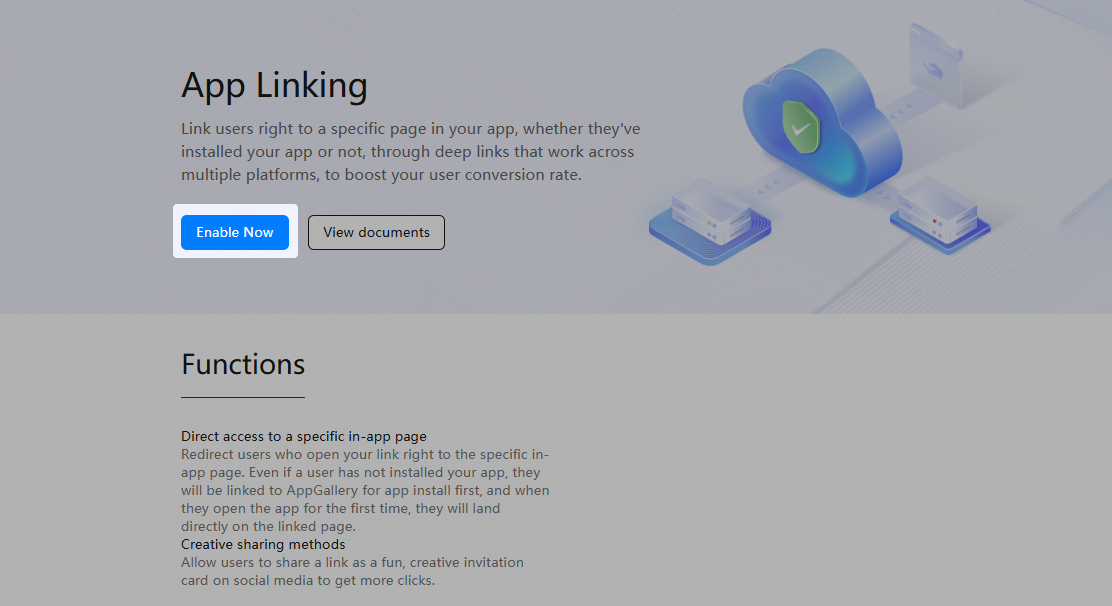
In the navigation tree, choose Grow > App Linking > App Link or Cross-platform links. On the App Linking page that is displayed, click Enable Now.
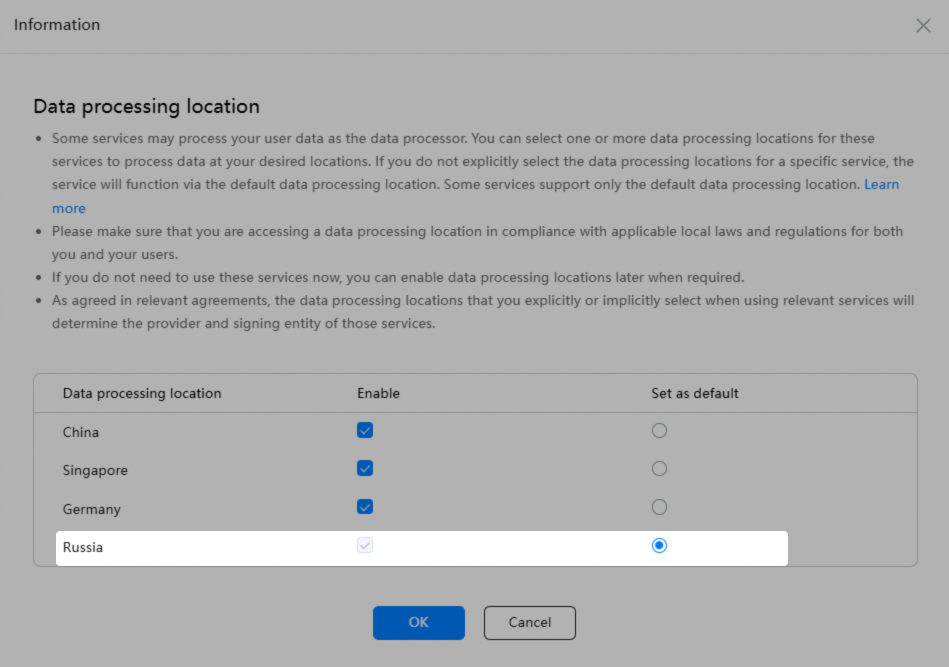
If no data processing location has been set for the project, select desired data processing locations and set the default one in the dialog box that is displayed, and click OK.