You need to enable Cloud Functions before using it. If you have enabled it, skip this step.
Sign in to AppGallery Connect and click Development and services.
Find your project for which you need to enable Cloud Functions from the project list.
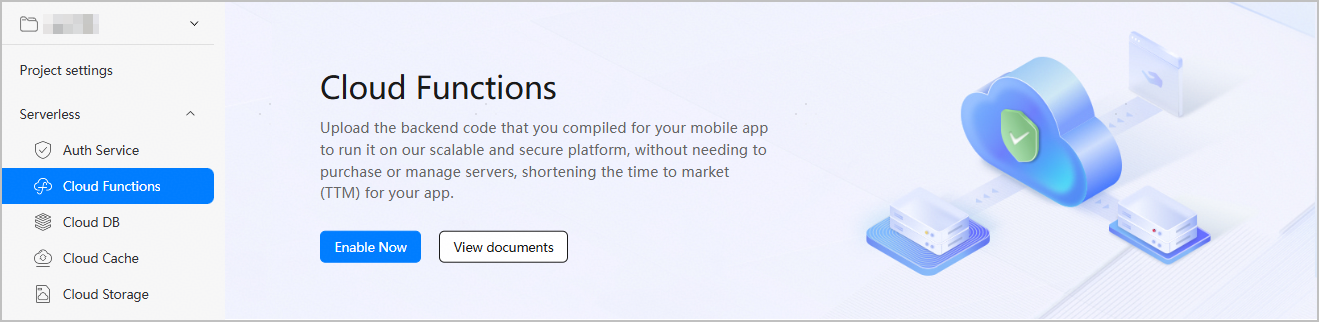
Go to Serverless > Cloud Functions. On the Cloud Functions page that is displayed, click Enable Now.

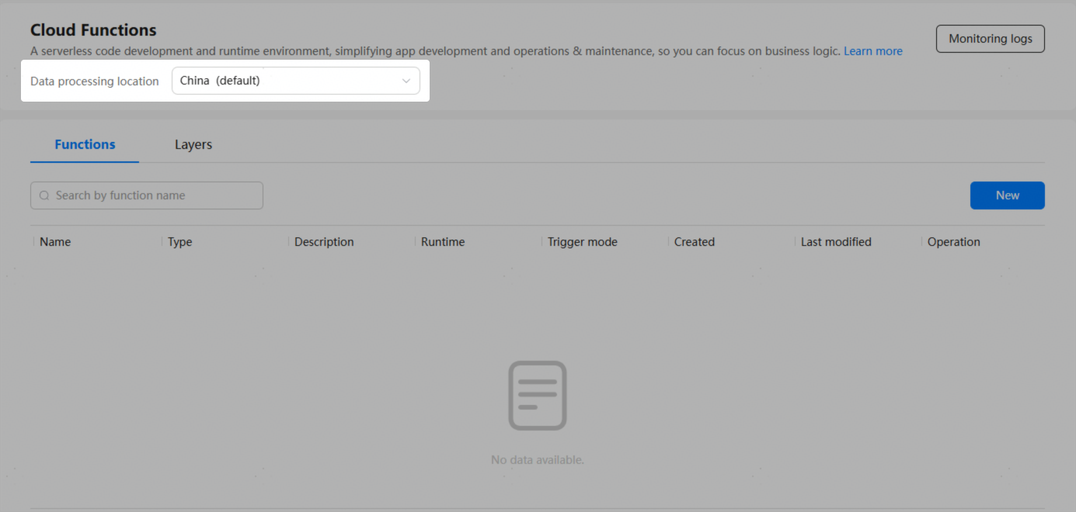
If you have not set a data processing location, a dialog box will be displayed to guide you through the setting. Currently, you can enable multiple data processing locations for Cloud Functions.
If you have enabled multiple data processing locations, you can switch among these locations to facilitate management.