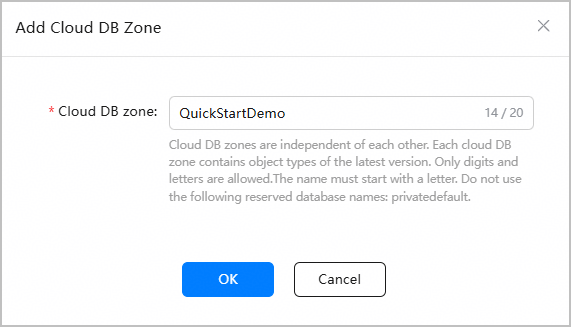
This section describes how to create a Cloud DB zone named QuickStartDemo.
Procedure
Sign in to AppGallery Connect and click Development and services.
Click the project for which you want to create a Cloud DB zone.
Go to Serverless > Cloud DB.
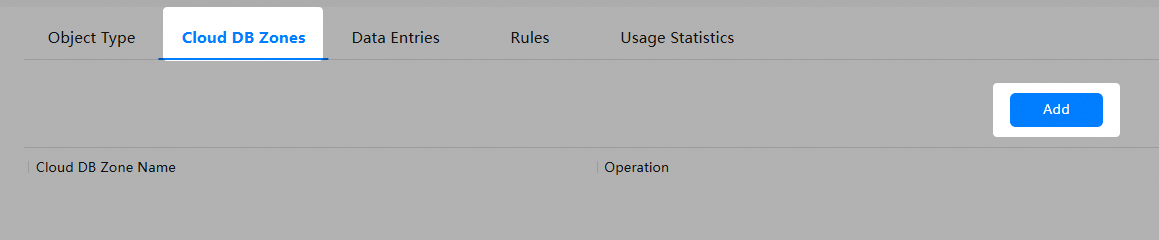
Click the Cloud DB Zones tab and click Add.
In the Add Cloud DB Zone dialog box, set Cloud DB zone to QuickStartDemo and click OK.