Application Data Migration Is Suspended
Symptom 1
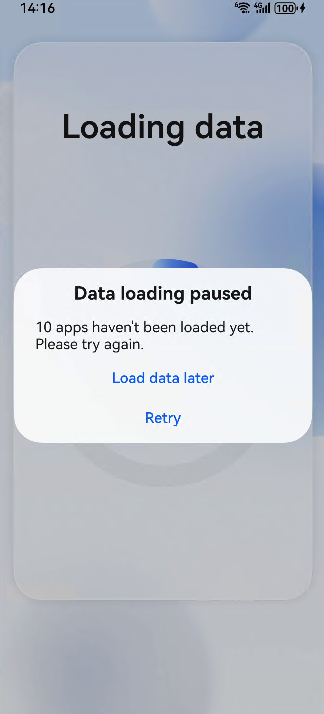
On the data loading page, application data migration is suspended.
Possible Causes
Network access is required during application data migration. However, the network of the current device is unavailable. As a result, data migration is suspended.
Solution
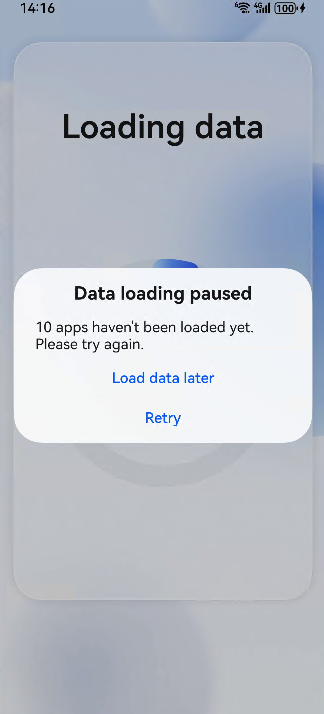
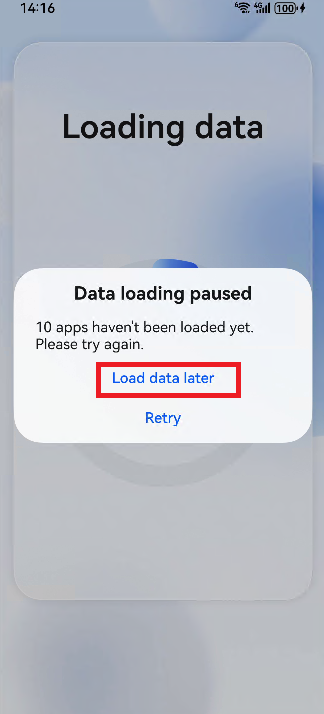
Touch Load data later, and the home screen is displayed. Connect to an available network, and the application data migration resumes.
Problem 2
If the application data migration is not complete after you access the home screen, you can enter the application loading page via the notification panel to view the progress.
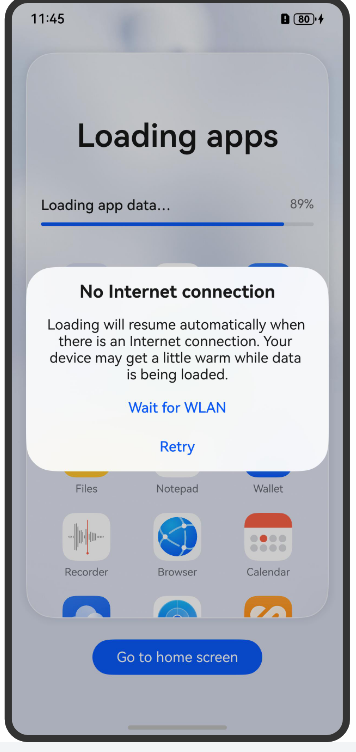
On the application loading page, application data migration is suspended.
Possible Causes
Network access is required during application data migration. However, the network of the current device is unavailable. As a result, data migration is suspended.
Solution
Touch Load data later, and the home screen is displayed. Connect to an available network, and the application data migration resumes.
Application Data Migration Fails After 15-Minute Execution
Issues
Application data migration fails after it has been executed for 15 minutes.
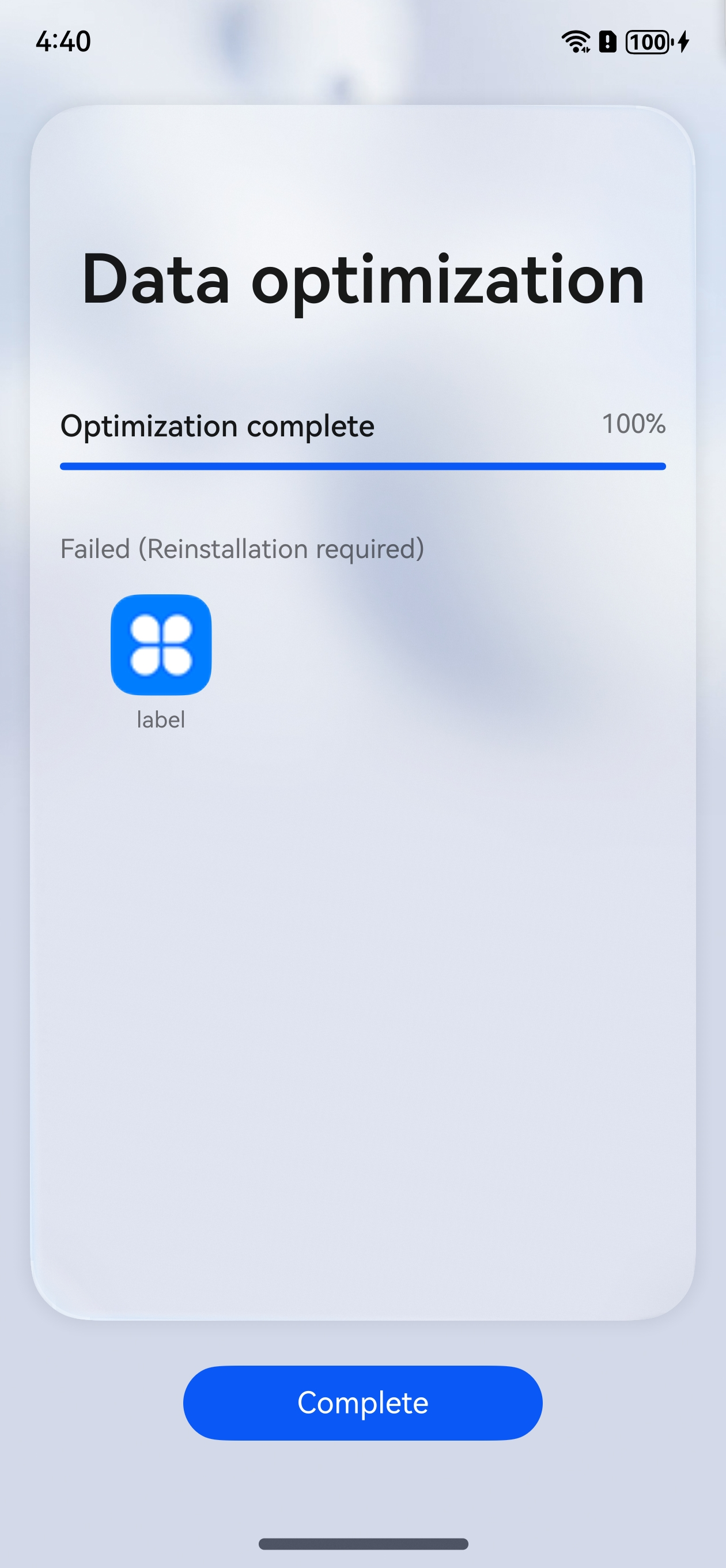
Possible Causes
The maximum data migration duration of a single application is set to 15 minutes. The data migration task fails if it takes more than 15 minutes.
Solution
Optimize the code implementation of BackupExtensionAbility to complete application data migration within 15 minutes.

Applications that have been connected to the data migration framework can be used only after data migration is complete. Application data can be migrated as quickly as possible to improve user experience.
The migration start button cannot be clicked.
Issues
On the migration debugging screen, the migration start button cannot be enabled after the app package name is entered.
Possible Causes
The version of the migration debugging tool is earlier than 6.0.0.190.
Solution
Apply for the latest version of the migration debugging tool. For details, see "Migration Debugging" in Developer Self-Verification.