Use Cases
Starting from 6.0.0(20), the satellite map and hybrid map are supported.
Map Kit supports the following types of maps:
-
STANDARD: standard map, which shows roads, buildings, and natural features such as rivers.
-
NONE: empty map without any data.
-
TERRAIN: topographic map, which is a standard map that provides a clear and complete depiction of terrain features, while still retaining other map elements such as administrative boundaries, POIs, and building footprints.
-
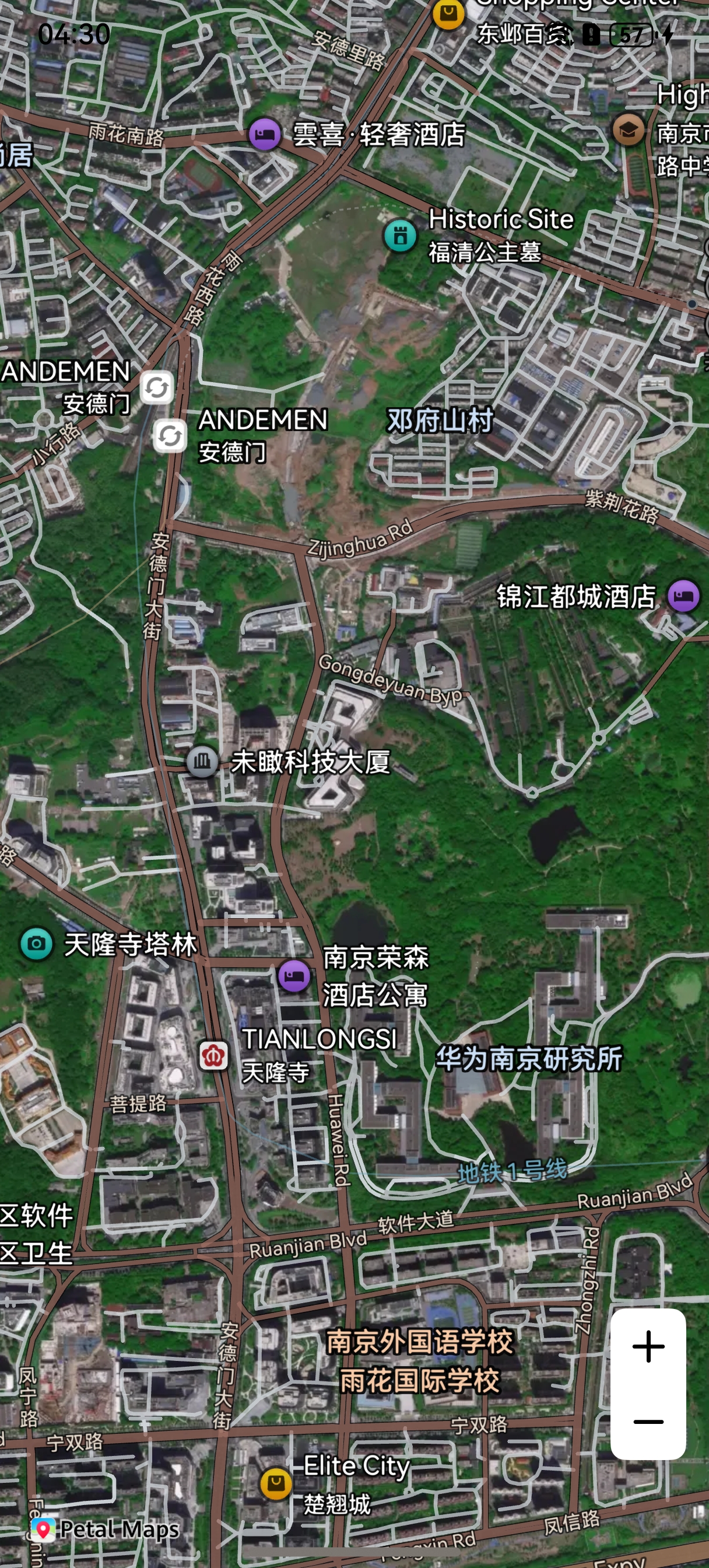
SATELLITE: satellite map, which shows satellite imagery. It is available only in China. It is applicable to scenarios that require high-precision geographic information.
-
HYBRID: hybrid map, which displays both satellite imagery and road network information. It is applicable to navigation apps that require both satellite images and road network information to enhance practicality and guidance.
Figure 1 Standard map
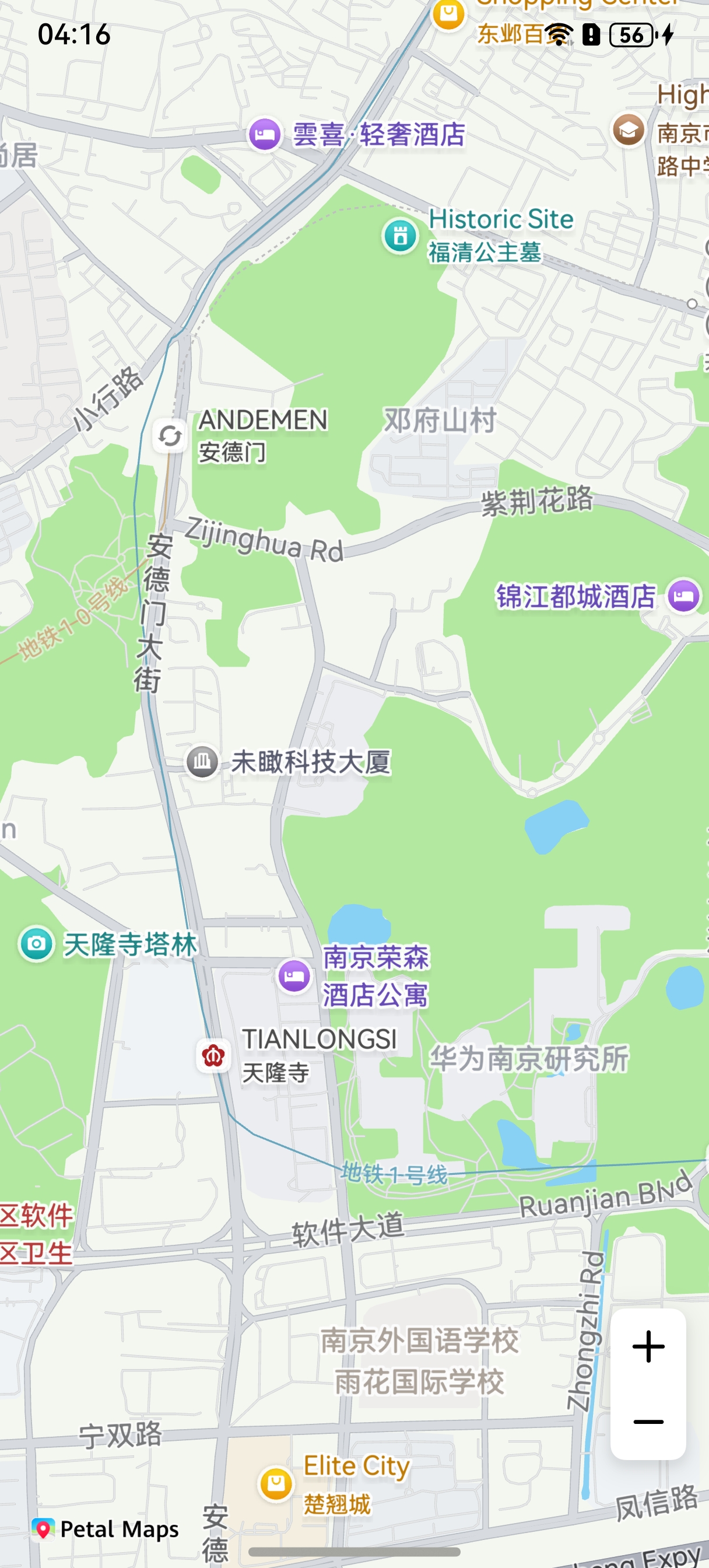
Figure 2 Empty map
Figure 3 Terrain map
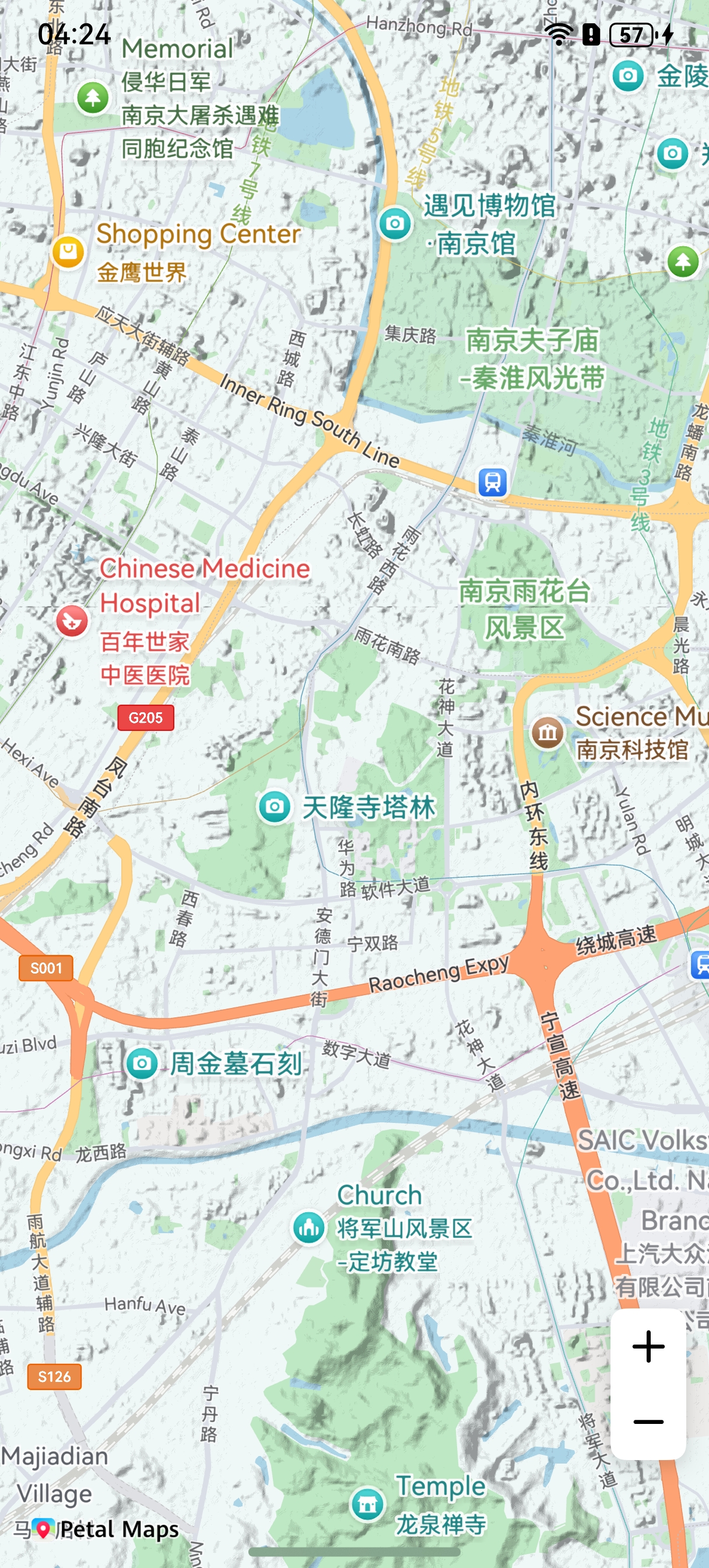
Figure 4 Satellite map
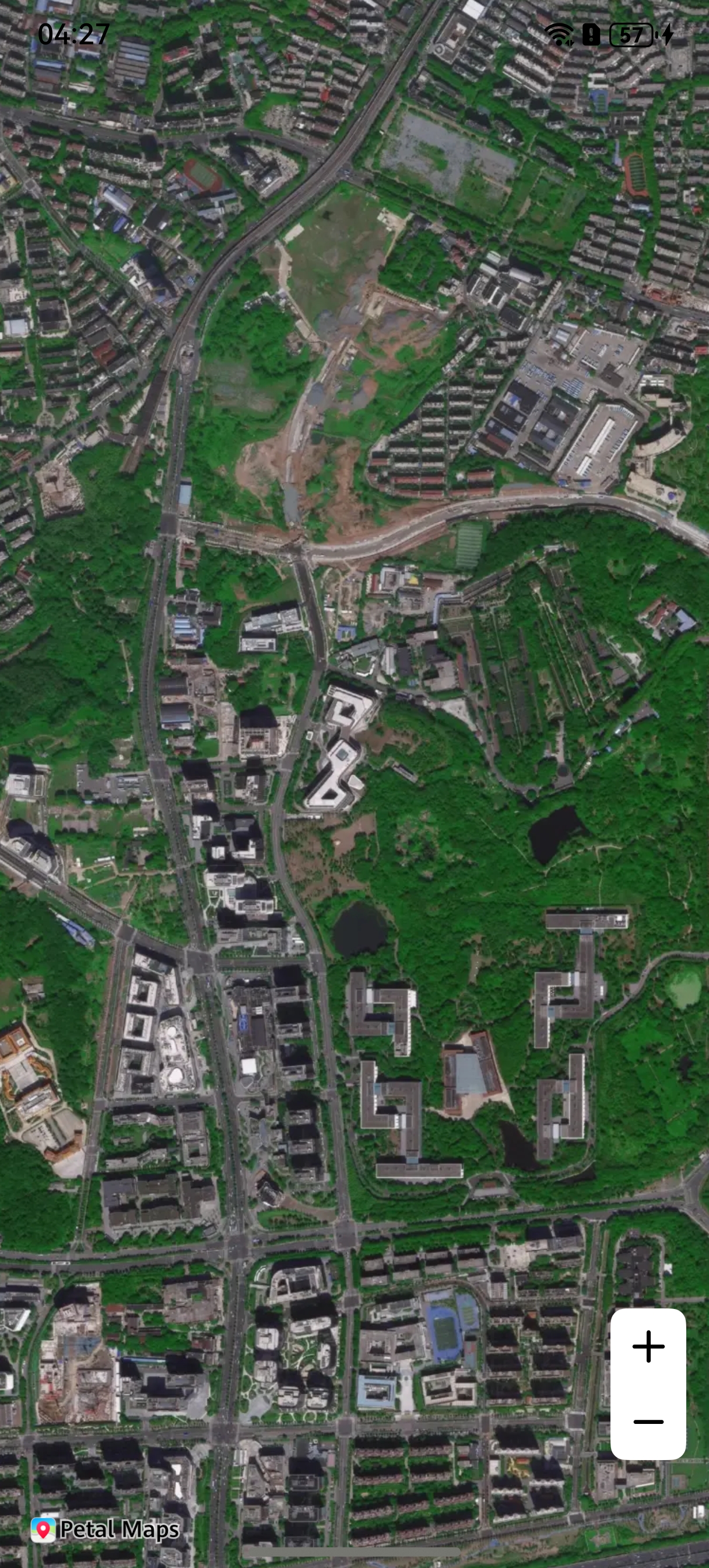
Figure 5 Hybrid map
API Description
Map Kit provides two methods to set the map type.
Method 1: During initialization, set mapType in MapOptions to determine the map type to display.
| Attribute | Description |
|---|---|
| mapCommon.MapOptions.mapType | Map type in the map initialization parameter. |
Method 2: After a map is created, dynamically set the map type by using the setMapType method.
| API | Description |
|---|---|
| setMapType(mapType: mapCommon.MapType): void | Sets the map type. |
Development Procedure
-
Import required modules.
import { mapCommon } from '@kit.MapKit'; -
Set the map type.
Method 1:
During map initialization, add the mapType attribute with value mapCommon.MapType.STANDARD to the mapOptions parameter.
this.mapOptions = {
  position: {
    target: {
      latitude: 31.984410259206815,
      longitude: 118.76625379397866
    },
    zoom: 15
  },
  mapType: mapCommon.MapType.STANDARD
};
The following figure illustrates the effects.

Method 2: After a map is created, call the setMapType method to set the map type to terrain map. The terrain effect is only visible at a zoom level ranging from 5 to 14.
this.mapController.setMapType(mapCommon.MapType.TERRAIN);
The following figure illustrates the effects.
