1. Download the official Python installation package for macOS. Python 3.11.7 is recommended.
2. You can customize the installation on macOS without modifying the environment variables. For details, see Using Python on macOS, and deselecting UNIX command-line tools and shell profile updater.
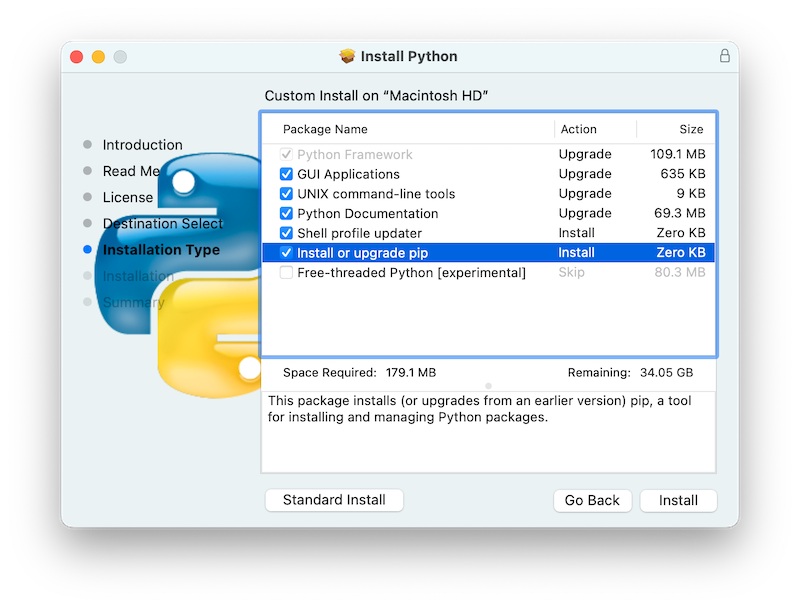
3. Close DevEco Studio and modify the other.xml file.
cd ~/Library/Application\ Support/Huawei/DevEcoStudio6.0/options
vi other.xml
Enter /python to locate the location.python.path line and change the Python path to /Library/Frameworks/Python.framework/Versions/3.11/bin.
