Symptom
During a HarmonyOS SDK download, an error is displayed while the network connection is normal.
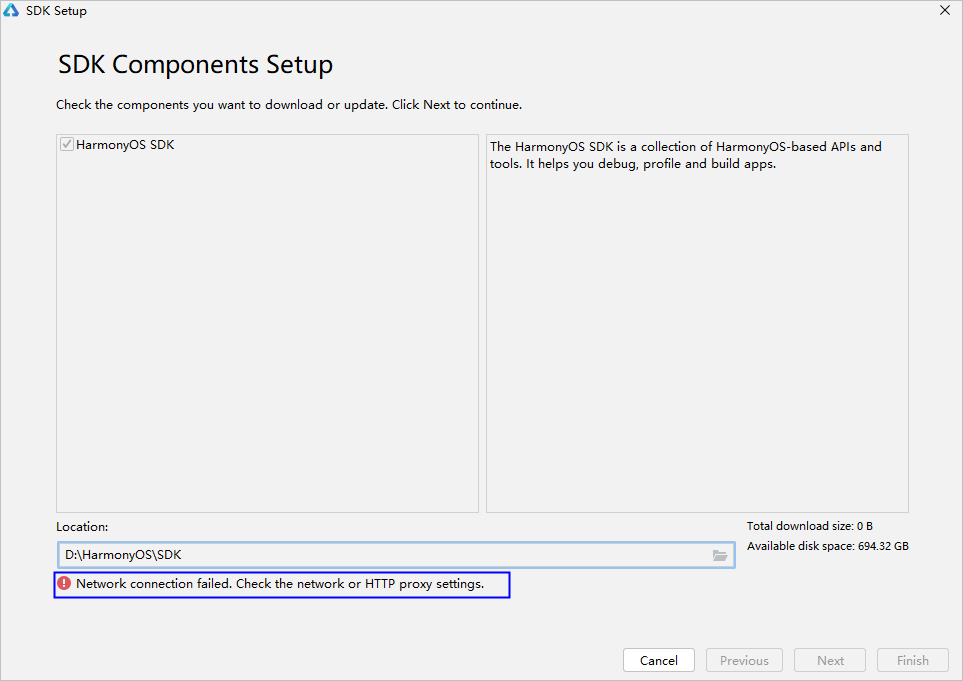
Solution
A possible cause is that the PC system language is English and the region code is US. Close DevEco Studio and perform the steps below to change the region code to CN:
In C:\Users\_username_\AppData\Roaming\Huawei\DevEcoStudio4.1\options (/Users/_username_/Library/Application Support/Huawei/DevEcoStudio4.1/options on macOS), open the country.region.xml file and change the value of countryregion name to CN.
<application>
    <component name="CountryRegionSetting">
        <countryregion name="CN"/>
    </component>
</application>