When to Use
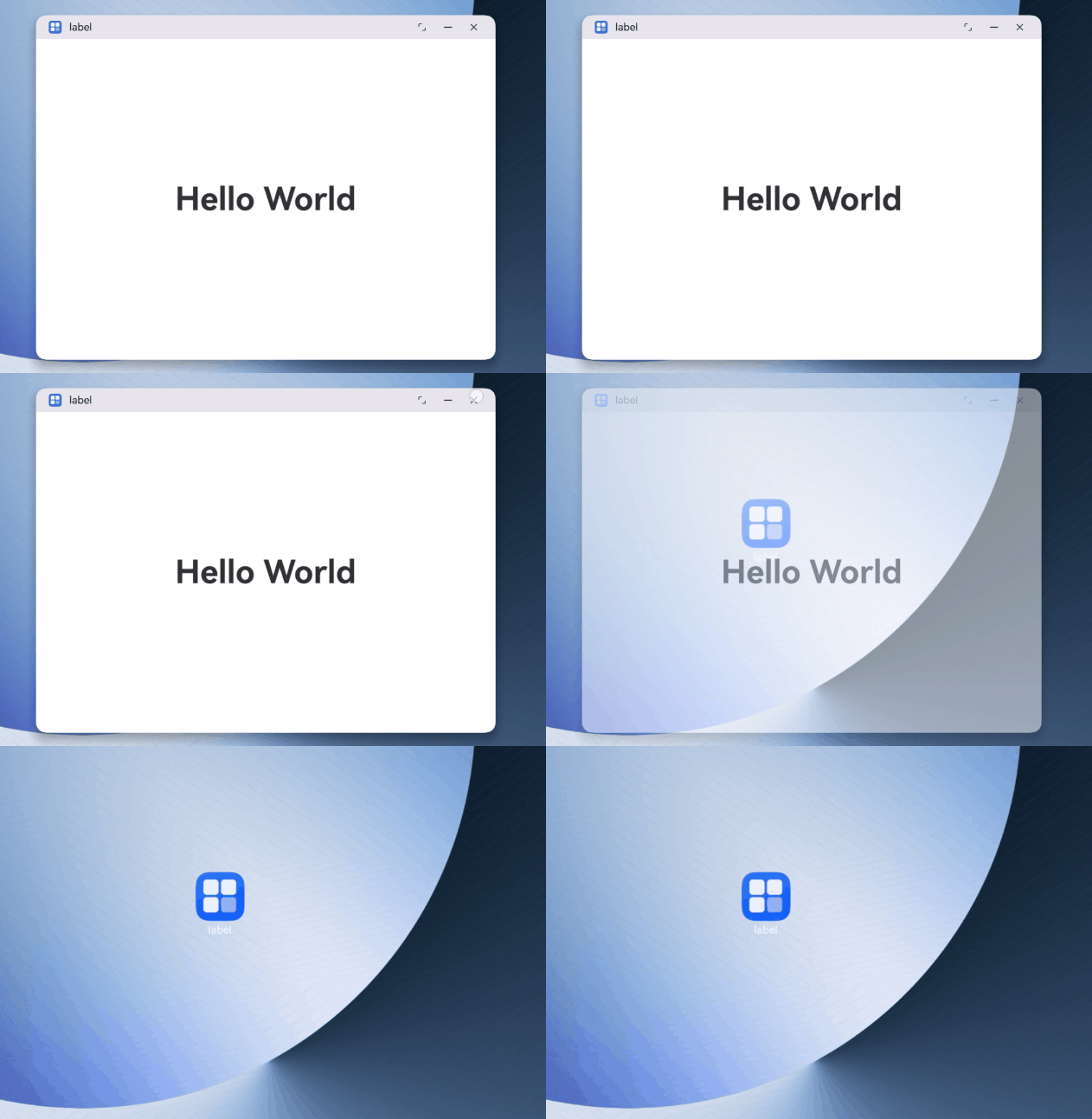
Window animation effects refer to the transition animation effects during window display, hiding, and switching processes. To make these processes more natural and smooth, and to avoid abrupt interface switching, the system provides transition animation support. At the same time, to meet your customization needs, the system also provides the ability to customize window animation effects.
The following are several typical scenarios that support custom window animation effects:
Setting the fade in/out animation effect for UIAbility component startup within the Settings app
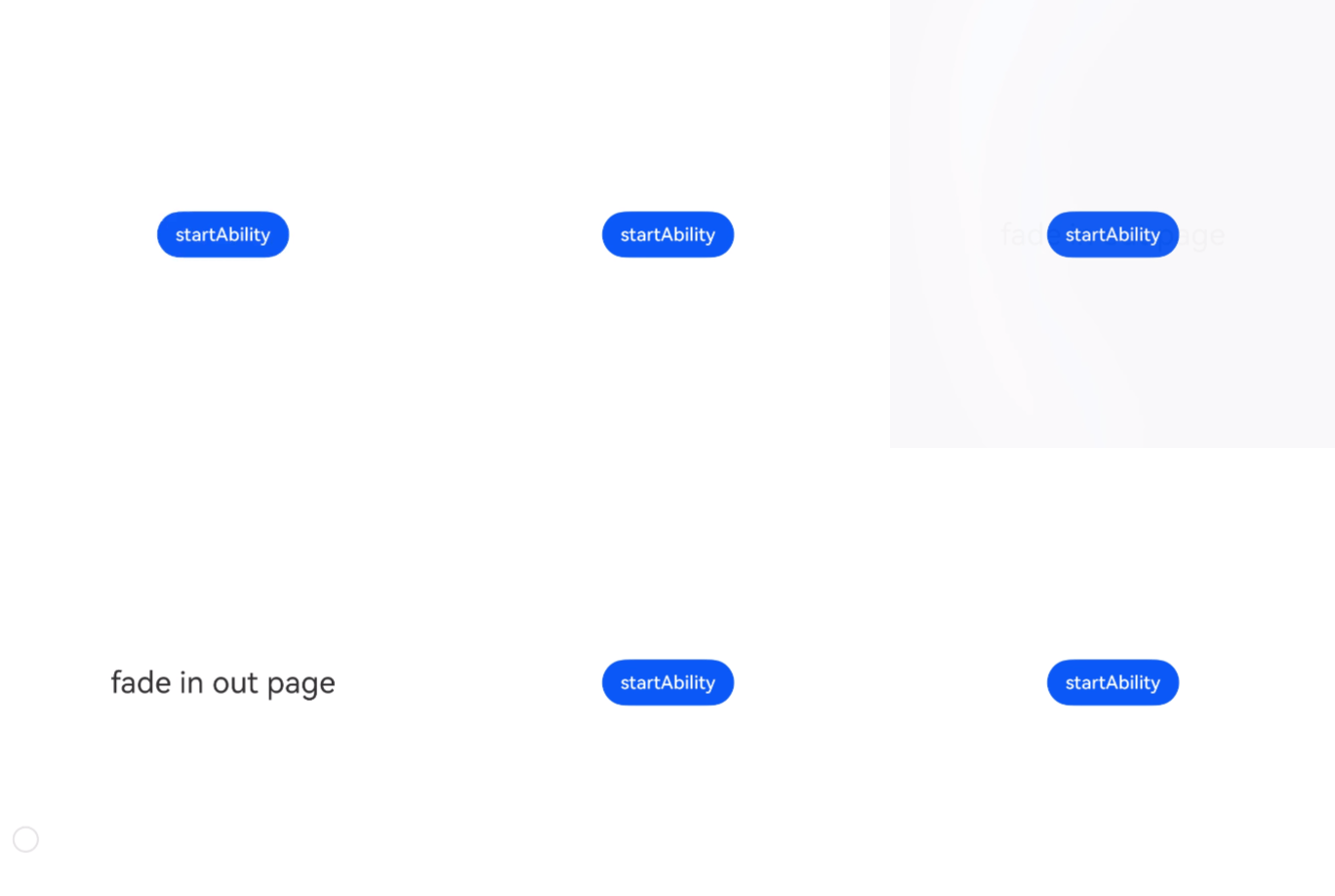
When using the startAbility() API to launch another UIAbility component within the same app, you can configure the window startup animation through WindowCreateParams in StartOptions.
Currently, the window startup animation can be configured as the fade in/out animation effect FADE_IN_OUT.
The sample code is as follows:
import { Want, StartOptions, common } from '@kit.AbilityKit';
import { window } from '@kit.ArkUI';
import { BusinessError } from '@kit.BasicServicesKit';

@Entry
@Component
struct Index {
  private context = AppStorage.get('context') as common.UIAbilityContext;

  openAbility():void {
    let want: Want = {
      deviceId: '',
      bundleName: 'com.example.startabilitywithfadeinout',
      abilityName: 'FadeInOutAbility',
      moduleName: 'entry'
    };
    let options: StartOptions = {
      // Pass in the startup animation effect parameters.
      windowCreateParams: {
        animationParams : { type: window.AnimationType.FADE_IN_OUT },
      }
    }
    try {
      this.context.startAbility(want, options, (err: BusinessError) => {
        if (err.code) {
          // Handle service logic errors.
          console.error(`startAbility failed, code is ${err.code}, message is ${err.message}`);
          return;
        }
        // Execute normal service logic.
        console.info('startAbility succeed');
      });
    } catch (err) {
      // Handle input parameter error exceptions.
      let code = (err as BusinessError).code;
      let message = (err as BusinessError).message;
      console.error(`startAbility failed, code is ${code}, message is ${message}`);
    }
  }
  build() {
    RelativeContainer() {
      Column() {
        Button('startAbility').onClick(() => this.openAbility())
      }
      .height('100%')
      .width('100%')
      .justifyContent(FlexAlign.Center);
    }
    .height('100%')
    .width('100%')
  }
} 
Setting the Transition Animation When the Main Window Is Destroyed
In the freeform window state, the app uses getWindowTransitionAnimation() to obtain the animation configuration for the main window transition. When the current transition animation configuration does not meet service requirements, you can use the setWindowTransitionAnimation() API to configure the animation for window transitions. Currently, only the transition animation for window destruction is supported.
The sample code is as follows:
import { UIAbility } from '@kit.AbilityKit';
import { hilog } from '@kit.PerformanceAnalysisKit';
import { window } from '@kit.ArkUI';
import { BusinessError } from '@kit.BasicServicesKit';

const DOMAIN = 0x0000;

export default class EntryAbility extends UIAbility {
  async onWindowStageCreate(windowStage: window.WindowStage): Promise<void> {
    try {
      // Get the main window.
      const windowClass = await windowStage.getMainWindow();

      // Configure the window destruction animation.
      this.setupWindowDestroyAnimation(windowClass);

      // Load the page.
      windowStage.loadContent('pages/Index', (err) => {
        if (err.code) {
          hilog.error(DOMAIN, 'testTag', 'Failed to load the content. Cause: %{public}s', JSON.stringify(err));
          return;
        }
        hilog.info(DOMAIN, 'testTag', 'Succeeded in loading the content.');
      });
    } catch (err) {
      console.error(`Failed to obtain the main window. Cause code: ${err.code}, message: ${err.message}`);
    }
  }

  private setupWindowDestroyAnimation(windowClass: window.Window): void {
    try {
      // Check if a destruction animation configuration already exists.
      const existingAnimation = windowClass.getWindowTransitionAnimation(
        window.WindowTransitionType.DESTROY
      );

      if (existingAnimation) {
        return;
      }

      // Configure the animation.
      const animationConfig: window.WindowAnimationConfig = {
        duration: 1000,
        curve: window.WindowAnimationCurve.LINEAR,
      };

      const transitionAnimation: window.TransitionAnimation = {
        opacity: 0.0,
        config: animationConfig
      };

      // Set an animation.
      windowClass.setWindowTransitionAnimation(
        window.WindowTransitionType.DESTROY,
        transitionAnimation
      ).then(() => {
        console.info('Succeeded in setting window transition animation');
      }).catch((err: BusinessError) => {
        console.error(`Failed to set window transition animation. Cause: ${err.message}`);
      });
    } catch (exception) {
      console.error(`Failed to setup window animation. Cause: ${exception.message}`);
    }
  }
}