Symptom
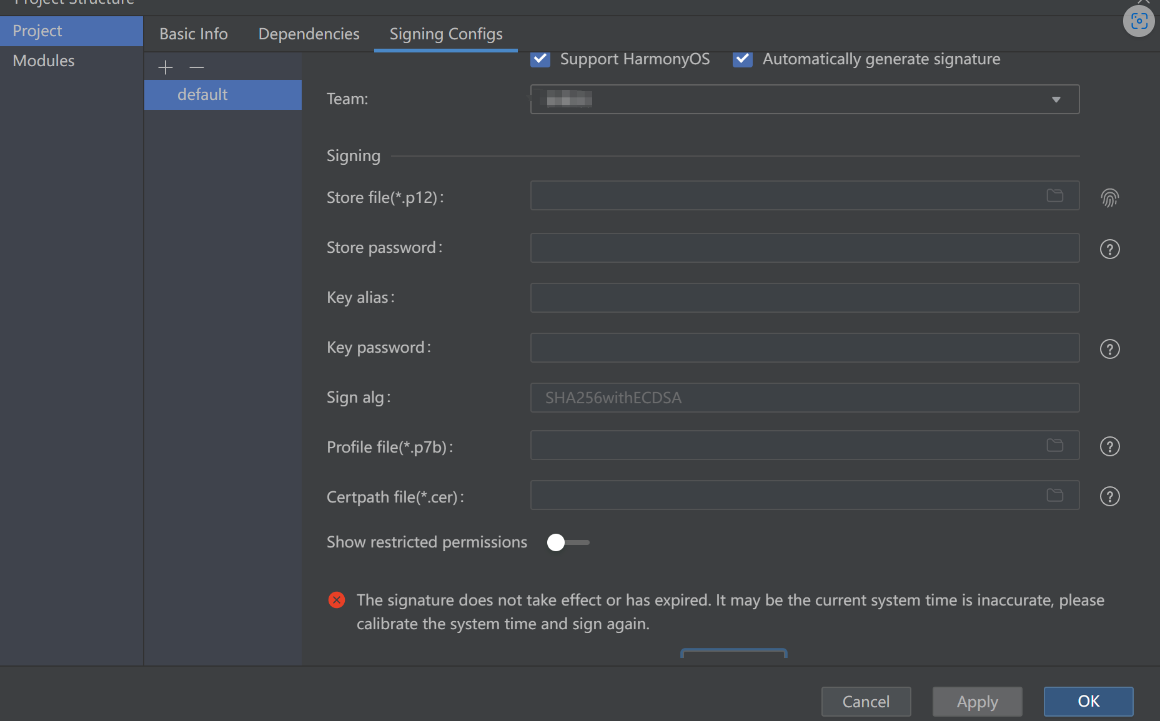
Automatic signing failed.
Solution
Make sure the local PC time is synchronized with the server time (Beijing time), accurate to the second.
You can go to Settings > Time and Language > Date and Time and enable Set time automatically to synchronize your local time with the Internet time. Make sure your system time is accurate to within 1–2 seconds of the correct time.