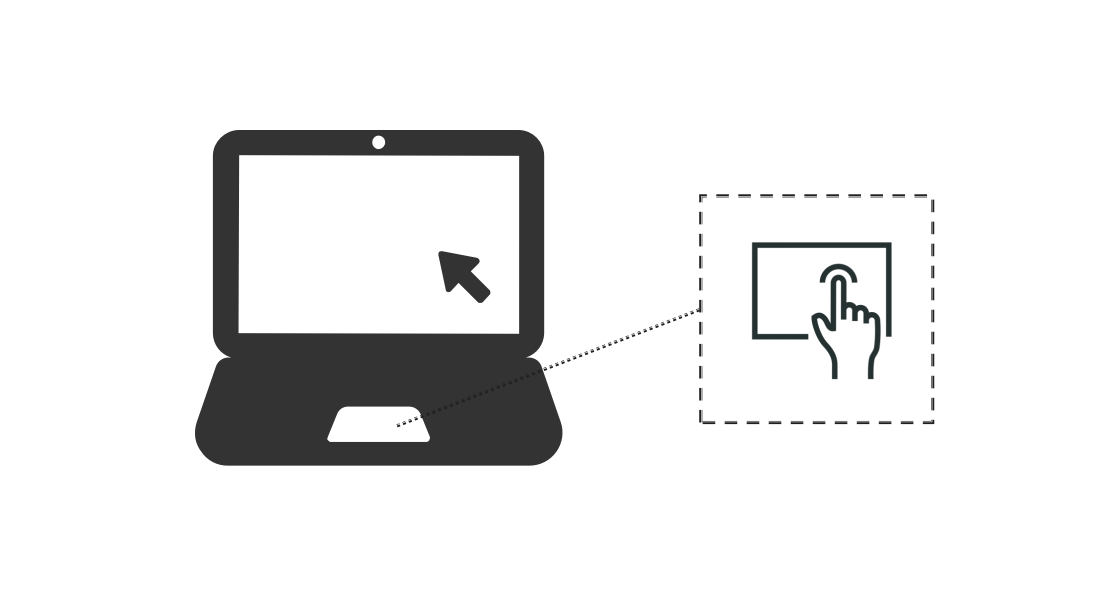
Touchpad interactions generate different types of input events depending on the gesture performed. A single-finger tap triggers a left mouse click event. A single-finger swipe triggers a mouse move event without any button press. A two-finger tap gesture triggers a right mouse click event. A double-finger swipe triggers an axis event (scroll-like behavior).

Unlike touchscreen devices, multi-finger interactions on touchpads do not expose finger-level details. Applications cannot retrieve individual finger information from touchpad events.
Single-Finger Interaction
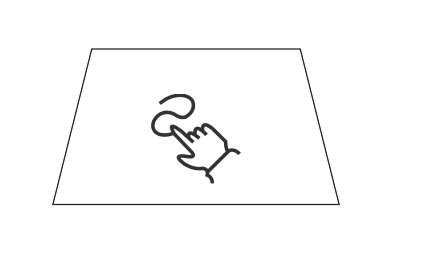
Single-finger operations on a touchpad behave similarly to mouse input: A light tap and drag on the touchpad generates a mouse move event. A firm press on the touchpad triggers a left mouse click event. To distinguish whether an event originates from a touchpad or a mouse device, use the sourceType and sourceTool properties in the event object.
For implementation details, see Processing Mouse Movement.
Two-Finger Swipe
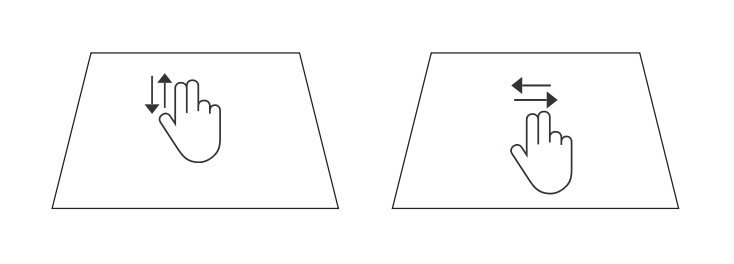
Two-finger swipe gestures on a touchpad generate axis events, similar to scroll wheel input. However, the reported unit is displacement in pixels, not angular rotation. You can use sourceType and sourceTool to distinguish the input source before processing axis values.
When a user performs a two-finger horizontal swipe, the horizontal axis value (displacement in pixels) can be obtained from the axisHorizontal attribute of BaseEvent. When swiping right, the reported value is negative; when swiping left, the reported value is positive. When performing a two-finger vertical swipe, the vertical axis value (displacement in pixels) can be obtained from the axisVertical attribute of BaseEvent. When swiping up, the reported value is positive; when swiping down, the reported value is negative.
Similar to the scroll wheel, axis events generated by two-finger swipes on the touchpad can also trigger swipe gesture recognition. For horizontal swiping, swiping right yields a positive offsetX value, and swiping left yields a negative offsetX value. For vertical swiping, swiping up yields a negative offsetY value, and swiping down yields a positive offsetY value.

Gesture recognition only applies to components directly under the cursor at the moment the scroll begins.
Two-Finger Pinch
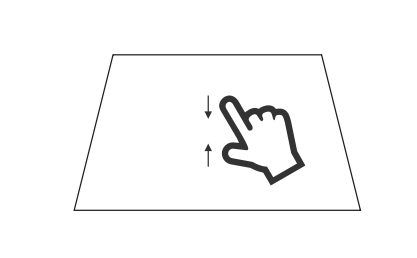
Pinch gestures on the touchpad generate a pinch zoom value, which reflects a relative scale ratio used for zooming UI elements. The initial pinch scale is 1.0. Pinching out (fingers moving apart) increases the scale value above 1.0. Pinching in (fingers moving together) decreases the scale value below 1.0.