Supported File Types
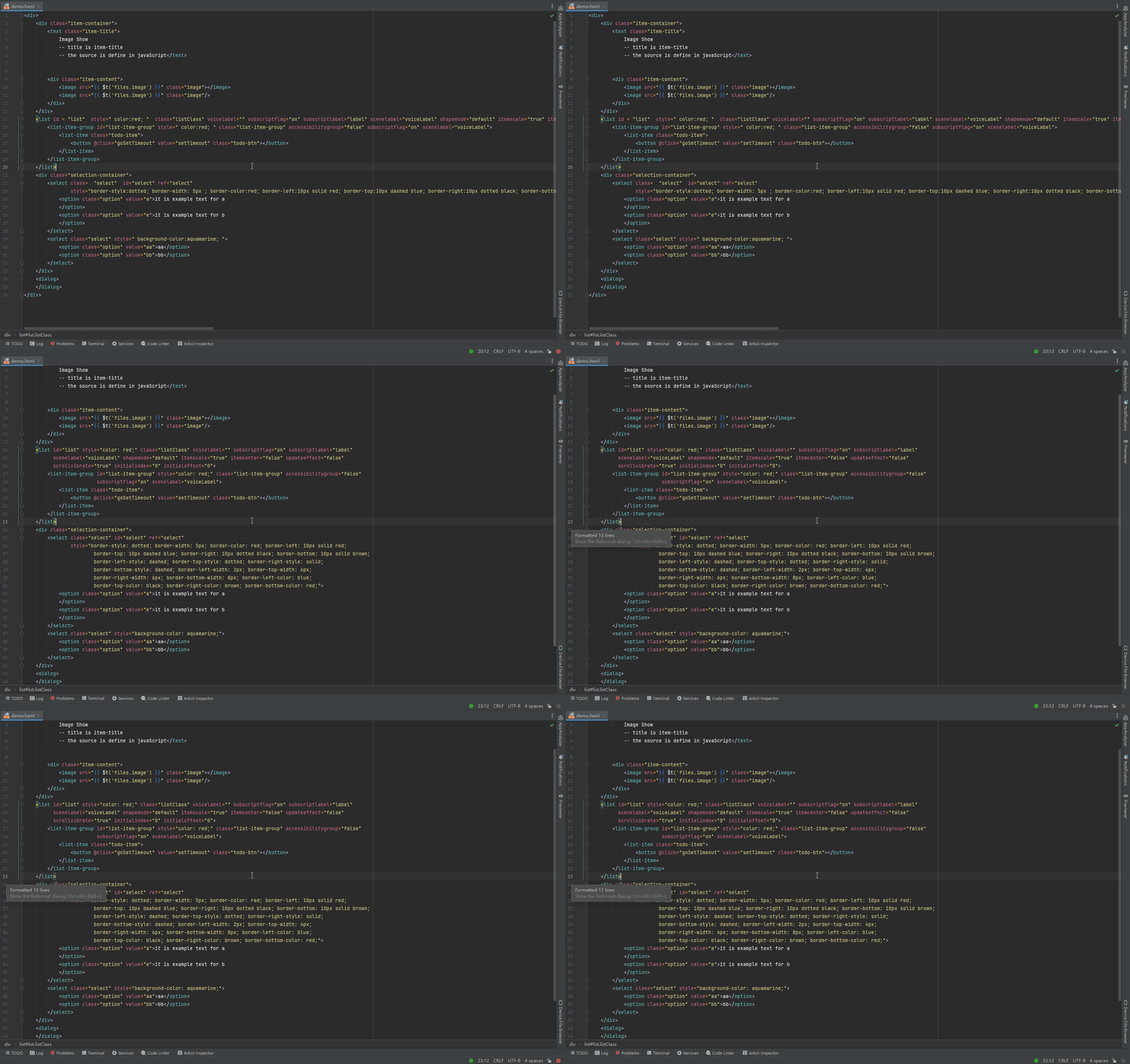
The tool supports the editing of HXML, JS, HJS, CSS, and JSON files, offering basic features like syntax highlighting and code formatting. The following sections use HXML files as an example to describe the code formatting and autocomplete features.
[h2]Autocomplete on Quotation Marks for HXML Files
When you enter a double quotation mark (") or single quotation mark (') on the right of the equal sign (=), the corresponding closing quotation mark is automatically added.


