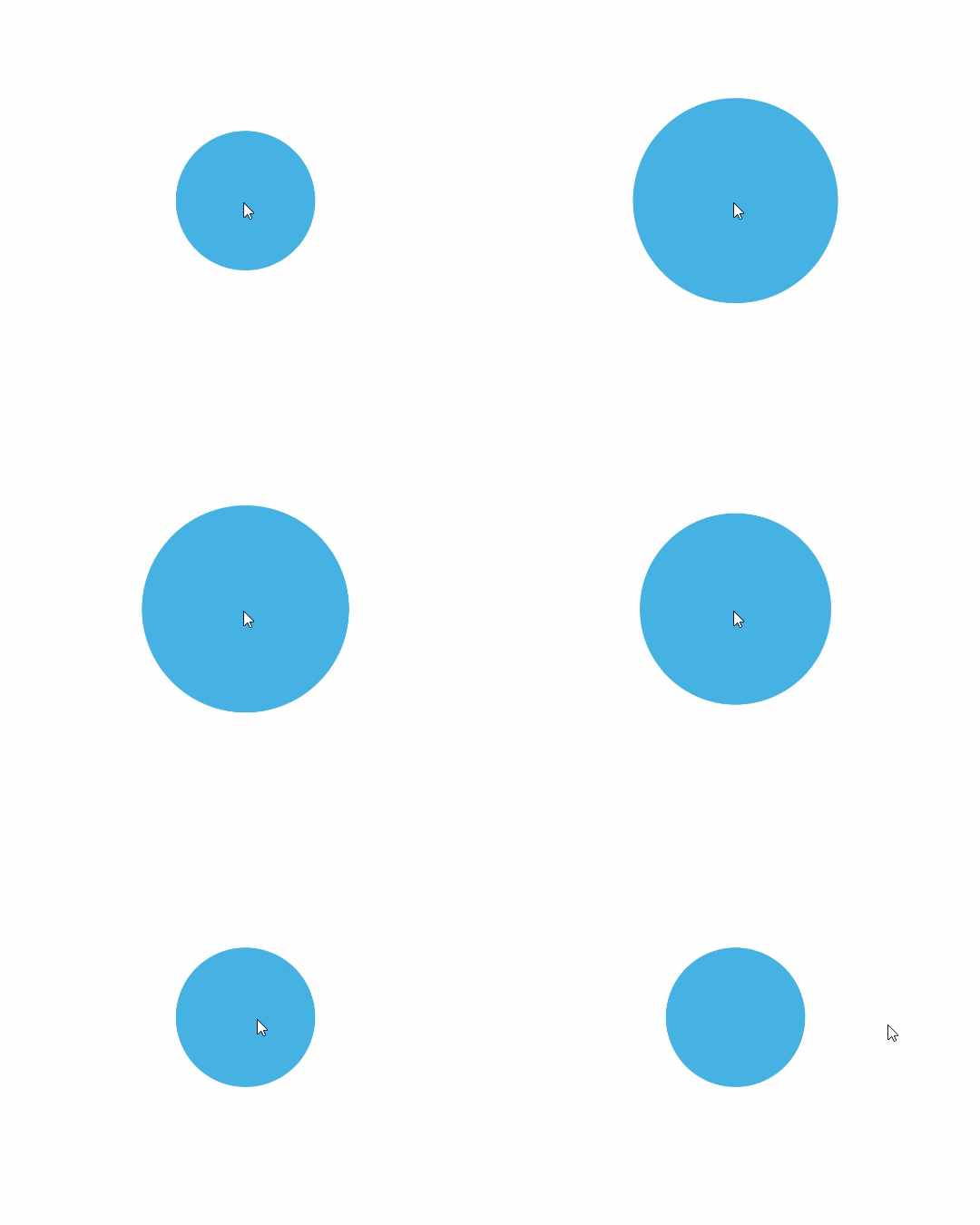
UIContext provides the keyframeAnimateTo API that allows you to define several keyframes to implement segment-based animations. In an animation that involves width and height changes, as in a property animation, a component's content (such as text and canvas content) is changed straight to the final state. To enable the content to change with the width and height during the animation process, use the renderFit attribute.

This feature is supported since API version 11. Updates will be marked with a superscript to indicate their earliest API version.
This API is a member function of the UIContext class and needs to be called through a UIContext instance.
keyframeAnimateTo(param: KeyframeAnimateParam, keyframes: Array<KeyframeState>): void
Sets the keyframe animation.
Atomic service API: This API can be used in atomic services since API version 12.
System capability: SystemCapability.ArkUI.ArkUI.Full
Parameters
| Name | Type | Mandatory | Description |
|---|---|---|---|
| param | KeyframeAnimateParam | Yes | Global parameters of the keyframe animation. |
| keyframes | Array<KeyframeState> | Yes | Array of keyframes. |
KeyframeAnimateParam
Provides animation configuration options.
System capability: SystemCapability.ArkUI.ArkUI.Full
| Name | Type | Read-Only | Optional | Description |
|---|---|---|---|---|
| delay | number | No | Yes | Overall delay of the animation, in milliseconds. By default, the animation is played without delay. Default value: 0. NOTE A value greater than 0 means to begin the animation after the specified amount of time has elapsed. A value less than 0 means to begin the animation in advance. If the absolute value of delay is less than the actual animation duration, the animation starts its first frame from the state at the absolute value. If the absolute value of delay is greater than or equal to the actual animation duration, the animation starts its first frame from the end state. The actual animation duration is equal to the duration of a single animation multiplied by the number of animation playback times. Atomic service API: This API can be used in atomic services since API version 12. |
| iterations | number | No | Yes | Number of times that the animation is played. By default, the animation is played once. The value -1 indicates that the animation is played for an unlimited number of times. The value 0 indicates that there is no animation. Default value: 1. Value range: [–1, +∞). NOTE - Floating-point values will be rounded down to integers. For example, if the value set is 1.2, 1 will be used. Atomic service API: This API can be used in atomic services since API version 12. |
| onFinish | () => void | No | Yes | Callback invoked when the animation playback is complete. This API is called after the keyframe animation has played for the specified number of times. If transition animations are disabled in developer options, or if a UIAbility switches from the foreground to the background, any ongoing finite keyframe animation will stop immediately and trigger the playback completion callback. Atomic service API: This API can be used in atomic services since API version 12. |
| expectedFrameRateRange19+ | ExpectedFrameRateRange | No | Yes | Expected frame rate range of the animation. Default value: {min:0, max:0, expected:0} (following the application's frame rate) NOTE After a valid expected frame rate is set, the system collects the configured frame rate and divides the frequency on the rendering pipeline. The actual frame rate may be different from the expected one configured. It is limited by the system capability and screen refresh rate. Atomic service API: This API can be used in atomic services since API version 19. |
KeyframeState
Provides keyframe configuration options.
System capability: SystemCapability.ArkUI.ArkUI.Full
Atomic service API: This API can be used in atomic services since API version 12.
| Name | Type | Read-Only | Optional | Description |
|---|---|---|---|---|
| duration | number | No | No | Duration of the keyframe animation, in ms. Value range: [0, +∞) NOTE - If this parameter is set to a value less than 0, the value 0 is used. - Floating-point values will be rounded down to integers. For example, if the value set is 1.2, 1 will be used. |
| curve | Curve| string | ICurve | No | Yes | Animation curve used by the keyframe. You are advised to specify the curve using the Curve or ICurve type. For the string type, this parameter indicates an animation interpolation curve. For available values, see the curve parameter in AnimateParam. Default value: Curve.EaseInOut NOTE Because the springMotion, responsiveSpringMotion, and interpolatingSpring curves do not have effective duration settings, they are not supported. |
| event | () => void | No | No | Closure function of the state at the time of the keyframe, that is, the state to be reached at the time of the keyframe. |
Example
This example demonstrates how to set the keyframe animation using keyframeAnimateTo.
// xxx.ets
import { UIContext } from '@kit.ArkUI';

@Entry
@Component
struct KeyframeDemo {
  @State myScale: number = 1.0;
  uiContext: UIContext | undefined = undefined;

  aboutToAppear() {
    this.uiContext = this.getUIContext?.();
  }

  build() {
    Column() {
      Circle()
        .width(100)
        .height(100)
        .fill("#46B1E3")
        .margin(100)
        .scale({ x: this.myScale, y: this.myScale })
        .onClick(() => {
          if (!this.uiContext) {
            console.info("no uiContext, keyframe failed");
            return;
          }
          this.myScale = 1;
          // Set the keyframe animation to play three times.
          this.uiContext.keyframeAnimateTo({
              iterations: 3,
              expectedFrameRateRange: {
                min: 10,
                max: 120,
                expected: 60,
              }
            }, [
            {
              // The first keyframe animation lasts for 800 ms, during which the scale attribute changes from 1 to 1.5.
              duration: 800,
              event: () => {
                this.myScale = 1.5;
              }
            },
            {
              // The second keyframe animation lasts for 500 ms, during which the scale attribute changes from 1.5 to 1.
              duration: 500,
              event: () => {
                this.myScale = 1;
              }
            }
          ]);
        })
    }.width('100%').margin({ top: 5 })
  }
}